

Not every tech skill requires learning to code. Small businesses constantly need someone to set things up, fix what breaks, and explain it in plain words, and they will pay a freelancer who can do that reliably. The tech skills for freelancers below are all setup and maintenance skills: learn one properly, offer it as a clear package, and you can earn from it within weeks. None of them needs a degree, but all of them need practice on real projects before you charge for them. Build three sample setups for fictional businesses first, then pitch real ones. If you are just starting out, starting freelancing with no experience covers the business side, and beginner web development gigs shows how these skills connect to paid work.
1. WordPress Care Plans: Updates, Backups, and Security Checks
Most small business websites run on WordPress, and most owners never update them until something breaks. A care plan covers the boring, essential work: updating plugins and themes, running regular backups, checking for security issues, and fixing small errors before they become outages. Learn the routine on your own test site first, including how to restore a backup, because a freelancer who can undo a bad update is worth far more than one who only clicks update.
Care plans sell as monthly retainers of $50 to $200 per site, which makes them one of the steadiest incomes a tech freelancer can build.

2. Analytics and Search Console Setup for Small Business Sites
Business owners want to know where their website visitors come from, but analytics tools look intimidating to a non-technical person. Learn to install Google Analytics and Google Search Console correctly, set up basic goals like contact form submissions, and write a one-page plain-language report explaining what the numbers mean. The setup itself is straightforward; the value is in verifying it works and explaining the results without jargon.
Setup projects sell for $100 to $300 per site, and many clients add a quarterly reporting retainer once they see their first useful report.

3. Domain and DNS Troubleshooting for Business Owners
When a business email stops working or a website goes down, the cause is often a domain or DNS setting, and the owner has no idea where to look. Learn how domain registration, nameservers, and DNS records fit together, and practice diagnosing common problems like expired domains, wrong mail records, and misdirected websites. Always work from a checklist and record the original settings before changing anything, because one wrong edit can take a business offline.
Troubleshooting gigs pay $50 to $150 per hour, and a calm freelancer who fixes email on a Monday morning earns a client for life.

4. Shopify Store Setup for First-Time Sellers
New sellers know what they want to sell but get stuck on store setup: collections, product pages, shipping zones, taxes, and policies. Learn the full setup flow by building two or three practice stores, then offer a fixed-price package that takes a client from product list to a live store. Include a short training video or call showing them how to add products themselves, because clients who feel confident will not call you for every small change.
Shopify setup packages sell for $500 to $2,000 depending on the number of products, and happy sellers often return for seasonal updates.

5. Checkout and Payment Setup for Small Online Stores
A store that cannot take payments cannot earn money, yet payment setup trips up many small sellers. This skill covers connecting payment providers, testing checkout end to end with a real test order, setting up tax collection, and writing clear refund and shipping policies. Test every payment method you enable, including mobile checkout, because most customers now buy on their phones.
Payment setup sells for $150 to $400 per store, and it pairs well with store setup work since clients often need both at once.

6. Cloud File Organization and Password Systems for Small Teams
Small teams lose files, share passwords over chat, and keep important documents on one person’s laptop. Learn to set up organized cloud folders with clear naming rules, permission levels for different roles, and a password manager the whole team actually uses. The technical setup takes a day; the harder part is writing a one-page guide so the team keeps using the system after you leave.
Organization projects sell for $200 to $600 per team, and they often lead to ongoing tech support work from the same client.

7. Podcast Launch Tech Setup: Hosting, RSS, and Distribution
New podcasters get stuck on the technical side: hosting accounts, RSS feeds, and getting listed on Apple, Spotify, and other apps. Learn the full launch sequence by setting up a practice show, including cover art specifications, episode publishing, and show notes formatting. Offer a launch package that delivers a show live on the major platforms, plus a checklist the host can follow for future episodes.
Podcast launch packages sell for $300 to $800 per show, and hosts who launch successfully often hire the same freelancer for ongoing episode publishing.

8. Newsletter Platform Setup and List Migration
Businesses switch newsletter platforms when they outgrow a free plan or want better features, but moving a list without losing subscribers or breaking sign-up forms is stressful. Learn to export and import lists cleanly, set up signup forms and welcome emails, and test deliverability before the first send. Always keep a backup of the original list and confirm the new platform’s spam compliance settings.
Migration projects sell for $200 to $500 per list, and clients usually add a setup for automated welcome sequences once the move is done.

9. Digital Menu and Ordering Setup for Restaurants
Small restaurants need digital menus and simple online ordering, but they do not want an expensive custom app. Learn to set up QR-code menus, online ordering through an affordable platform, and a simple system for updating prices and daily specials. Visit or call the restaurant to test the ordering flow yourself, because a menu that fails on a customer’s phone costs the restaurant real sales.
Menu and ordering setups sell for $200 to $600 per restaurant, and owners who see online orders grow will recommend you to other local businesses.

10. Business Email and Domain Setup for New Companies
A new business using a free personal email address looks unprofessional, but setting up a proper business email with its own domain confuses many founders. Learn to register a domain, connect a business email service, set up email on the founder’s phone and computer, and create basic addresses like hello@ and support@. Finish with a short guide on avoiding spam filters and recovering a forgotten password.
Business email setups sell for $100 to $250 per company, and they are an easy first project for a new tech freelancer.

11. Point-of-Sale and Receipt System Setup for Small Shops
Small shops moving from a cash box to a modern point-of-sale system need help choosing hardware, setting up products and tax rates, and training staff. Learn one popular system thoroughly, including receipt printers, card readers, and inventory basics, then offer a setup package with a staff training session. Test the full sale, refund, and end-of-day process before you hand the system over.
Point-of-sale setups sell for $300 to $800 per shop, and shops often call the same freelancer when they add a second register or location.

12. Home Office Network and Device Setup for Remote Workers
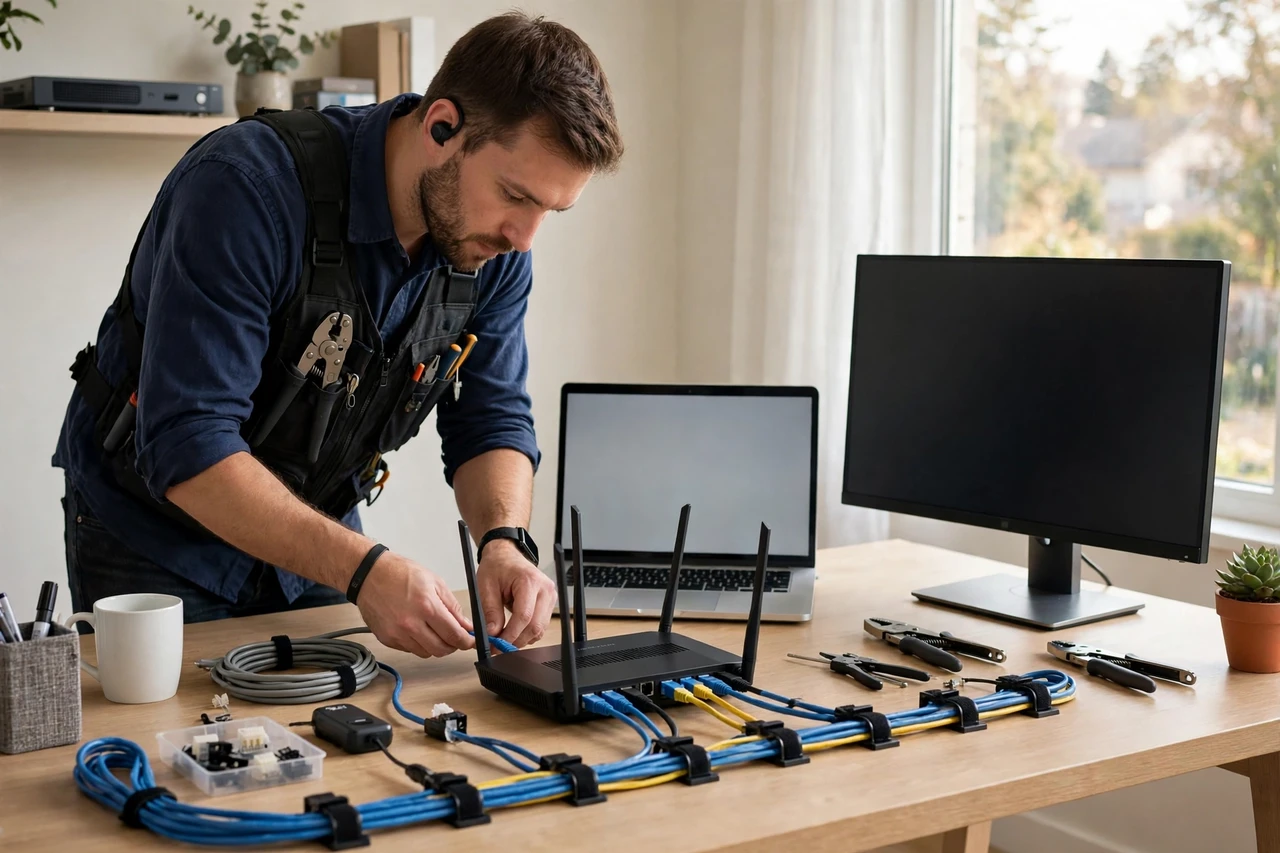
Remote workers lose hours to slow Wi-Fi, unreliable video calls, and devices that do not work together. Learn to assess a home office setup, recommend practical fixes like router placement or a wired connection, and configure printers, monitors, and backup drives. Most fixes are simple once diagnosed, and clients are grateful for plain-language explanations instead of technical lectures.
Home office setups sell for $75 to $200 per visit or remote session, and remote workers often refer colleagues with the same problems.
13. Team Communication Tool Setup: A Practical Tech Skill for Freelancers
Small remote teams often communicate across scattered emails, texts, and group chats, losing decisions along the way. Learn to set up a team communication tool with sensible channels, notification rules, and a simple guide for when to use chat versus email versus a call. Avoid overcomplicating it: three well-named channels beat twenty empty ones, and a short onboarding call helps the team actually adopt the tool.
Communication tool setups sell for $200 to $500 per team, and they frequently lead to further work organizing the team’s files and workflows.

Frequently Asked Questions
Do I need a computer science degree for these tech skills?
No. These are practical setup and maintenance skills, not software engineering. What you need is hands-on practice, good checklists, and the habit of testing your work before handing it to a client. A degree helps for some tech careers, but not for the services on this list.
Which tech skill should I learn first?
Start with WordPress care plans or business email setup, because small businesses need them constantly and the learning curve is short. Once you have paying clients, add a higher-priced skill like Shopify setup or point-of-sale installation.
How long does it take to learn one of these skills?
Most take two to four weeks of focused practice, including building two or three sample setups. Do not skip the practice projects: they become your portfolio, and they teach you the mistakes clients will never see.
Can I really charge for setup work clients could learn themselves?
Yes, because clients pay for time saved and mistakes avoided, not for information alone. A business owner could learn any of these skills, but doing so costs them days they would rather spend running their business. Your fee buys them a working setup this week.
What if I break something on a client’s site or system?
Always back up before you change anything, and be honest immediately if something goes wrong. Clients forgive mistakes far more easily than cover-ups, and a freelancer who can restore a backup calmly earns more trust than one who never admits an error.