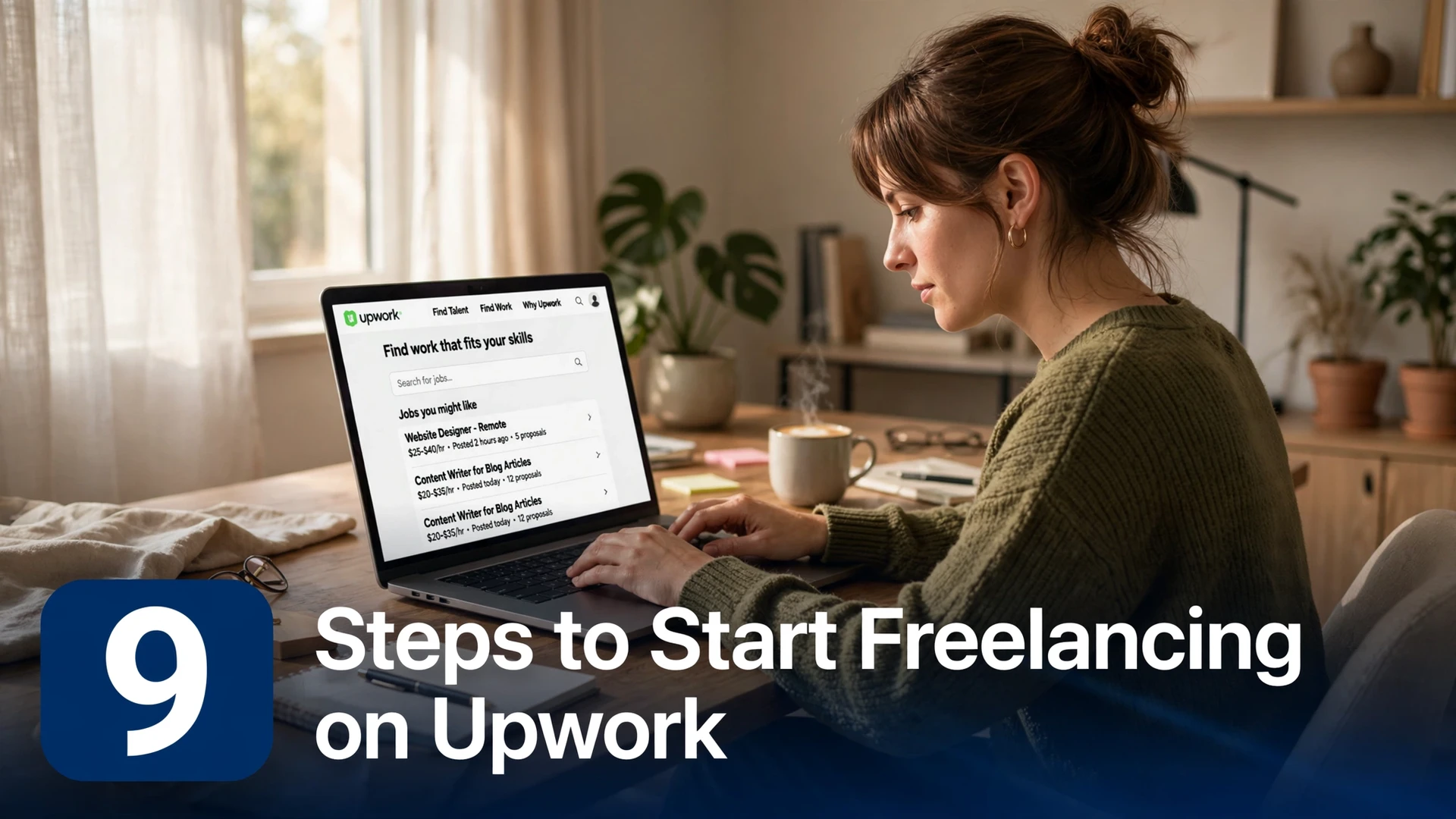
Upwork is the world’s largest freelancing marketplace, with thousands of new jobs posted every single day. For beginners, it offers something no other platform can match: a massive pool of clients actively looking to hire, built-in payment protection through escrow, and a review system that lets newcomers climb the ranks fast. You don’t need years of experience or a fancy degree to get started — you just need a smart, step-by-step approach.
Below are the 9 steps to start freelancing on Upwork, in the exact order you should follow them. Each step builds on the last, taking you from a blank profile to your first paying client. Follow them in sequence, and you could be earning within your first month.
1. Create a Client-Focused Upwork Profile
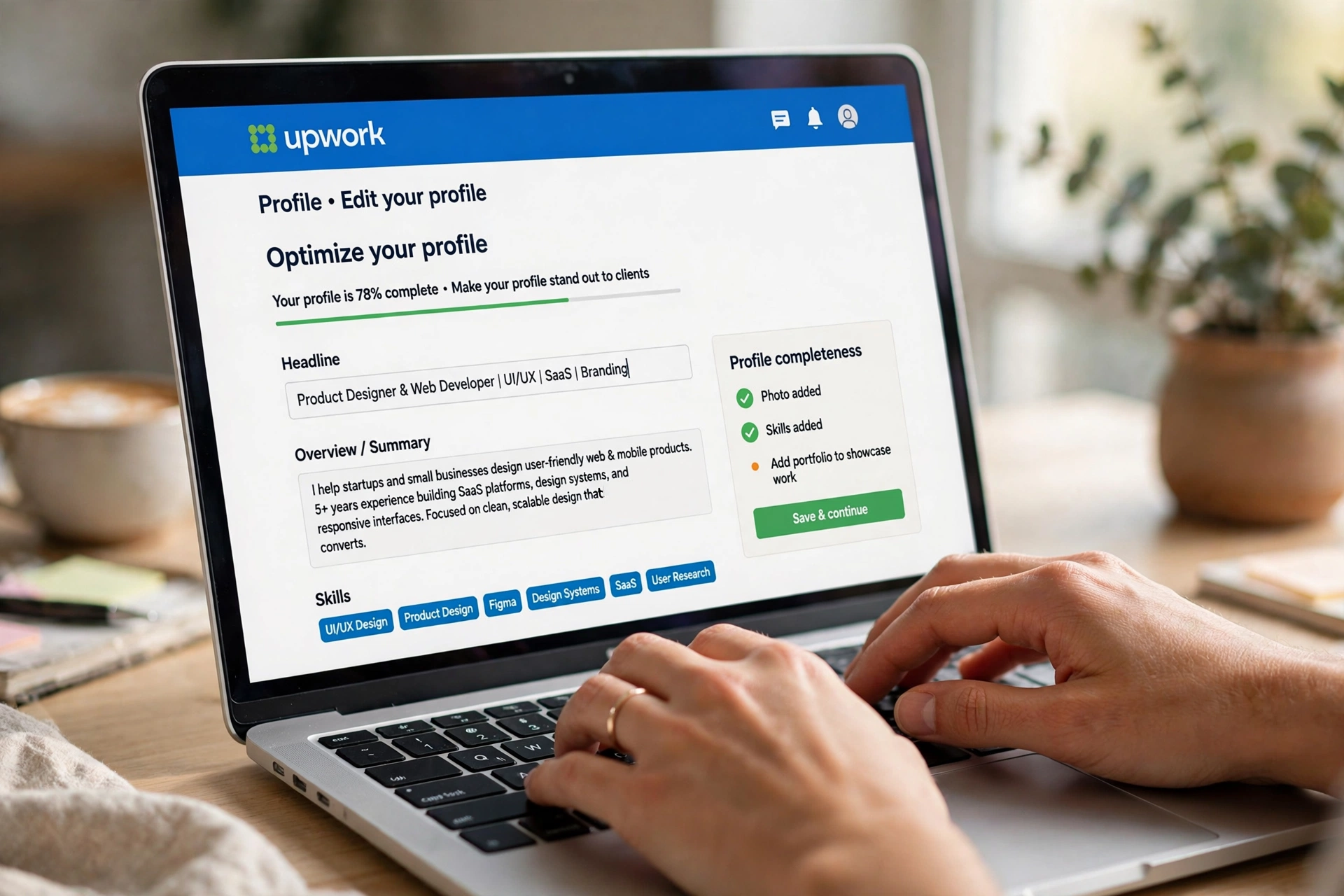
Your Upwork profile is your storefront, and clients decide in seconds whether to keep reading. Write your headline as a clear value proposition, not a job title — “I Write Email Sequences That Turn Subscribers Into Buyers” beats “Freelance Writer” every time. Your overview should speak directly to client pain points: what problems you solve, who you solve them for, and what results they can expect.
Add a professional photo (a clear headshot, smiling, plain background), fill in every section including employment history and education, and set your profile to public. Profiles that are 100% complete rank higher in Upwork’s search results, so don’t skip the skills tags — add all 10 to 15 relevant ones. A polished profile alone can double your invitation rate.
2. Pick a Narrow Service Offering

Beginners make the mistake of offering everything — writing, design, data entry, virtual assistance — hoping to catch more clients. On Upwork, the opposite works: specialists get hired faster and charge more than generalists. Pick one specific service for one specific type of client, like “blog posts for B2B SaaS companies” or “product photo editing for Shopify stores.”
A narrow offering makes your profile memorable, your proposals sharper, and your portfolio more convincing. You can always expand later once reviews are flowing in. For now, being the obvious choice for one thing beats being a vague option for ten things. Clients searching Upwork use specific keywords, and a focused profile matches those searches exactly.
3. Complete Upwork’s Skill Certifications

Upwork offers free skill certifications and talent badges that verify your abilities in areas like English proficiency, specific software tools, and professional skills. As a beginner with no reviews, these badges are instant credibility signals that set you apart from the thousands of unverified profiles competing for the same jobs.
Take every certification relevant to your service — they only take 20 to 40 minutes each. The “Rising Talent” badge, which Upwork awards to promising new freelancers, can dramatically increase your visibility. Clients filter searches by verified skills, so certified freelancers show up while uncertified ones stay invisible. It’s the fastest trust shortcut available on the platform.
4. Set Competitive Starter Rates

Pricing is where most beginners either scare clients away or leave money on the table. Research what freelancers with similar skills charge, then position yourself slightly below the average — not rock-bottom, but attractive enough to win those crucial first reviews. For most beginner services, $15 to $35 per hour or $50 to $150 per fixed-price project is the sweet spot.
Never compete solely on being cheapest — that attracts the worst clients. Instead, frame your rate around value: what the client gains, not what you cost. As reviews accumulate, raise your rates every 5 to 10 completed jobs. Freelancers who start at $20 per hour routinely charge $60 to $100+ within their first year on Upwork simply by raising rates alongside their growing review count.
5. Write Proposals That Get Opened

Clients skim dozens of proposals per job, so your first two lines decide everything. Open with something specific about their project — reference a detail from their job post to prove you actually read it. Then state exactly how you’ll solve their problem in one or two sentences. Save your life story for later; lead with relevance.
End every proposal with a clear next step and one smart question about the project — questions start conversations, and conversations lead to hires. Keep proposals under 150 words for small jobs. Attach one relevant portfolio sample, not ten. And always customize: template proposals are easy to spot, and clients delete them without a second thought. A 10-minute personalized proposal beats 50 copy-paste ones.
6. Start With Fixed-Price Projects

Hourly contracts sound appealing, but fixed-price projects are the smarter starting point for beginners. They let you control the scope, avoid time-tracking disputes, and deliver a defined result that earns a clean five-star review. Clients also prefer fixed-price for first-time hires because the cost is predictable.
Choose small, well-defined projects for your first five to ten jobs — a single blog post, a logo tweak, a data cleanup task. These complete quickly, generating reviews fast, and each review boosts your Job Success Score foundation. Once you have 10+ positive reviews, you can confidently pursue larger hourly contracts where the real money lives. Think of fixed-price gigs as paid training that builds your reputation.
7. Deliver Early and Ask for Reviews

On Upwork, your Job Success Score and review count are everything — they’re the difference between crickets and a flood of invitations. The simplest way to earn five stars is to under-promise and over-deliver: set a deadline you can beat, then submit early with a brief summary of what you did and one small bonus the client didn’t expect.
After delivering great work, politely ask for feedback: “If you’re happy with the result, I’d really appreciate a review — it helps me grow on Upwork.” Most satisfied clients are glad to oblige but won’t think of it unprompted. Never offer discounts in exchange for reviews (that violates Upwork’s terms), but a genuine ask after excellent delivery is perfectly fine and remarkably effective.
8. Use Connects Strategically

Connects are Upwork’s currency for submitting proposals — each job application costs between 1 and 16 Connects, and you get a limited free allotment monthly. Beginners waste Connects bidding on oversaturated jobs with 50+ proposals. Instead, target newly posted jobs (under 2 hours old) with fewer than 10 proposals, where your application actually gets seen.
Filter for clients with verified payment methods and a history of hiring — these convert far better than unverified one-off posters. If you run out of free Connects, buying a small bundle is worth it when aimed at high-quality listings; one $150 project pays for hundreds of Connects. Track which job types convert best for you, then double down on those and ignore the rest.
9. Level Up to Rising Talent Status

Upwork’s Rising Talent badge is awarded to new freelancers who demonstrate quality work, responsiveness, and professionalism early on. It puts a visible badge on your profile, boosts you in search results, and signals to clients that you’re a safe bet despite a short history. Earning it should be your 90-day goal.
To qualify, complete several projects with strong feedback, keep your response time under 24 hours, maintain a complete profile, and avoid disputes or contract cancellations. Once you earn Rising Talent, momentum compounds: more profile views lead to more invitations, which lead to more reviews, which eventually unlock Top Rated status — where Upwork freelancers charge premium rates and clients come to them.
Frequently Asked Questions
How long does it take to get your first client on Upwork?
Most beginners who apply daily land their first client within 2 to 6 weeks. Speed it up by applying to newly posted jobs within the first hour, keeping proposals short and specific, and starting with smaller fixed-price projects that are easier for clients to say yes to.
Is Upwork free for freelancers?
Creating a profile is free, and you get a monthly allotment of free Connects for proposals. Upwork charges a 10% service fee on your earnings. Optional paid Freelancer Plus membership ($14.99/month) adds extra Connects and profile perks, but it’s not required to get started.
Do I need experience to start freelancing on Upwork?
No prior client work is required. Create 3 to 5 portfolio samples on your own — mock projects for imaginary clients count — complete Upwork’s skill certifications, and start with small projects to build reviews. Many successful Upwork freelancers started with zero professional experience.
What is a good hourly rate for Upwork beginners?
Most beginners start between $15 and $35 per hour depending on the skill. Writers and virtual assistants trend lower; designers and developers trend higher. Start competitive, collect 10+ five-star reviews, then raise your rates — doubling your rate within a year is common.
How do I avoid scams on Upwork?
Only accept contracts through Upwork’s official system, never communicate payment details off-platform, and only work with clients who have verified payment methods. Upwork’s escrow holds client funds before you start, so legitimate hourly and fixed-price contracts carry very little risk.
Conclusion
Starting freelancing on Upwork comes down to sequencing: build a client-focused profile, specialize narrowly, earn trust through certifications and early reviews, and spend your Connects where they count. None of these 9 steps requires experience — they require consistency. Apply to a few well-chosen jobs every day, deliver excellent work, and let the review flywheel do the rest. Your first client is the hardest to win; after that, every step gets easier.