Online courses are the highest-ticket digital product most beginners can realistically sell — a single course can earn $50 to $500 per student, over and over, from work you do once. But most courses fail before launch because creators record for weeks without validating demand. These 10 steps to create and sell online courses keep you focused on what actually produces sales: the right topic, a tight curriculum, simple production, and a launch built on proof.
For more digital product income, read 8 Steps to Start a Digital Product Business and 14 Passive Income Ideas Through Blogging next.
1. Sell a Transformation, Not Just Information

Students don’t buy information — they buy outcomes. “Learn Spanish” is vague; “hold a 10-minute conversation in Spanish in 30 days” is a transformation worth paying for. Define the specific before-and-after your course delivers before you plan a single lesson.
Write your transformation as one sentence and use it everywhere: your course title, sales page headline, and marketing. If you can’t state the outcome clearly, your topic is too broad — narrow it until the promise is concrete.
2. Prove People Will Pay Before You Record

Recording a full course nobody wants is the most expensive beginner mistake. Validate first: create a simple waitlist page describing the transformation, share it where your potential students hang out, and see if strangers sign up. Fifty email signups is a green light.
Even better, presell: offer founding-member pricing to your waitlist before recording anything. If five to ten people pay, you have proof of demand plus the motivation (and deadline) to finish the course.
3. Break Your Course Into Bite-Size Modules
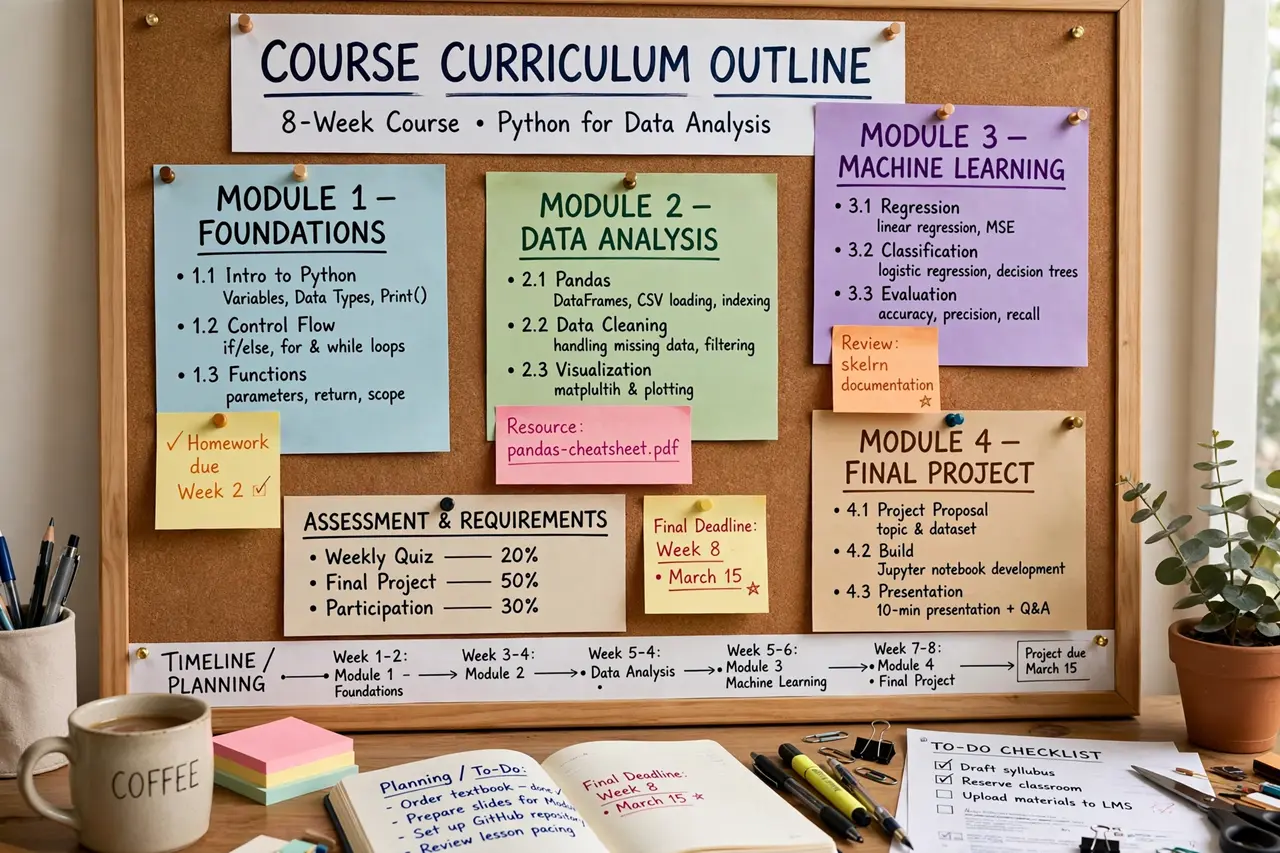
Structure your curriculum as 4 to 8 modules, each containing 4 to 7 short lessons of 5 to 15 minutes. Short lessons dramatically improve completion rates — students finish courses they can fit into a lunch break, and completions drive testimonials and referrals.
Order modules by quick wins first: put an early lesson that delivers a visible result in the first week. Early momentum keeps students engaged through the harder middle sections where most courses lose people.
4. Script Every Lesson Instead of Improvising
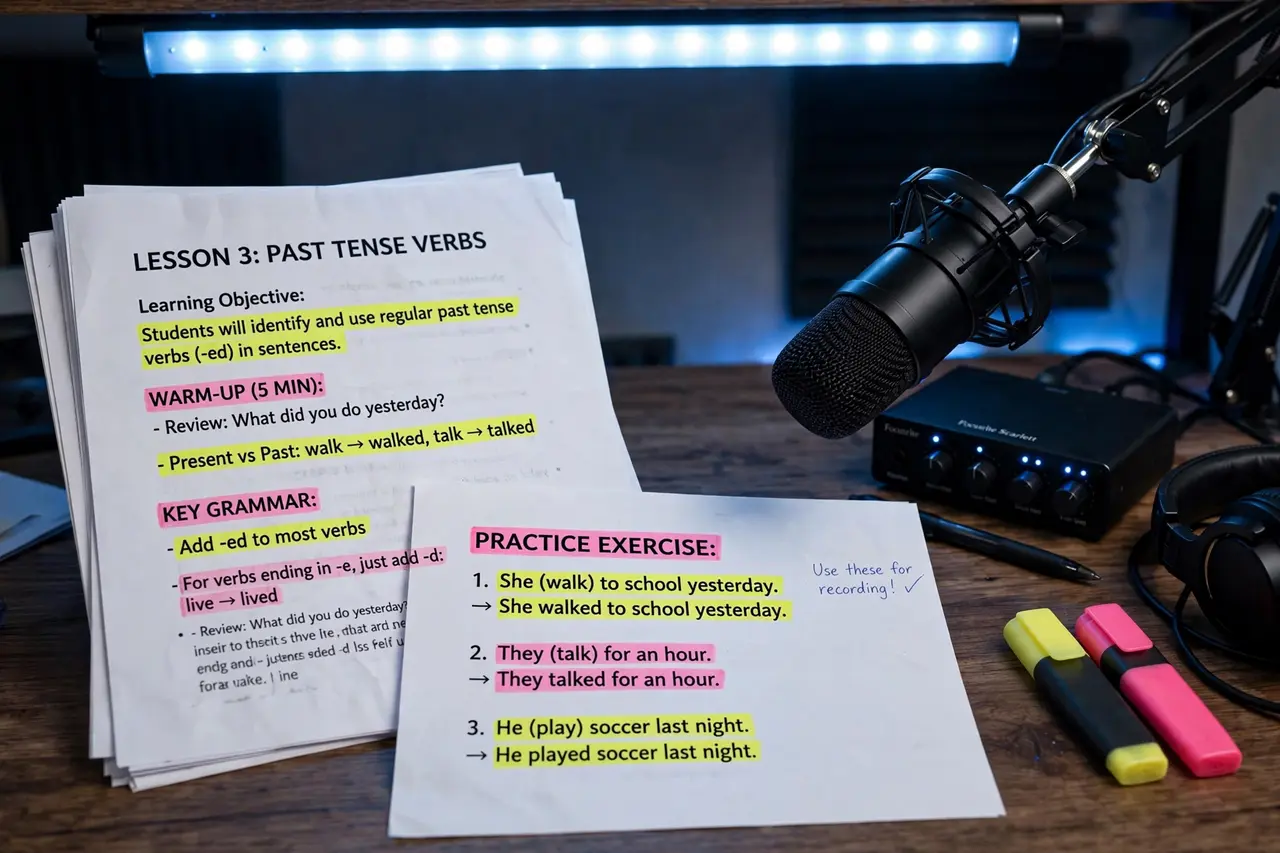
Write a full script or detailed bullet outline for every lesson before you hit record. Scripted lessons are tighter, shorter, and far easier to edit — rambling unscripted recordings balloon your editing time and bore students.
Aim for roughly 130 to 150 spoken words per minute of video. Read your script aloud while drafting; awkward sentences reveal themselves immediately when spoken. This one habit separates amateur courses from professional ones.
5. Record With a Simple Two-Device Setup
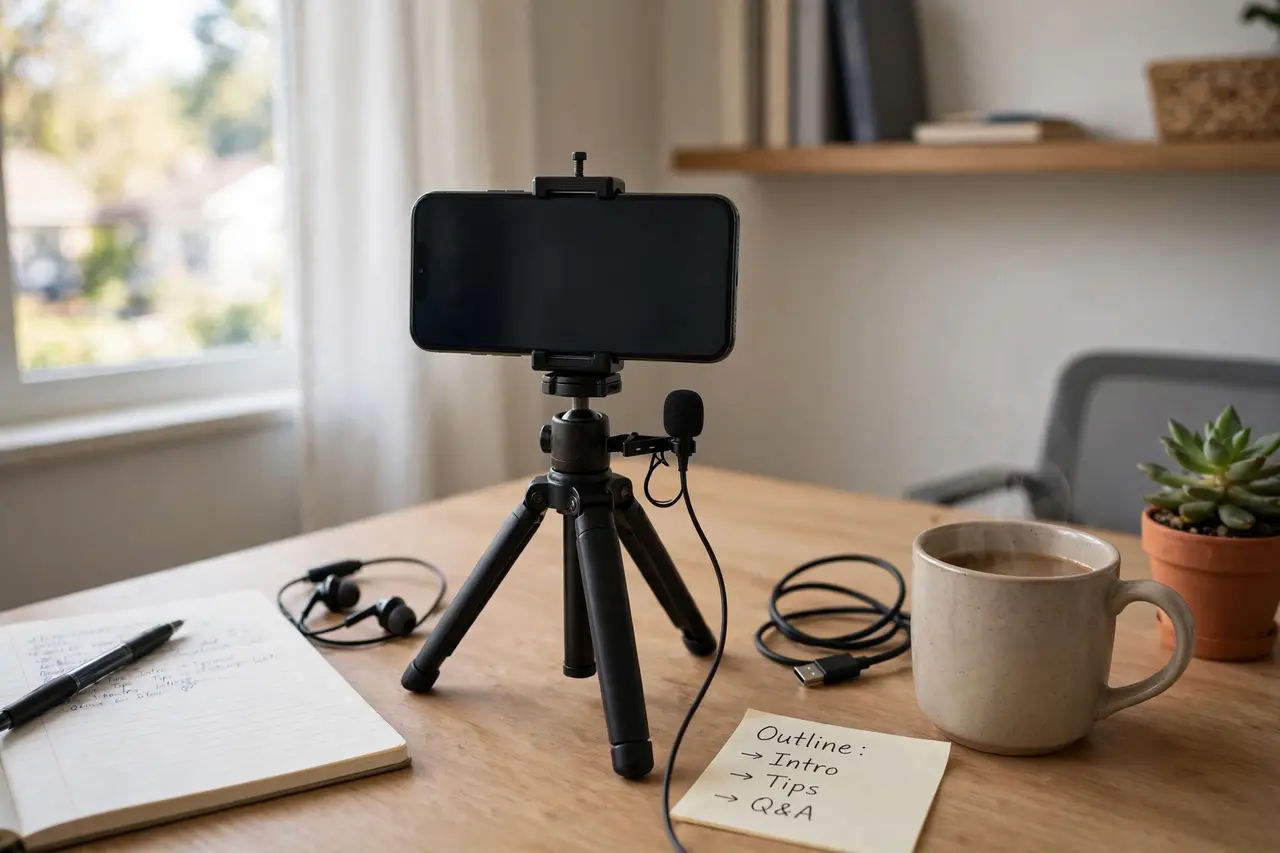
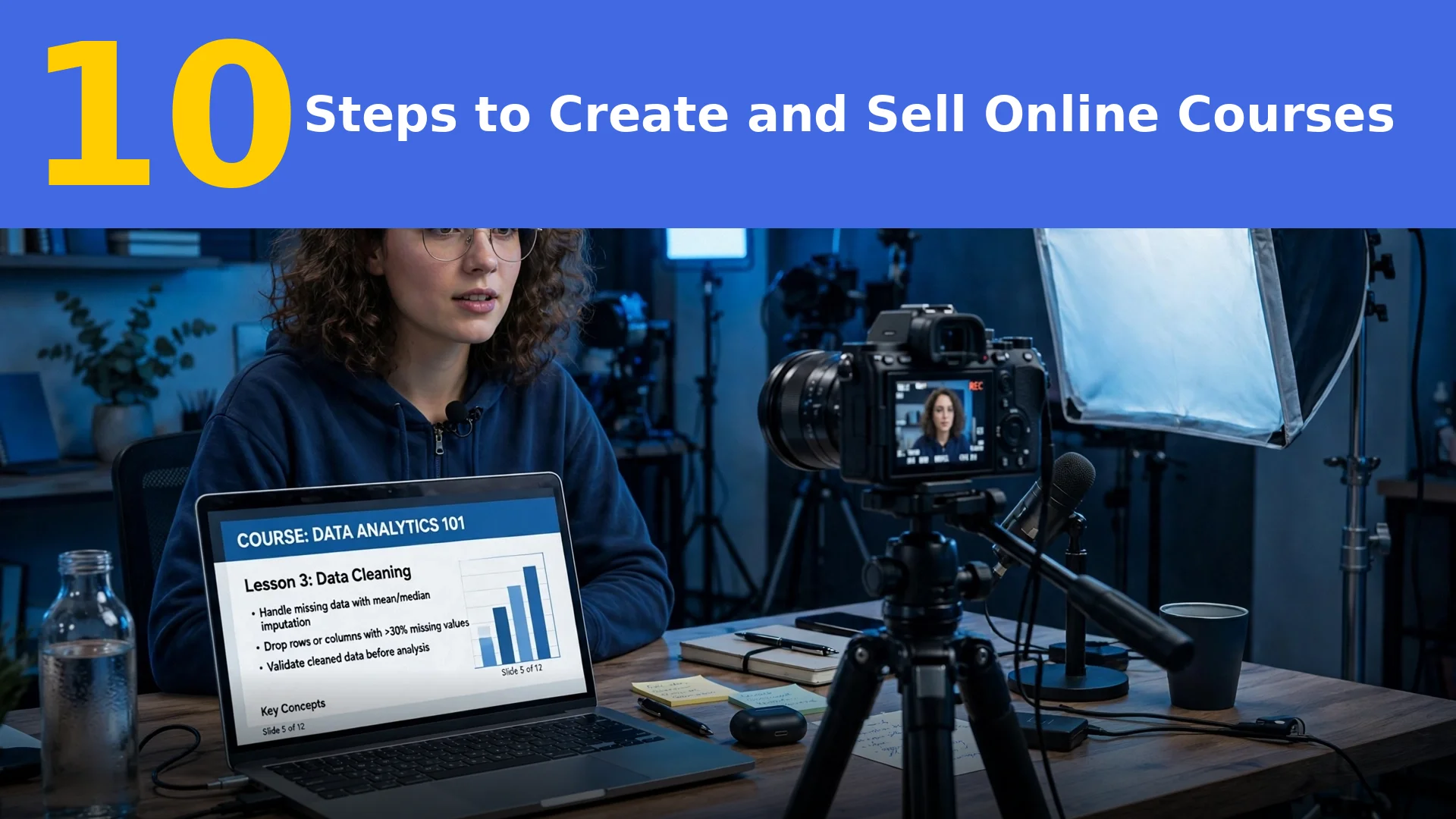
You don’t need a studio — a smartphone on a tripod plus a $30 to $70 lavalier microphone produces video quality good enough for a $200 course. Record in a quiet, carpeted room facing a window for free, flattering light.
For screen recordings, free tools like OBS Studio or Loom handle capture beautifully. Record audio separately whenever possible; viewers forgive average video, but they abandon courses with echoey, distant sound within minutes.
6. Edit for Clarity, Not Hollywood Polish

Edit ruthlessly for pacing: cut filler words, long pauses, and tangents, and add simple zooms or text callouts on key points. Free editors like DaVinci Resolve or CapCut do everything a course needs — fancy transitions don’t improve learning.
Export in 1080p and keep each lesson’s file size reasonable for streaming. Watch every lesson once at 1.5x speed before publishing; if you’re bored, your students will be too — tighten it further.
7. Add Worksheets and Quizzes That Boost Completion
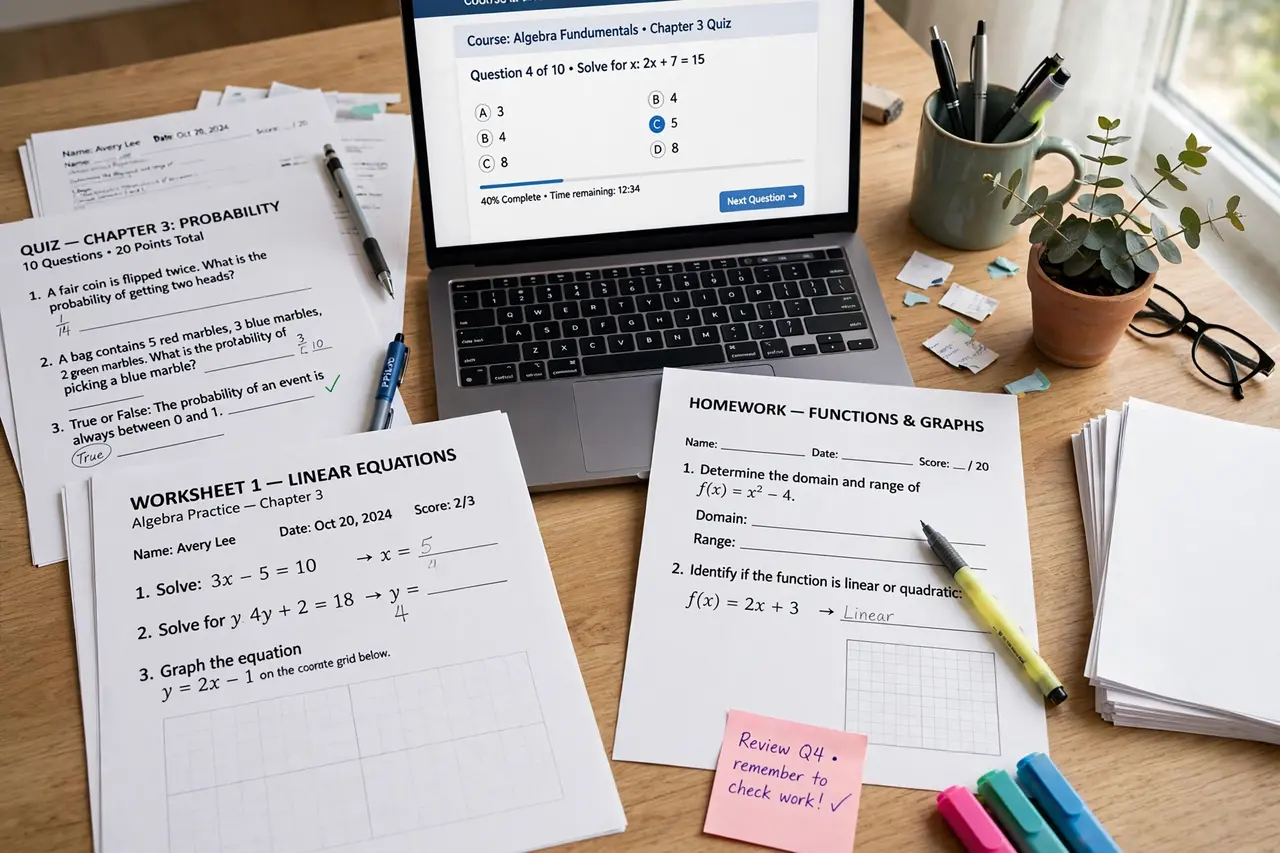
Courses with actionable resources get finished, reviewed, and recommended — video alone doesn’t. Create a simple worksheet, checklist, or template for each module that lets students apply the lesson immediately to their own situation.
Add short quizzes at the end of modules to reinforce learning and give students small wins. These extras also justify premium pricing: a course with 20 downloadable resources feels substantially more valuable than talking-head videos alone.
8. Host Your Course on the Right Platform
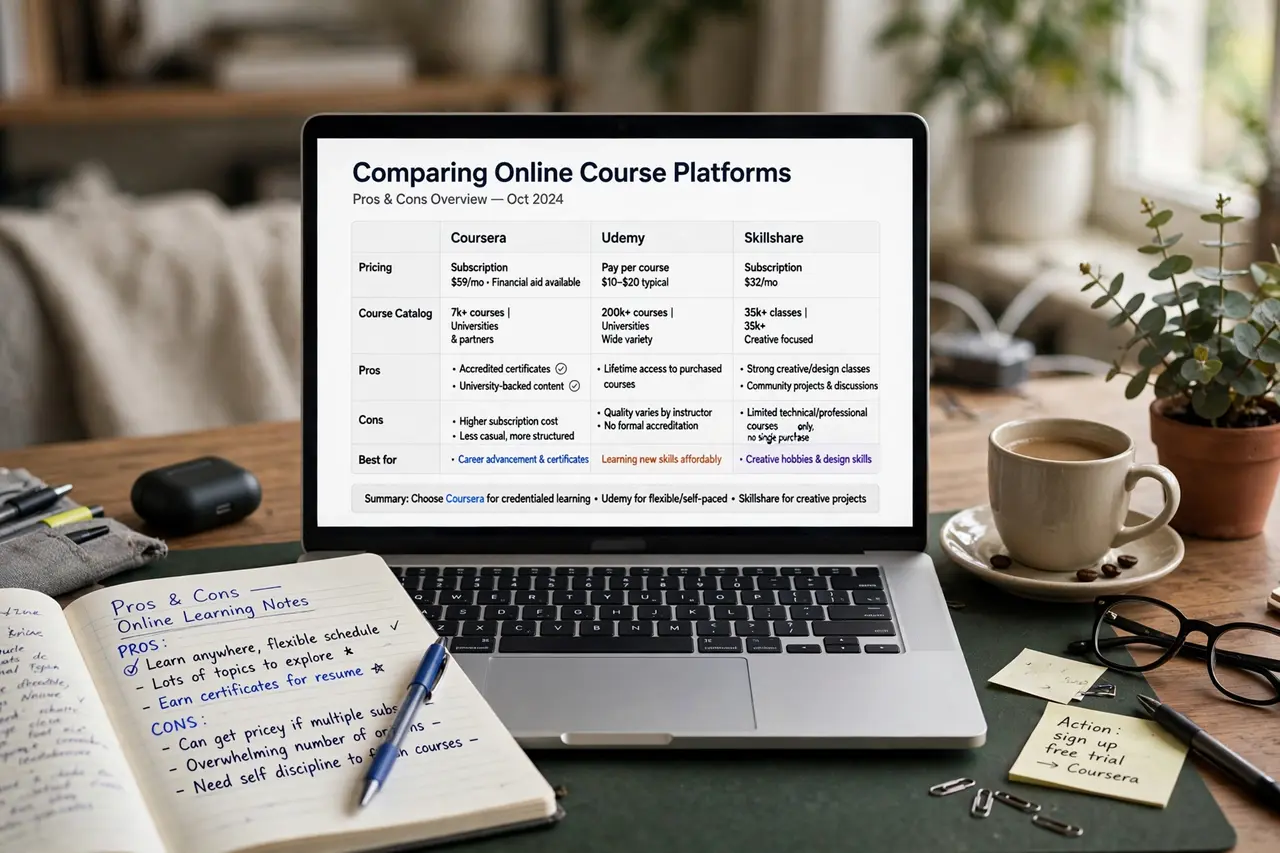
Pick your platform based on where you are now, not where you hope to be. Teachable and Thinkific are beginner-friendly with built-in payments; Podia bundles email marketing; Udemy and Skillshare bring traffic but take large revenue cuts and control your pricing.
If you already have an audience, self-hosting on your own site (with a WordPress LMS plugin or all-in-one platform) keeps 100% of revenue and full control. Start simple — you can migrate your course to a fancier platform once sales justify it.
9. Set Tiered Pricing and Open Presales Early

Don’t sell one price — offer tiers: a self-study version, a mid-tier with group coaching or live Q&As, and a premium tier with 1-on-1 feedback. Tiered pricing routinely lifts average revenue per student by 30 to 50% because some buyers always choose the premium option.
Open presales 2 to 4 weeks before the course is finished, offering founding members a discount in exchange for feedback and testimonials. Presale revenue funds your launch marketing — and a deadline forces you to actually finish.
10. Run a Beta Launch, Then Scale With Proof
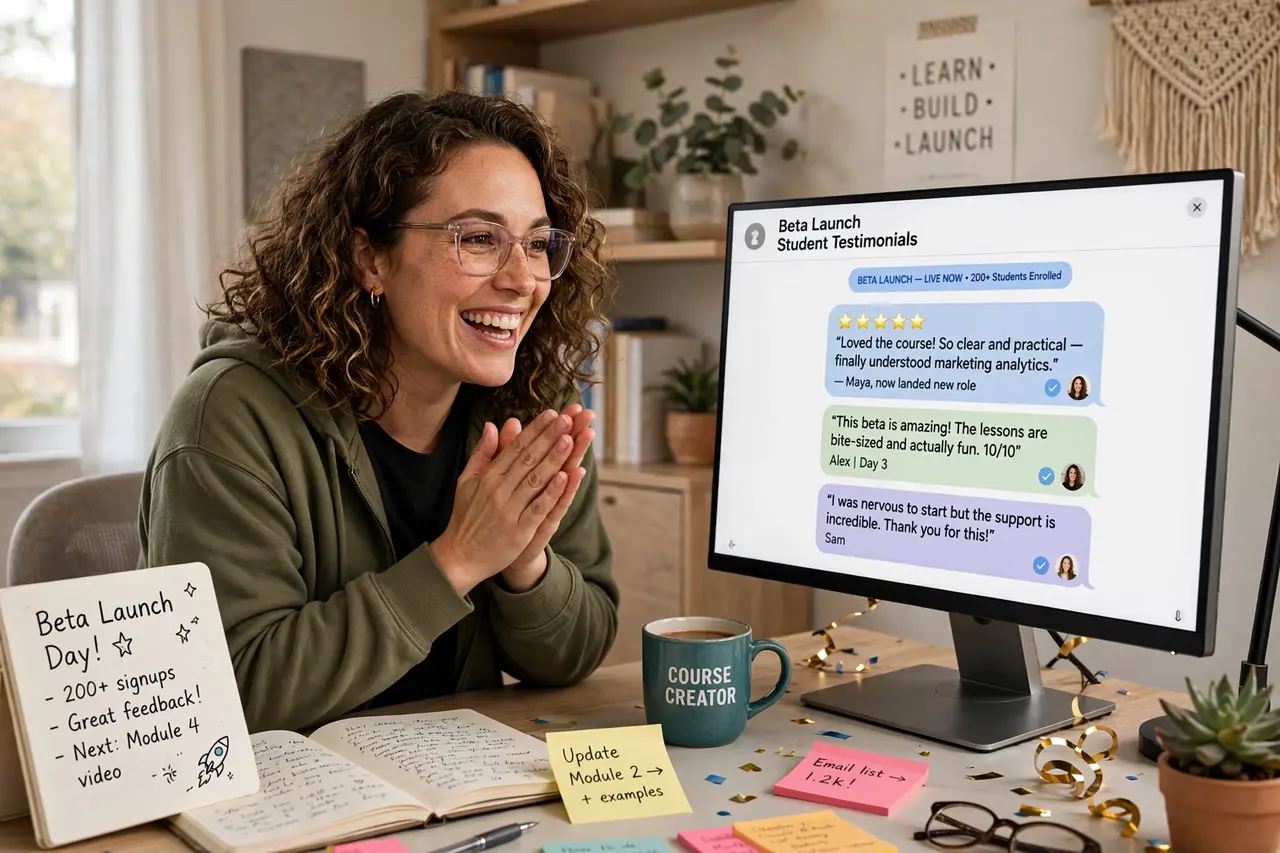
Launch first to a small beta group at a discount, deliver the course live or drip-fed, and obsess over their results. Beta students’ questions reveal every confusing lesson, and their success stories become the testimonials that power your full launch.
After beta, fix what confused people, raise your price, and launch publicly with proof: transformation stories, completion stats, and video testimonials on your sales page. Then scale with the channel that drove your beta sales — email, affiliates, or partnerships — rather than trying everything at once.
Frequently Asked Questions
How long does it take to create an online course?
A focused beginner can validate, record, and launch a tight 3-to-5-hour course in 4 to 8 weeks working part-time. Most of that time goes to scripting and curriculum design — recording itself is usually the fastest part.
Do I need expensive equipment to record a course?
No. A smartphone, a $30 to $70 lavalier mic, natural window light, and free software (OBS for screen recording, DaVinci Resolve for editing) are enough. Upgrade gear only after course revenue pays for it.
Which platform is cheapest for hosting my course?
Gumroad and Podia have generous free or low-cost starting tiers; Teachable and Thinkific start around $39/month. Marketplaces like Udemy cost nothing upfront but take 50%+ of each sale and control your pricing — cheap to start, expensive forever.
How do I get my first students with no audience?
Presell to a waitlist built in niche communities (Reddit, Facebook groups, forums) by genuinely helping people, partner with someone who has an audience for a revenue share, or list a smaller version of your course on a marketplace for discovery while selling the full version on your own site.
Can I sell online courses without being an expert?
You need to be a few steps ahead of your students, not a world authority. Documenting your own recent transformation — the fitness program that worked for you, the freelance system you built — is often more relatable and sellable than expert-level theory.
Conclusion
Creating and selling online courses comes down to selling a clear transformation: validate demand before recording, structure tight bite-size modules, script every lesson, keep production simple, add resources that boost completion, host on the right platform, price in tiers with presales, and launch in beta before scaling. Follow these 10 steps and your first course can be earning while you plan your second.