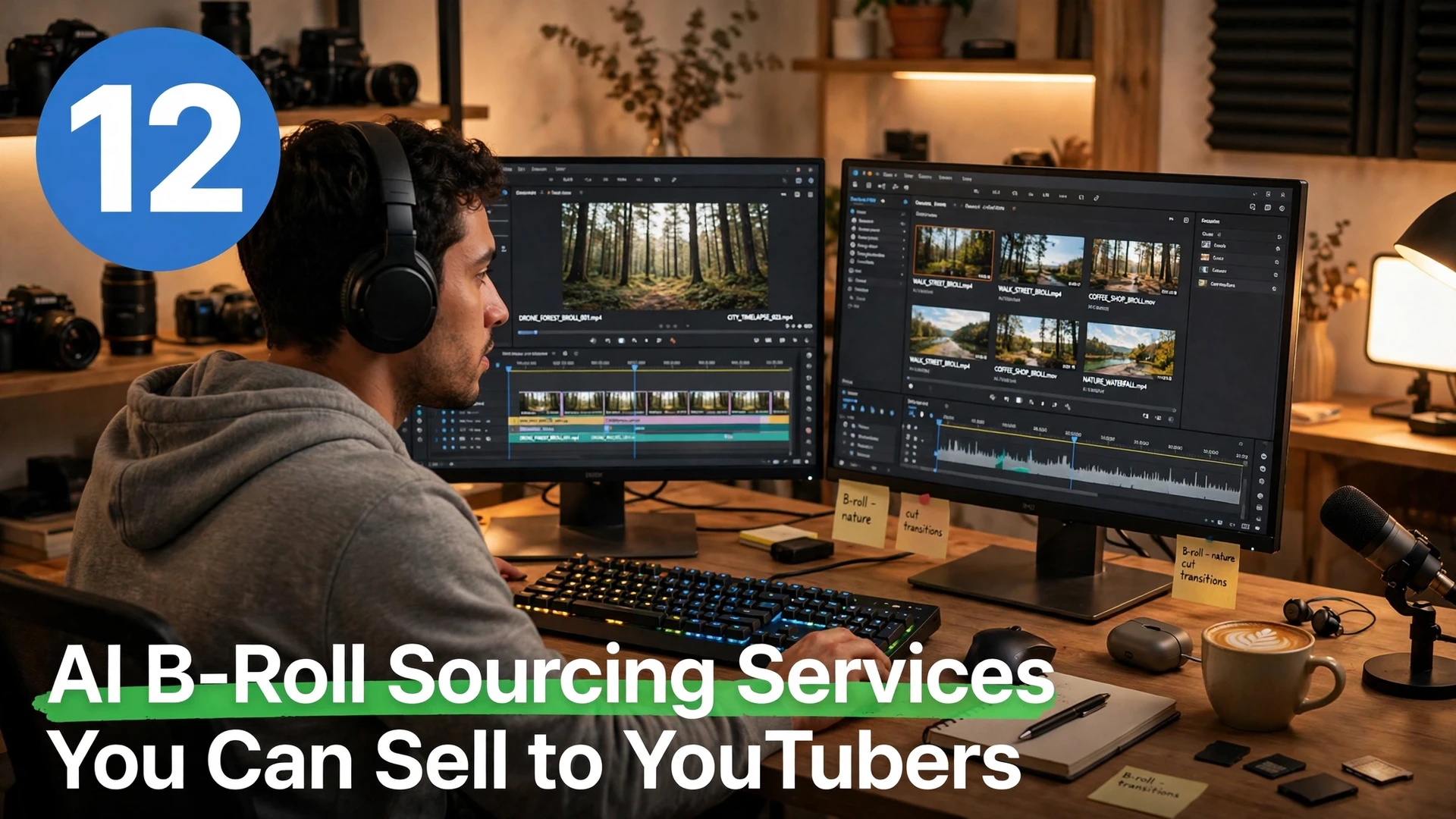
Every YouTuber knows the pain of hunting for the right cutaway clip: hours spent searching stock libraries for footage that matches the narration, only to worry about licensing later. That is why AI B-roll sourcing services are a practical side hustle for beginners — you find, organize, and license-check the footage so creators can spend their time recording and editing. AI tools can search across libraries, match clips to a script, and flag licensing issues far faster than manual browsing. You do not need to film anything yourself, and you do not need editing experience to start. If you already explore AI tools to earn money online, sourcing is a service version of that skill with repeat clients. It also pairs well with AI video editing side hustle ideas if you want to offer creators a fuller service.
1. Curate Licensed B-Roll Packs by Video Topic
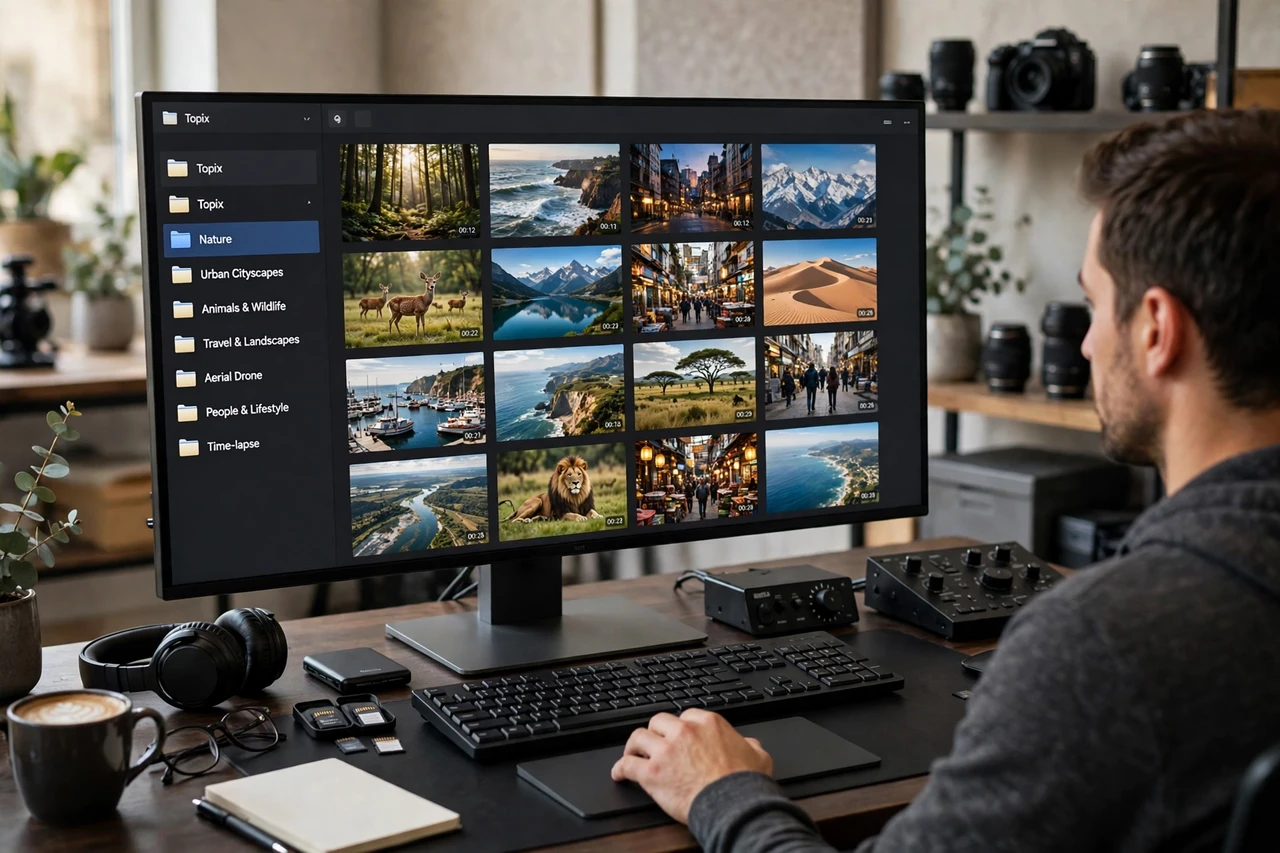
Read a creator’s script or outline, then build a pack of 20 to 40 licensed clips that match each section. Use AI search tools to find options quickly, then hand-pick the ones that actually fit the tone and pacing of the video. Deliver the pack with a simple index that maps each clip to a timestamp in the script. Creators pay for this because it turns a full day of searching into a single download.
2. Source Cinematic Establishing Shots for Travel Vloggers
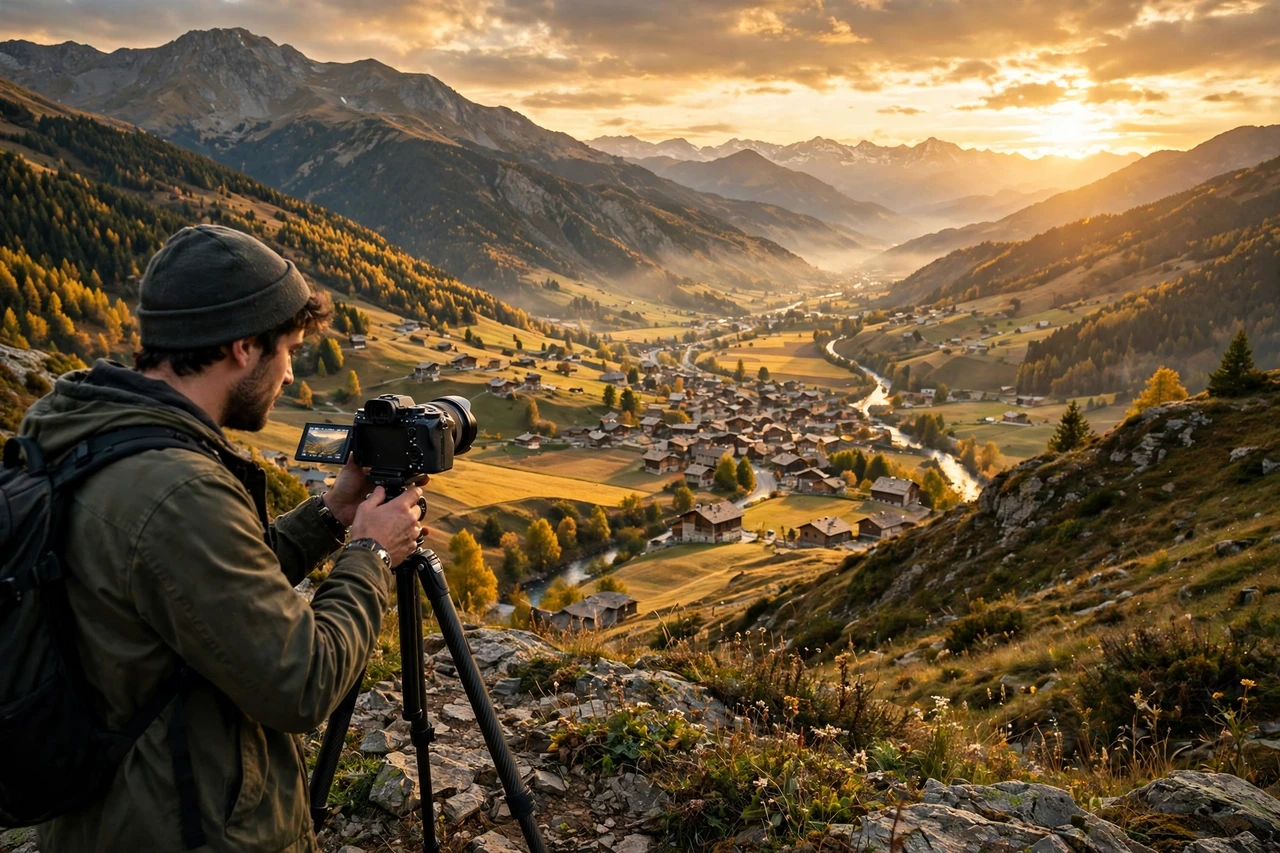
Travel videos open with wide shots of cities, coastlines, and landmarks, and finding the right one matters for the first impression. Build packs of cinematic establishing shots matched to each destination a vlogger covers, and note the license terms for each clip. AI can surface options by location and mood, but your eye for quality is what makes the pack worth buying. Travel creators order these again and again as they cover new places.
3. Find Product Close-Ups for Review Channels
Review channels need clean close-ups of products in use — unboxing shots, detail shots, and lifestyle shots that show the product in a real setting. Source these from licensed libraries and organize them by product category so a reviewer can drop them straight into an edit. Match the lighting and style to the channel’s own footage so the cuts do not look jarring. This is steady work because review channels publish constantly.
4. Build Historical Footage Packs for Documentary Creators
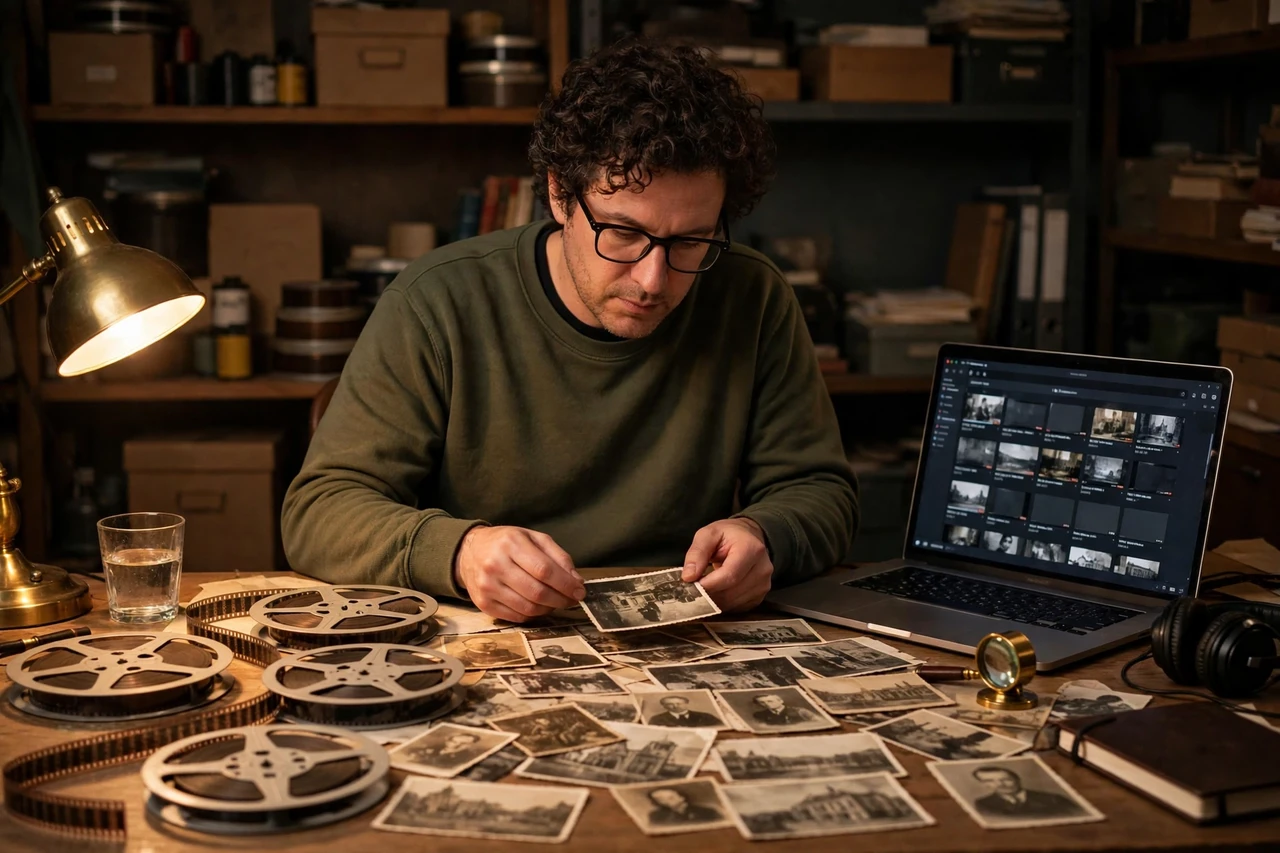
Documentary and history channels need archival-style footage that fits a specific era or event, and that footage is hard to search for without experience. Use AI tools to search by decade, location, and subject, then verify that each clip’s license allows YouTube use. Organize packs by episode topic with a short note on what each clip shows. Documentary creators value accuracy here, so double-check anything that looks like it could be misidentified.
5. Source Cooking and Food Prep Cutaways
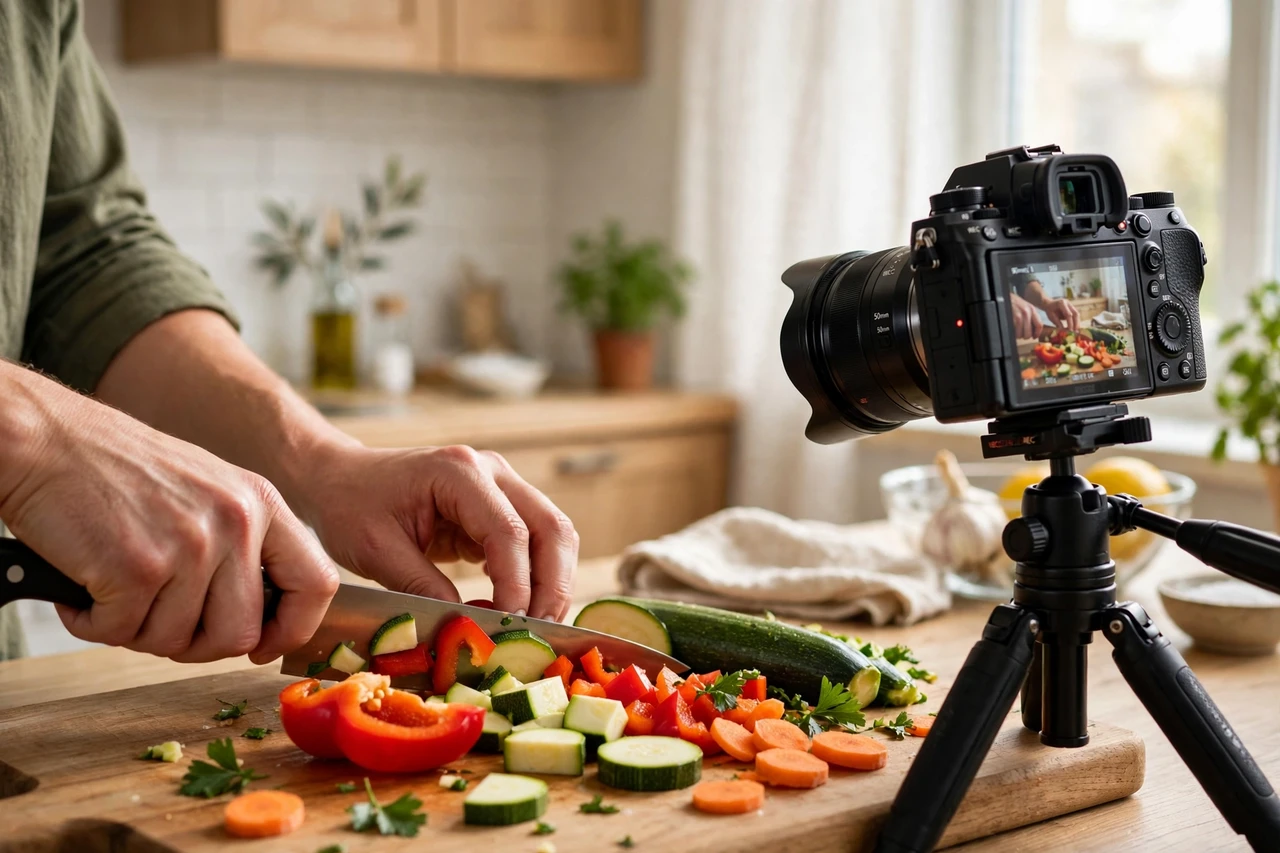
Cooking channels use cutaways constantly: chopping, stirring, plating, and close-ups of finished dishes. Build themed packs — weeknight dinners, baking, grilling, meal prep — so a creator can grab the right cutaway without searching mid-edit. AI can match clips to recipe steps, and you refine the selection for color and appetite appeal. Food creators publish several times a week, which makes this a reliable repeat service.
6. Find Fitness and Workout Cutaway Clips
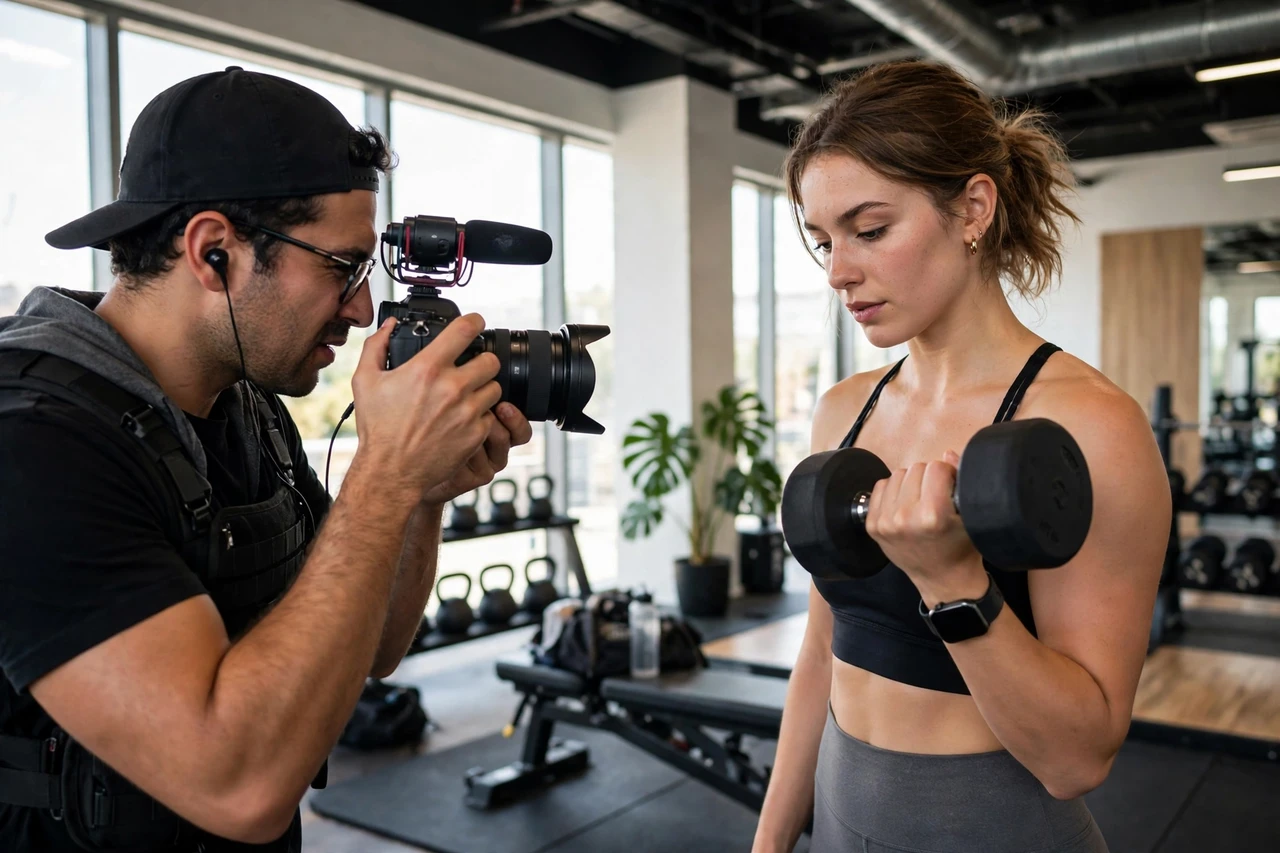
Fitness creators need clips of exercises performed with good form, shot from angles that show the movement clearly. Source packs by workout type — strength, cardio, yoga, stretching — and flag any clip where the form looks unsafe or unclear. AI search speeds up the hunt, but your quality check protects the creator’s credibility with their audience. Sell packs per workout series or as a monthly bundle for channels that post daily.
7. Assemble Nature and Timelapse Libraries
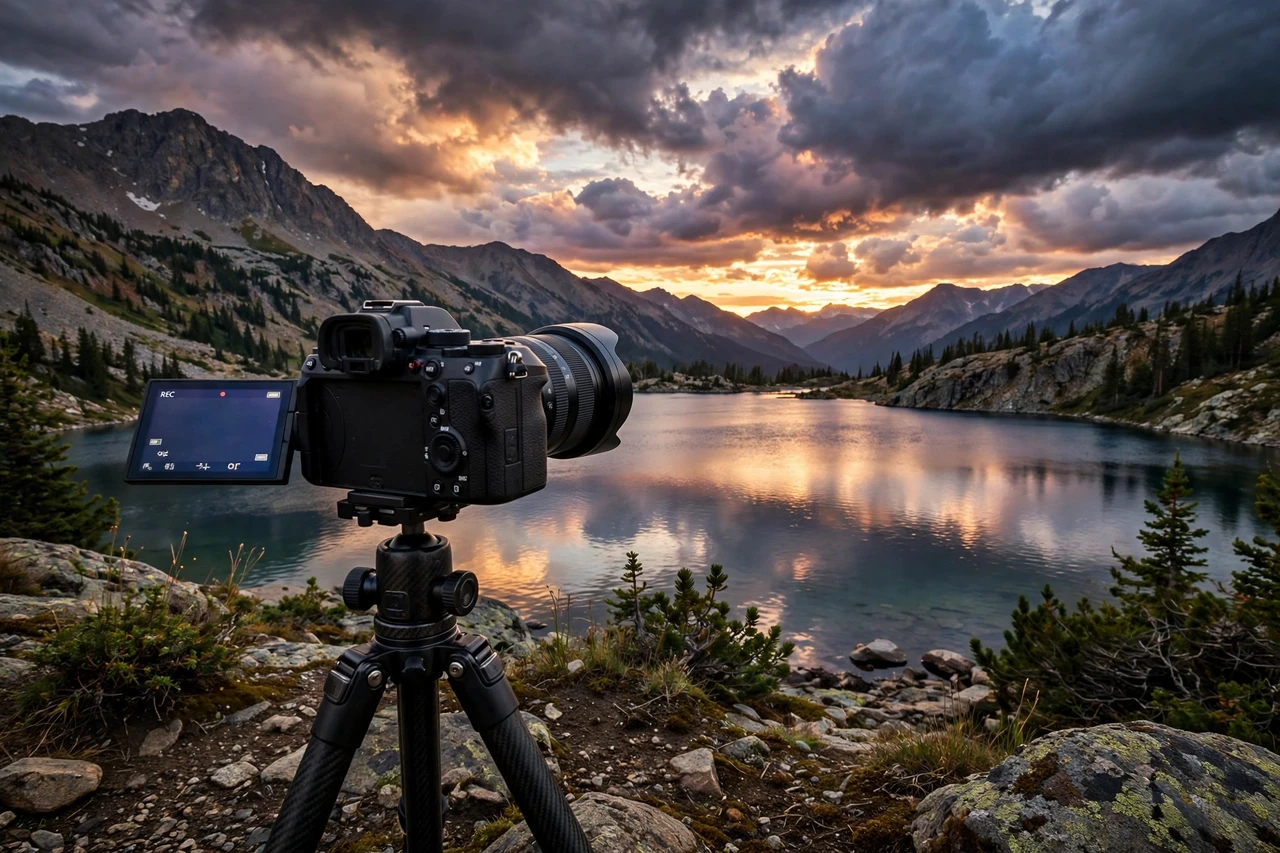
Nature footage and timelapses work as transitions, backgrounds, and mood-setters in almost every niche, from finance explainers to travel vlogs. Build libraries organized by season, time of day, and setting — sunrise over mountains, city traffic at dusk, rain on windows. AI tools can tag and sort large batches of clips, and you curate the strongest ones into themed sets. A good library becomes a product you can sell to many creators, not just one.
8. Source Office and Work-From-Home Footage
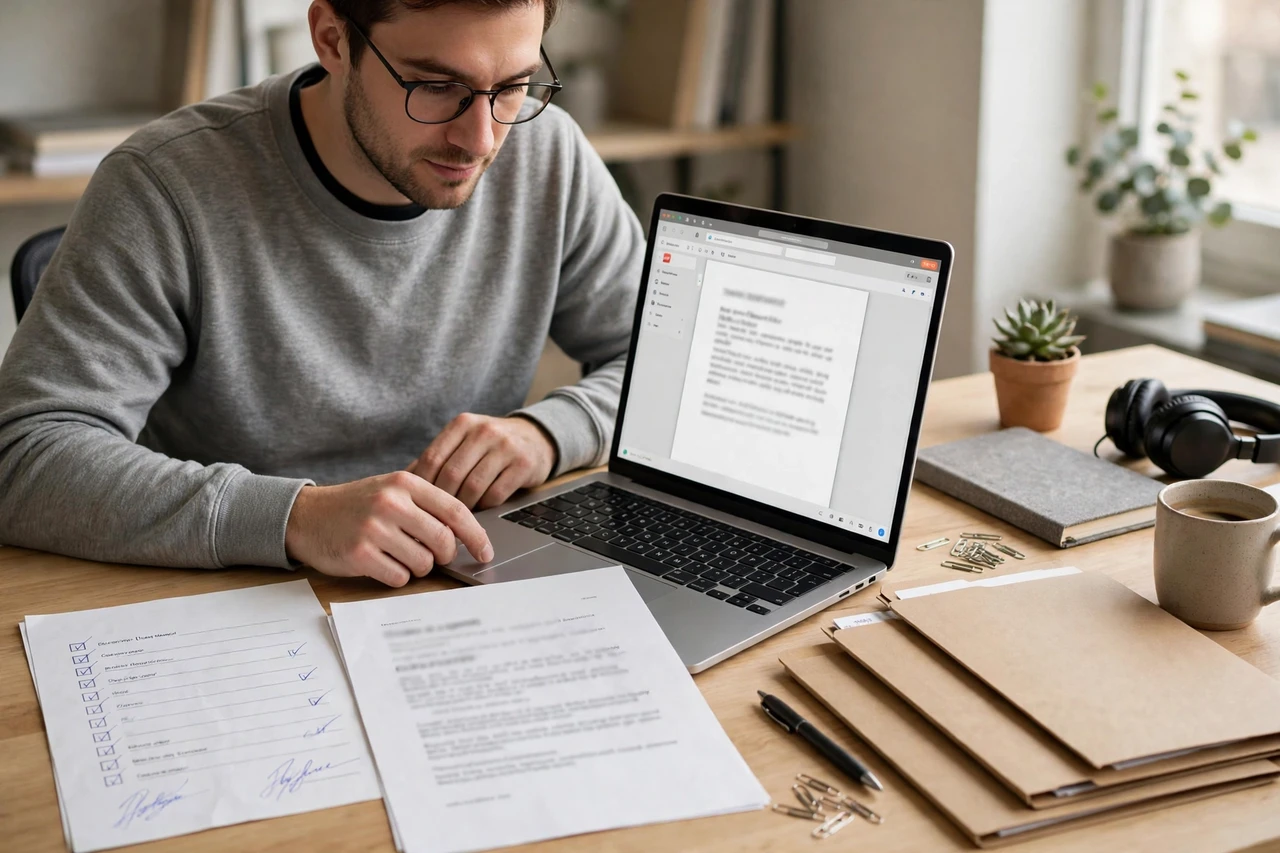
Business, productivity, and finance channels constantly need realistic office footage: typing, video calls, notebooks, and home workspaces. Source clips that look natural rather than staged, and avoid the same overused stock scenes every channel already has. Match clips to the script’s topic — a budgeting video needs different footage than a remote-work routine video. This niche is large, so specialization by sub-topic helps you stand out.

9. Find Family and Lifestyle Moments for Vloggers
Family and lifestyle vloggers use warm, everyday moments as cutaways and intros: morning routines, park outings, cooking together, and celebrations. Source clips that feel genuine and diverse, and check licenses carefully since these clips often feature real people. Organize packs by occasion — birthdays, holidays, back-to-school — so creators can plan seasonal content ahead. Sensitivity matters here: never use clips that feel exploitative or misrepresent the people in them.

10. Build City and Street Scene Collections
Commentary, news, and travel channels need street scenes that set a location: busy sidewalks, markets, subway stations, and neighborhood life. Build collections by city so a creator covering a story in a specific place can find matching footage fast. AI can help sort clips by location tags, and you verify that the footage actually shows the city it claims to show. Accuracy is the selling point — wrong-city footage embarrasses a creator.

11. Source Sports Action Clips for Commentary Channels
Sports commentary channels need action clips that illustrate a point without violating league broadcast rights. That means sourcing licensed stock sports footage, training clips, and crowd reactions rather than broadcast highlights. Learn the difference early, because using the wrong footage can get a creator a copyright strike. Build packs by sport and by theme — training, celebration, strategy — and include a clear license note with every clip.

12. Verify Licenses and Deliver a Clearance Sheet With Every Pack
The most valuable service you can offer is not the clips themselves but the confidence that they are safe to use. For every pack, deliver a clearance sheet listing each clip, its source, its license type, and any attribution the creator must include. AI can help gather license details, but you verify the key ones by hand before delivery. Creators who have lost revenue to a copyright claim will pay a premium for a supplier who takes licensing seriously.
Frequently Asked Questions
Do I need to film my own B-roll to offer this service?
No. You source licensed clips from stock libraries and organize them for creators. Your value is in the search, selection, organization, and licensing checks — not in owning a camera. Some providers later add their own footage, but it is not required to start.
How do I avoid copyright problems for my clients?
Use only clips from libraries whose licenses allow YouTube monetization, and read the terms for each clip rather than assuming. Deliver a clearance sheet with every pack, and never promise that broadcast sports highlights or movie clips are safe — they almost never are. When in doubt, leave a clip out.
What AI tools help with B-roll sourcing?
AI-powered stock search tools can match clips to script text and filter by mood, setting, and shot type. Many stock libraries now include AI search built in. Start with one or two libraries and their search tools, and learn their filters well before expanding to more sources.
How much can beginners charge for B-roll packs?
Beginners often charge per pack based on clip count and research time, with clearance sheets as a paid add-on. As you build niche libraries, you can sell the same themed pack to multiple creators in non-competing niches. Retainers work well for channels that publish weekly and need fresh packs on a schedule.
How do I find YouTuber clients?
Offer a free sample pack built around one of a creator’s recent videos, and show them how much editing time it saves. Reach out to small and mid-size channels first, since large channels often have in-house editors. A short demo showing clips matched to their actual script is far more convincing than a generic pitch.