Introduction
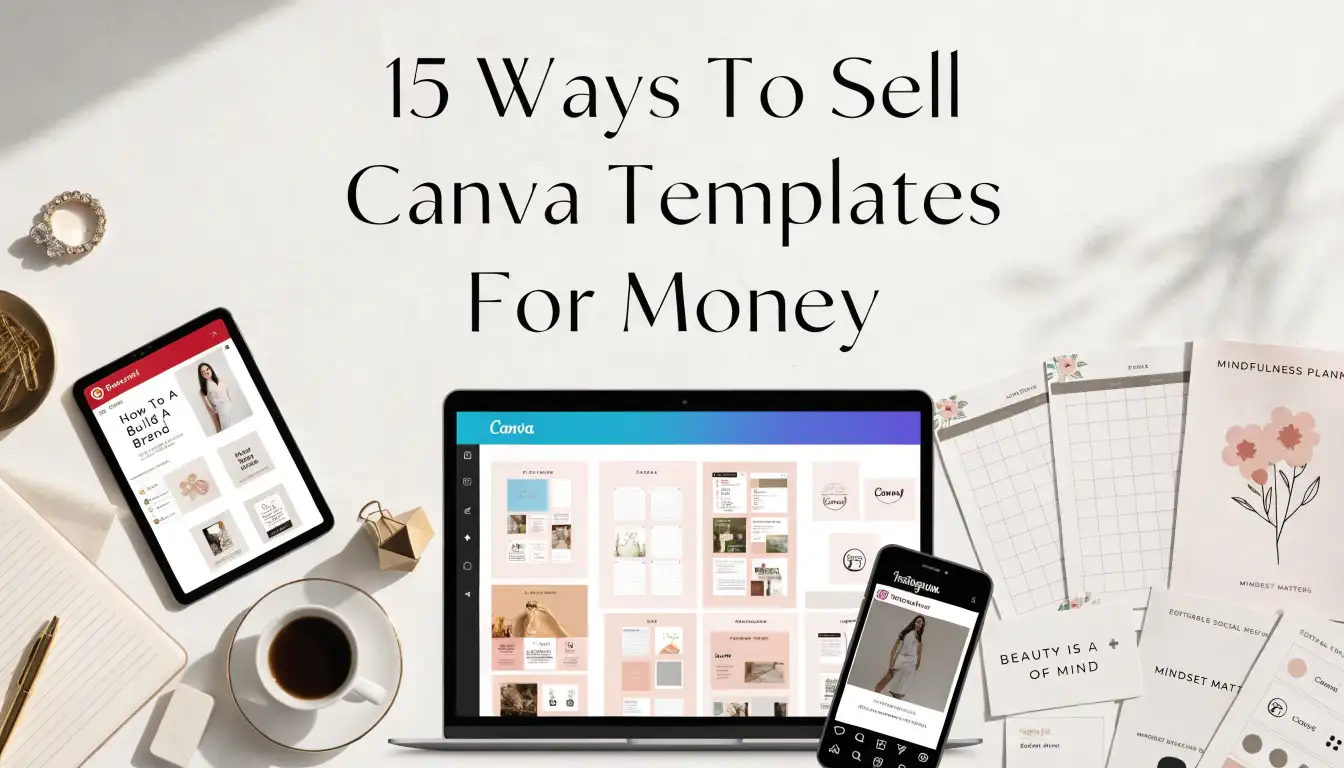
Learning how to sell Canva templates for money is a creative way to turn design skills into digital products. You do not need a huge product line to begin, but you do need useful ideas and clear presentation. Selling Canva templates works best when each product solves a specific problem for a specific buyer.
Use these ideas to create templates that look polished, feel easy to edit, and make sense for Pinterest-friendly promotion.
1. Build A Profitable Canva Template Shop
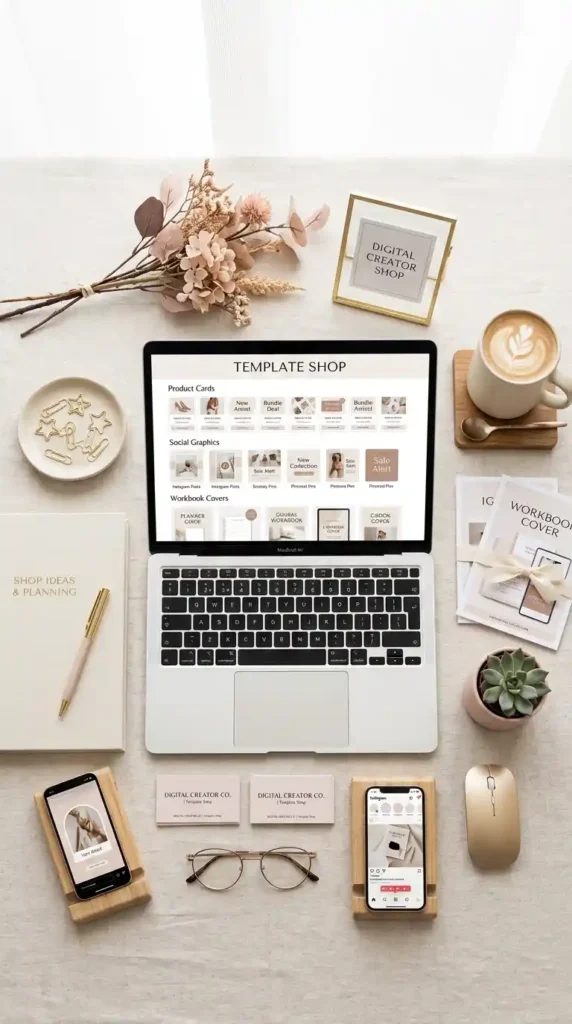
A strong template shop starts with one clear audience. Instead of creating random designs, choose buyers such as coaches, boutique owners, teachers, bloggers, or event planners. Your products should feel connected through style, purpose, and layout.
Use consistent mockups so your shop looks trustworthy at first glance. When you sell Canva templates for money, the design is only part of the offer. Buyers also want simple editing instructions, organized files, and product images that help them understand exactly what they are getting.
2. Start With Beginner-Friendly Template Ideas
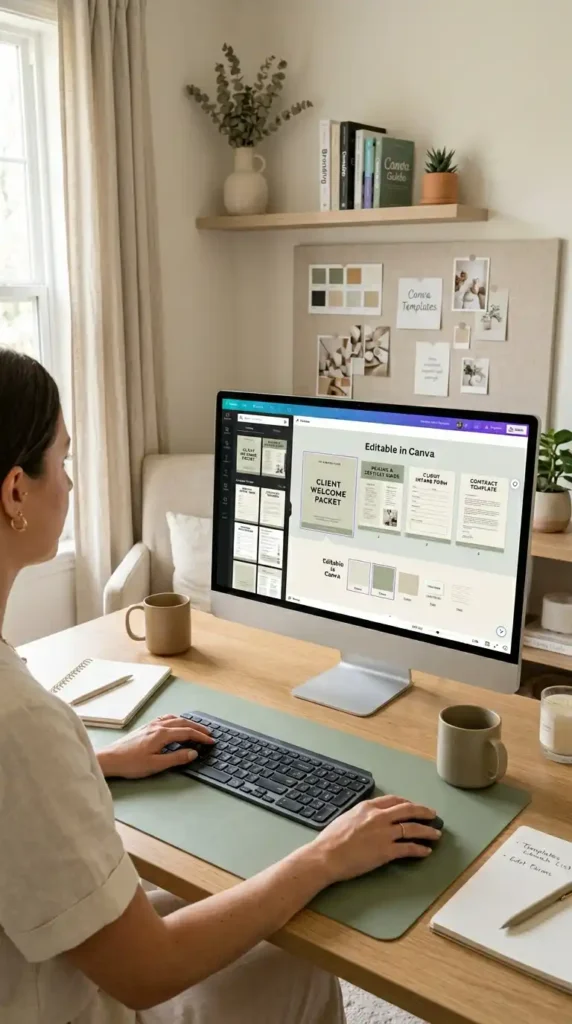
Beginner-friendly products are often easier to create and easier for buyers to understand. Start with templates like thank-you cards, pricing sheets, checklists, simple flyers, social posts, or printable signs. These designs do not require complicated systems, but they still feel valuable when styled well.
Selling Canva templates becomes smoother when your first products are focused and repeatable. Create one format, then adapt it for different niches. This helps you build a shop without feeling overwhelmed by too many design decisions at once.
3. Create Printable Bundles Buyers Can Use Fast
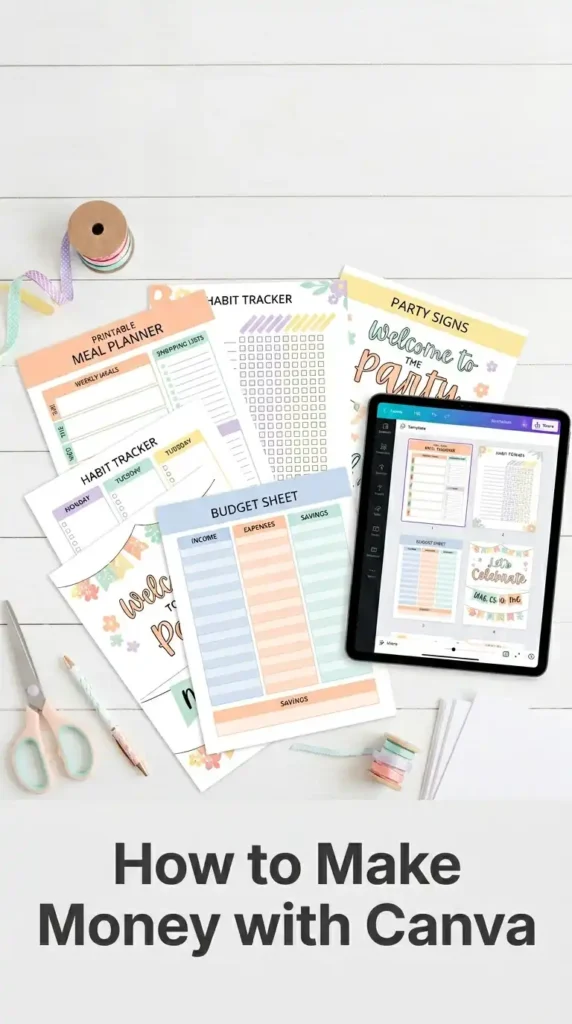
Printable bundles are practical because buyers can download, edit, print, and use them quickly. You can create planners, habit trackers, party signs, labels, worksheets, budget pages, and meal planning sheets. This is a great way to make money with Canva because bundles feel more complete than single-page products.
Keep the design clean and printer-friendly. Use readable fonts, simple color choices, and enough blank space for writing.
A useful printable bundle should save buyers time while still looking attractive in their home, classroom, or business.
4. Promote Templates With Pinterest-Friendly Pins
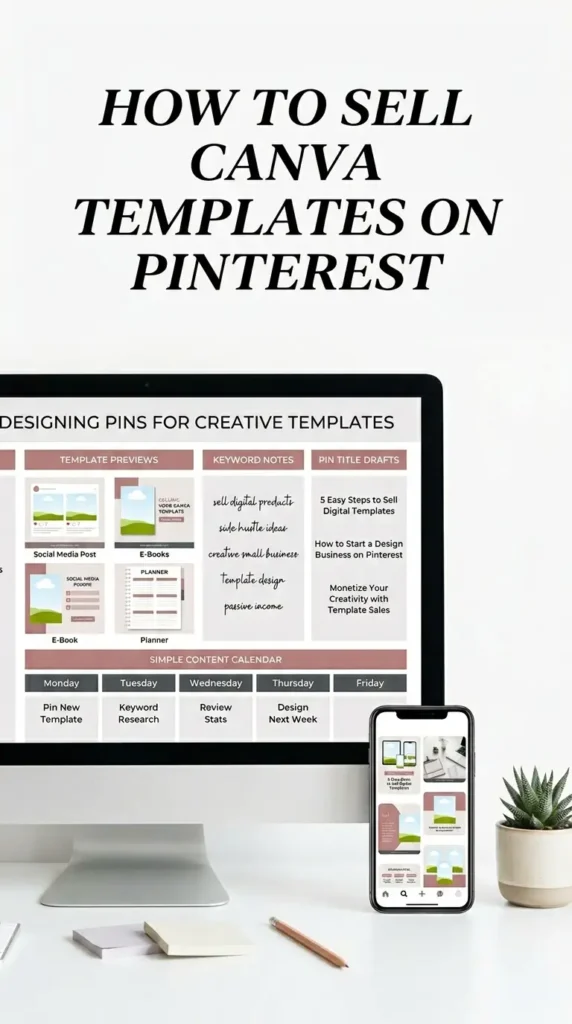
Pinterest can help your templates get discovered by people actively searching for ideas. Create vertical pin images that show the finished template, the buyer benefit, and a clear reason to click. This is where how to sell Canva templates on Pinterest becomes very visual.
Use mockups, before-and-after examples, and simple text overlays. Avoid trying to fit every detail on one pin.
A strong pin should make someone curious enough to visit your listing, blog post, or shop page for more information.
5. Set Up A Polished Digital Storefront
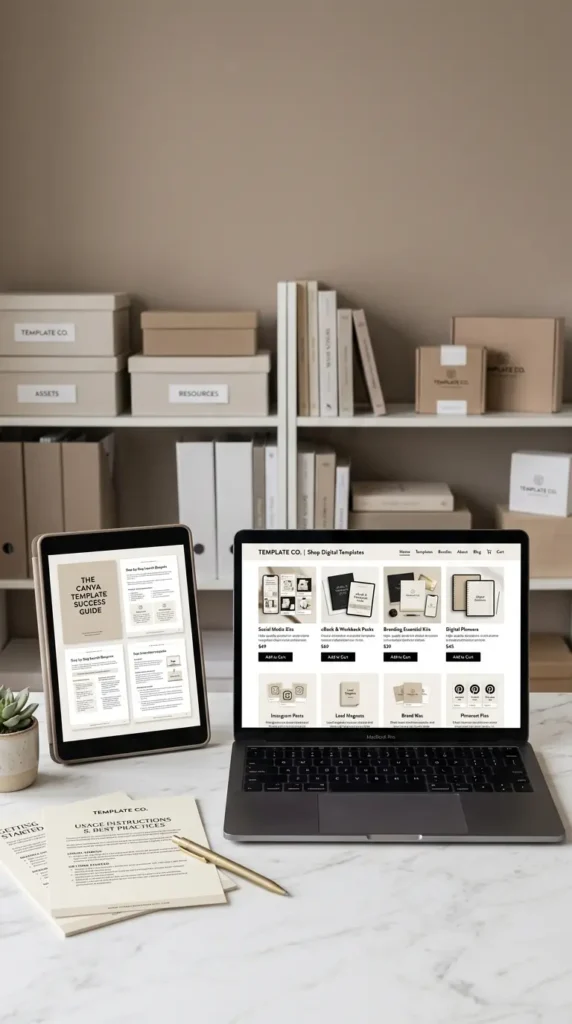
A polished storefront helps buyers feel confident before they purchase. Use consistent product covers, clear listing images, and simple category organization. Show what is included, how the files work, and who the template is for.
When learning how to sell Canva templates online, presentation matters as much as design quality. Buyers cannot touch a digital product, so your images must explain the value.
Include preview pages, editing notes, and examples of the template in use. Clear visuals can reduce confusion and improve trust.
6. Plan Evergreen Templates for Long-Term Sales
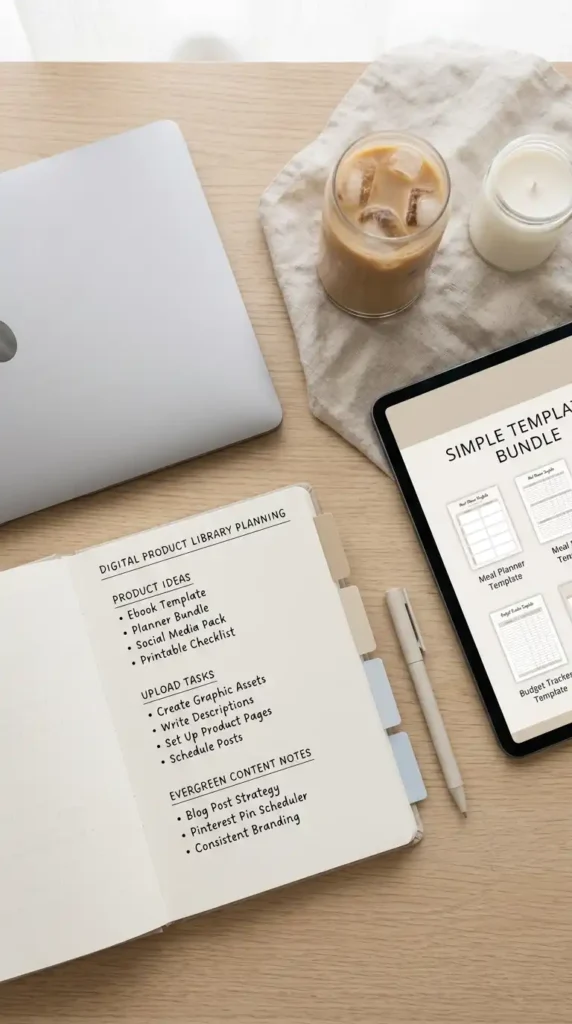
Evergreen templates are designs people need throughout the year. Think business forms, planners, media kits, resumes, brand boards, client guides, and content calendars. This is the foundation of Canva passive income because the product can keep selling after the initial work is done.
That does not mean sales are automatic. You still need good keywords, useful listings, and fresh promotion. Focus on products with lasting demand rather than only chasing short trends. A balanced shop can include both seasonal and evergreen designs.
7. Design Party Printables For Event Buyers
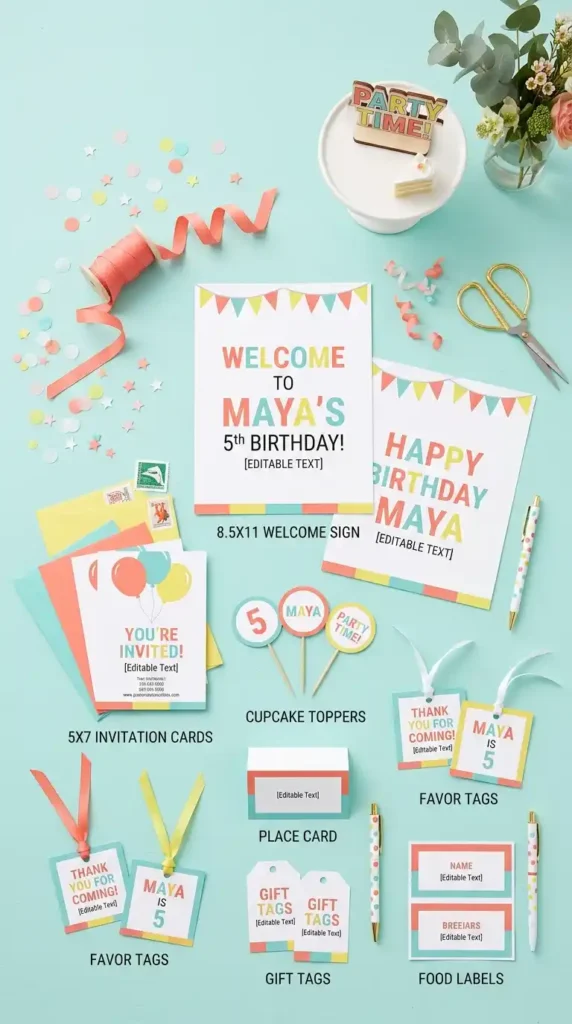
Party printables are colorful, emotional, and highly visual. You can create invitations, welcome signs, favor tags, cupcake toppers, banners, and thank-you cards. Canva printables to sell work especially well when they help buyers create a coordinated event look.
Choose clear themes like garden birthday, modern baby shower, bridal brunch, or pastel graduation. Show the full set together in mockups. Buyers are more likely to purchase when they can picture the printables on a party table, dessert station, or entry display.
8. Research Template Niches Before Designing
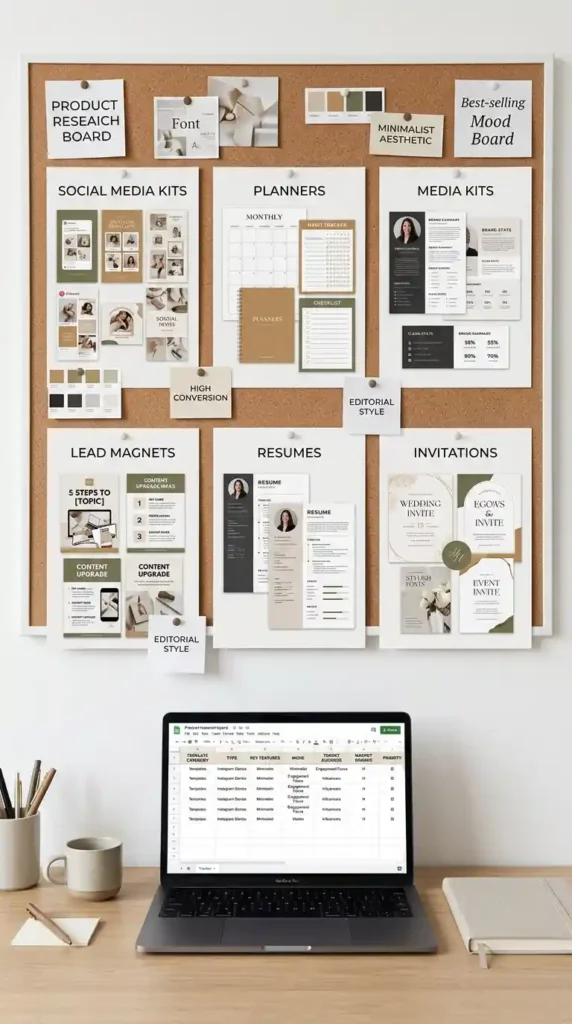
Good research helps you avoid creating products no one is searching for. Look for buyer groups with repeated needs, such as realtors, photographers, coaches, teachers, students, brides, or handmade sellers. Study best-selling Canva templates for clues about format, style, and product depth.
Do not copy another creator’s work. Instead, notice patterns in what buyers value. Maybe they want editable welcome packets, simple media kits, or seasonal marketing graphics. Research gives your creativity direction before you spend hours designing.
9. Follow A Simple Canva Product Workflow
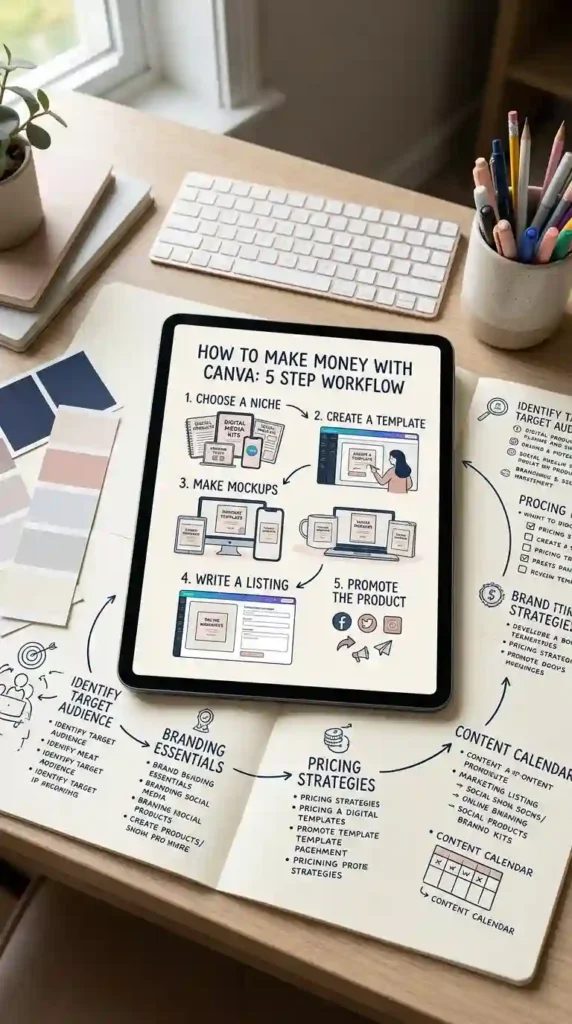
A repeatable workflow makes product creation easier. Start by choosing a niche, then outline the buyer’s problem, create the template, test the editing experience, make mockups, and write the listing. That is the basic path for how to use Canva to make money.
Keep each step simple and documented. Save your fonts, colors, page sizes, and export settings. When you repeat the same process, your shop becomes easier to manage. A clear workflow also helps your products look consistent and professional.
10. Make Sale Graphics For Small Shops
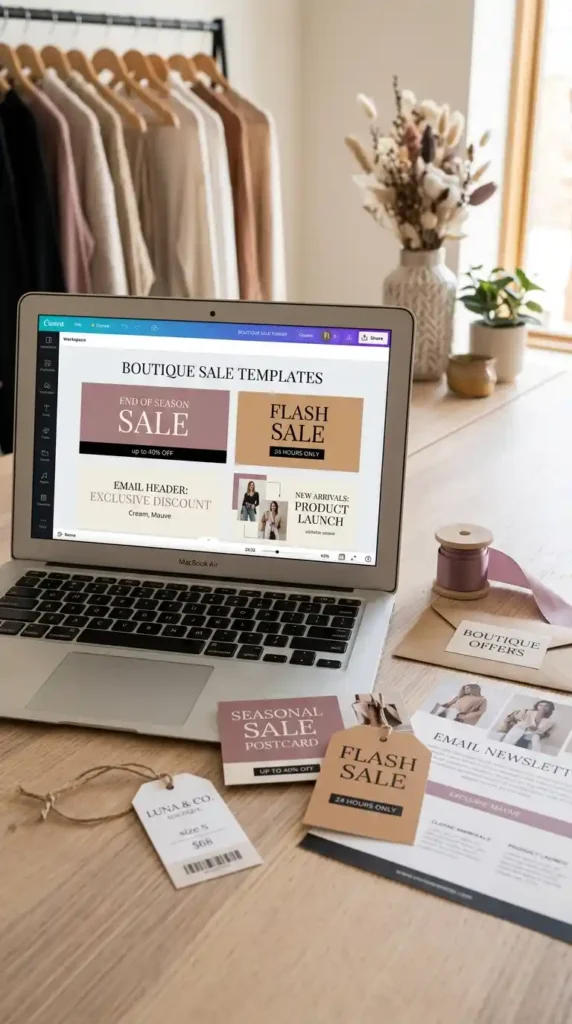
Sales graphics are useful for boutiques, makers, course creators, and service providers. You can design flash sale posts, discount banners, launch graphics, email headers, countdown slides, and product promo cards. A Canva sale template should be easy to edit quickly during busy selling seasons.
Use bold headings, strong spacing, and clear callout areas for dates or discount details. Avoid overcrowding the design with too many decorations. Small shop owners want graphics that help them promote offers fast while still matching their brand style.
11. Offer Brand Kits For Service Providers
Brand kits are valuable because many service providers need a polished look before they can market confidently. You can include logo layouts, color palettes, font pairings, Instagram posts, workbook covers, and email signature designs.
These templates work well for coaches, consultants, virtual assistants, photographers, and wellness professionals. Make each kit feel specific, not generic. A calm therapist brand kit should look different from a bold business coach kit.
When the style matches the buyer’s industry, the product feels easier to choose.
12. Sell Resume Templates For Job Seekers
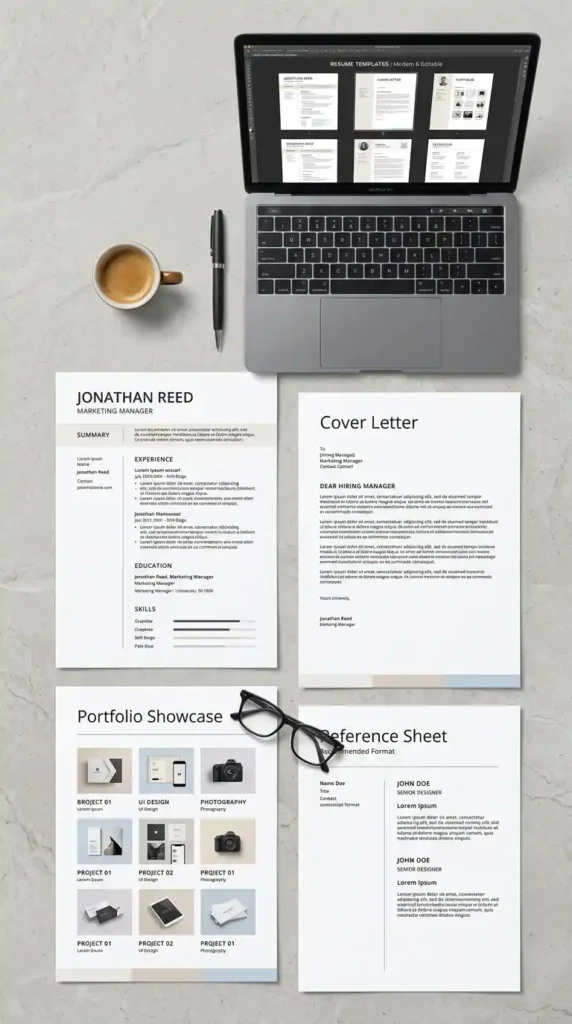
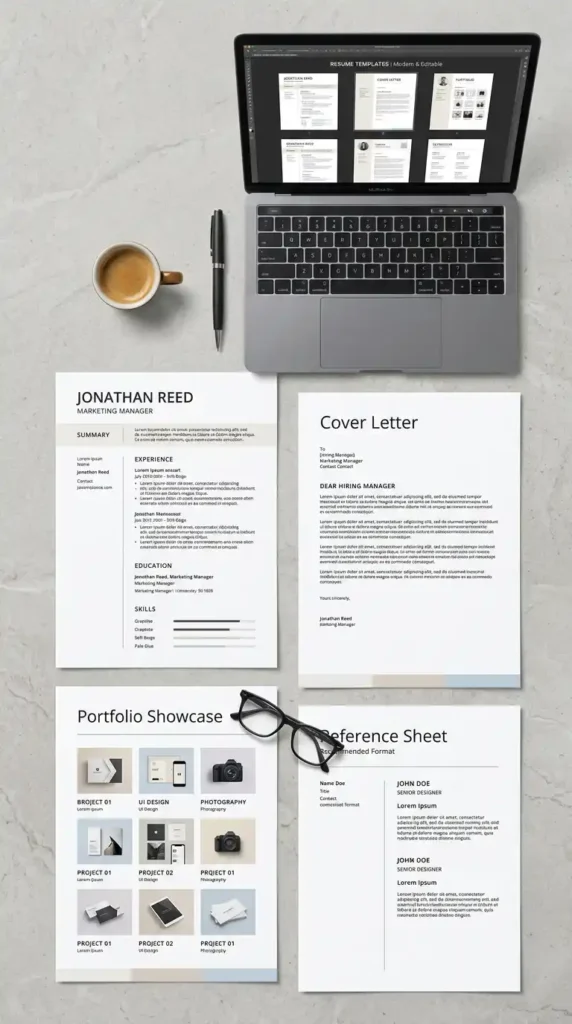
Resume templates serve buyers who want to look professional without designing from scratch. Create resume pages, cover letters, portfolio layouts, reference sheets, and matching thank-you notes. Keep the design clean, readable, and easy to customize.
Job seekers usually need clarity more than decoration. Use strong spacing, simple headings, and practical sections. Show examples for different career levels, such as entry-level, creative professional, or corporate applicant. A polished resume template can feel like a confidence boost during a stressful job search.
13. Package Workbooks For Educational Creators
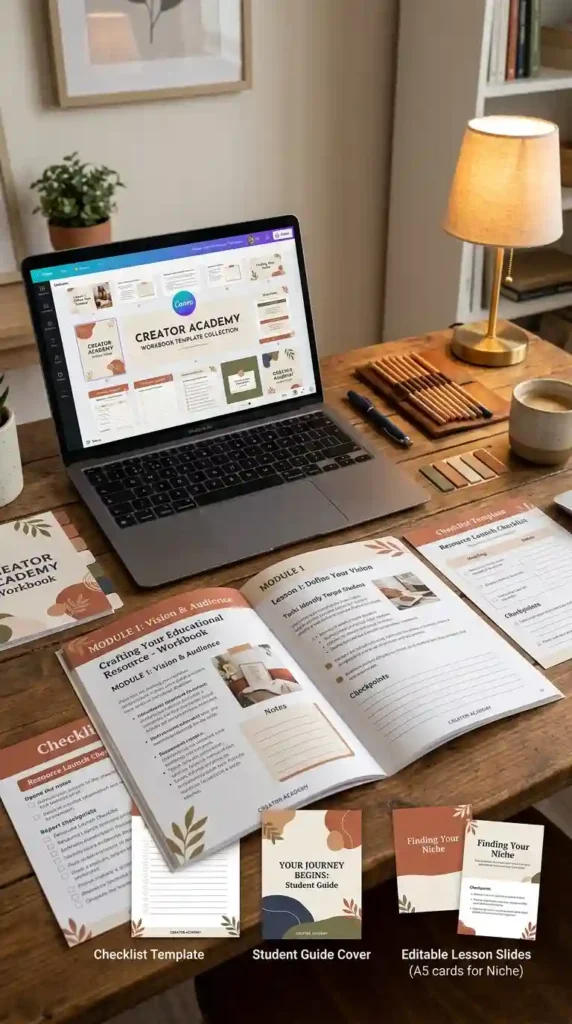
Workbook templates are helpful for course creators, teachers, coaches, and workshop hosts. You can design lesson pages, reflection prompts, checklists, slide decks, student guides, and resource pages. The best workbook templates are easy to adapt for different topics. Use organized page styles so buyers can duplicate sections without losing consistency.
A good workbook should feel structured but flexible. Show sample spreads in your mockups so buyers understand how the pages flow. This product type works well for creators who sell knowledge or run group programs.
14. Create Social Media Bundles With Variety
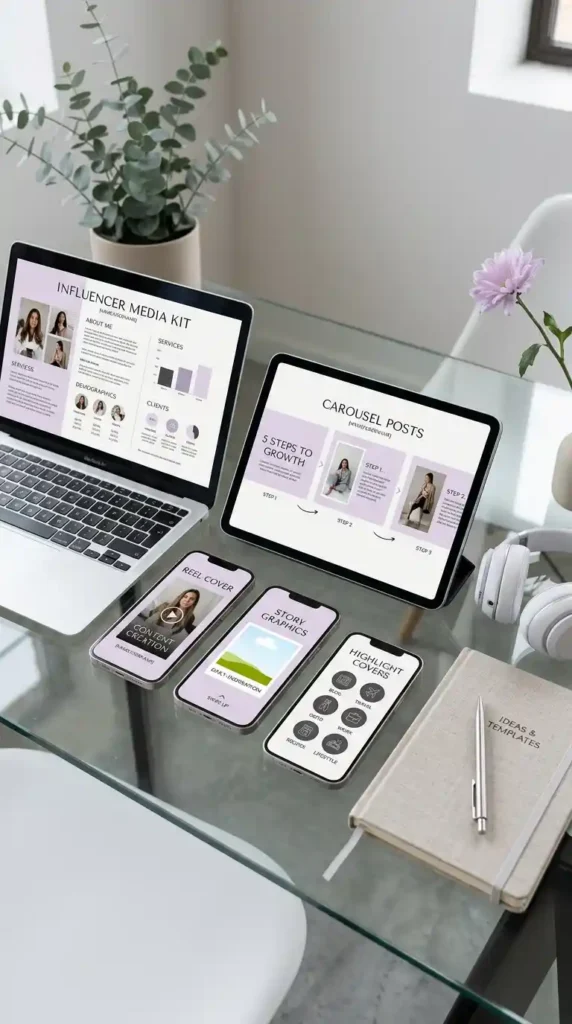
Social media bundles should include different formats for different content needs. Consider carousel posts, story slides, reel covers, quote graphics, highlight covers, media kits, and promotional posts. Variety makes the bundle feel more useful.
Keep the style cohesive so buyers can build a recognizable online presence. Use placeholder copy that shows how each layout can be used. These templates are especially appealing to influencers, small brands, bloggers, and service providers who want consistent content without designing every post from scratch.
15. Prepare Template Files For Smooth Delivery
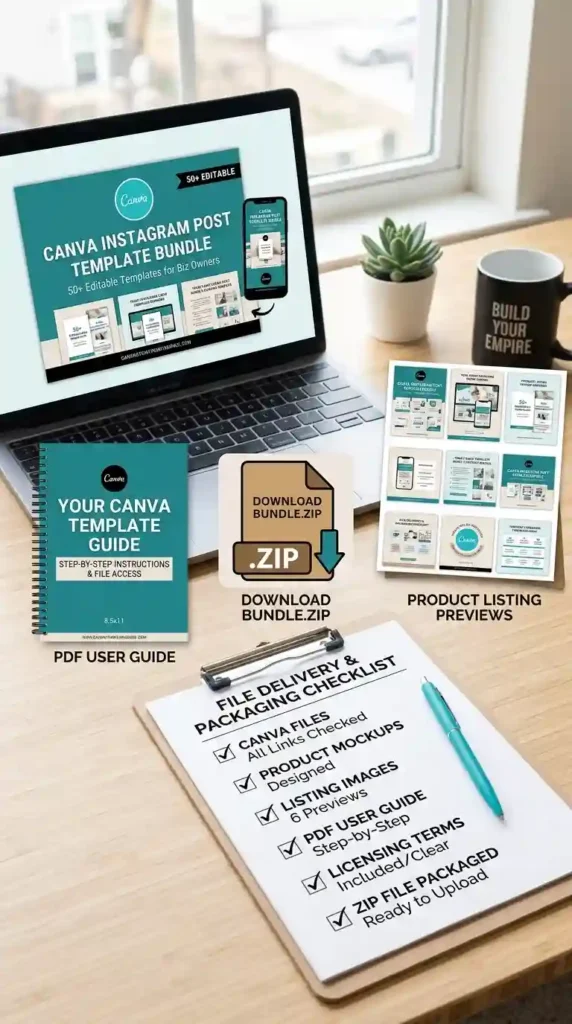
Smooth delivery can make your product feel more professional. Include a PDF guide with template links, editing instructions, printing tips, license notes, and support details. Organize everything clearly so buyers are not confused after purchase.
Test your links before publishing. Open the files as if you were a customer and check each page. When you sell Canva templates for money, the buyer experience continues after checkout.
Clear packaging can reduce questions, improve reviews, and help customers feel confident using your designs.