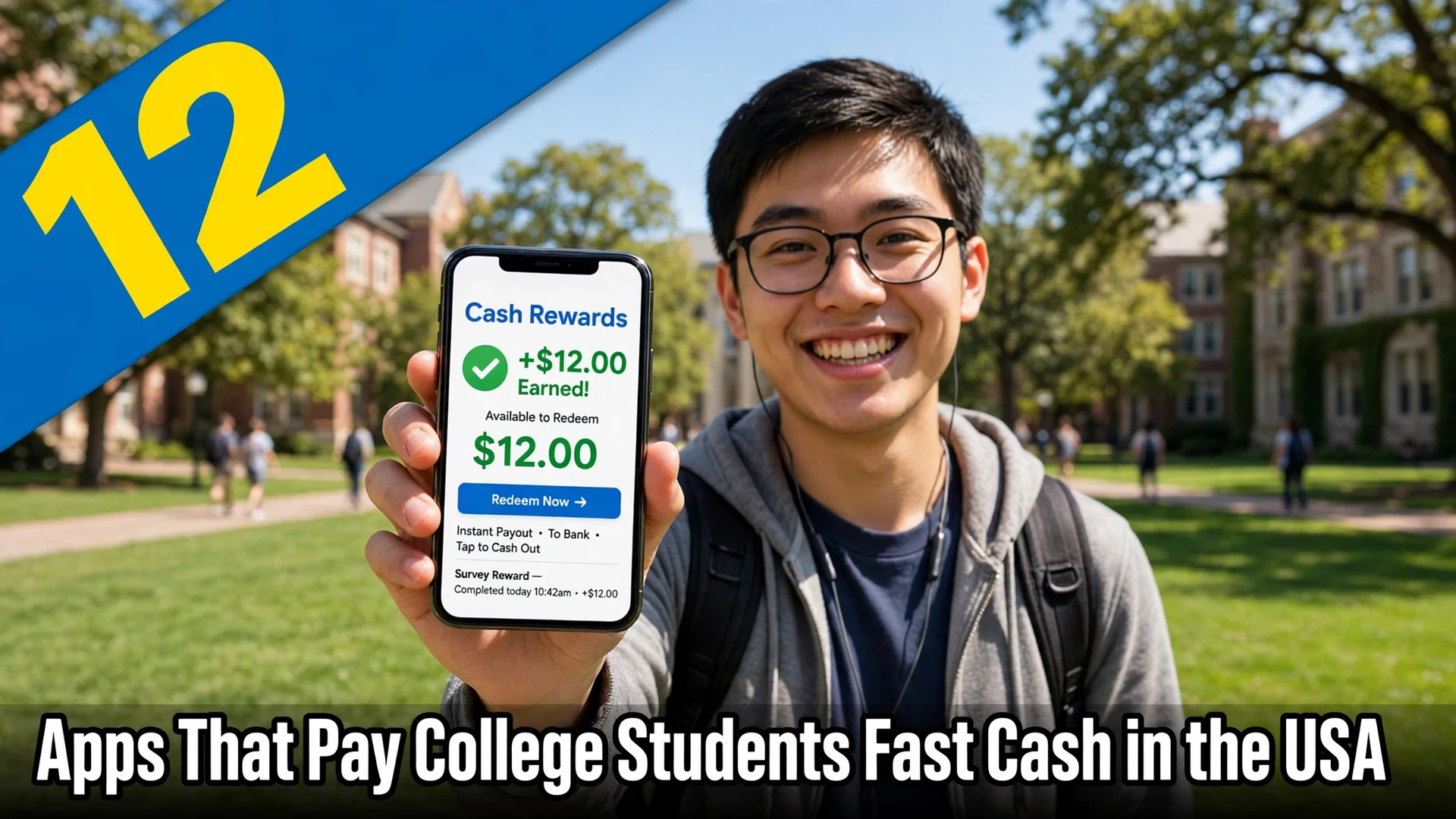
College life leaves little room for a fixed part-time job, but it leaves plenty of gaps: an hour between lectures, a quiet evening in the dorm, a weekend afternoon with no plans. The right apps that pay college students turn those gaps into fast cash, without locking you into shifts you cannot keep. Some pay within days, others weekly, and a few pay the same day through instant cash-out options, though fees sometimes apply. If weekly payouts matter most, these apps that pay weekly in the USA are worth checking. This list mixes quick wins, like surveys and offer walls, with higher-paying work, like freelance gigs, delivery, and pet sitting, so you can match the app to how much time and energy you actually have. Be realistic about the numbers: surveys pay a few dollars an hour, while delivery and freelance work can reach $15 to $25 an hour in busy areas before expenses. Start with two or three apps, track what you actually earn per hour, and drop anything that pays less than your time is worth.
1. Freecash for Students: Game Offers and Paid Tasks That Cash Out Quickly
Freecash pays users for completing game offers, surveys, and partner tasks, and it is popular with students because its minimum payout is low and cash-out options include PayPal and gift cards. Game offers pay the most when you reach set milestones, so read the requirements before starting a game and avoid offers that demand purchases. Students who treat it like a background hobby, rather than a job, tend to enjoy it most. Cash out early and often instead of saving a large balance, since offer terms can change.

2. KashKick for Students: Surveys and Offers With a Low Cash-Out Bar
KashKick combines paid surveys with game and shopping offers, and its straightforward dollar balance makes it easy to see exactly what you have earned. Surveys pay anywhere from a few cents to a few dollars depending on length and topic, while game offers pay more but take days to complete. Students often use it during downtime between classes, stacking short surveys while waiting for a lecture to start. Withdraw through PayPal once you reach the minimum, and check for bonus offers that pay extra for completing several tasks in a week.
3. Mistplay for Android Students: Turn Mobile Gaming Into Gift Cards
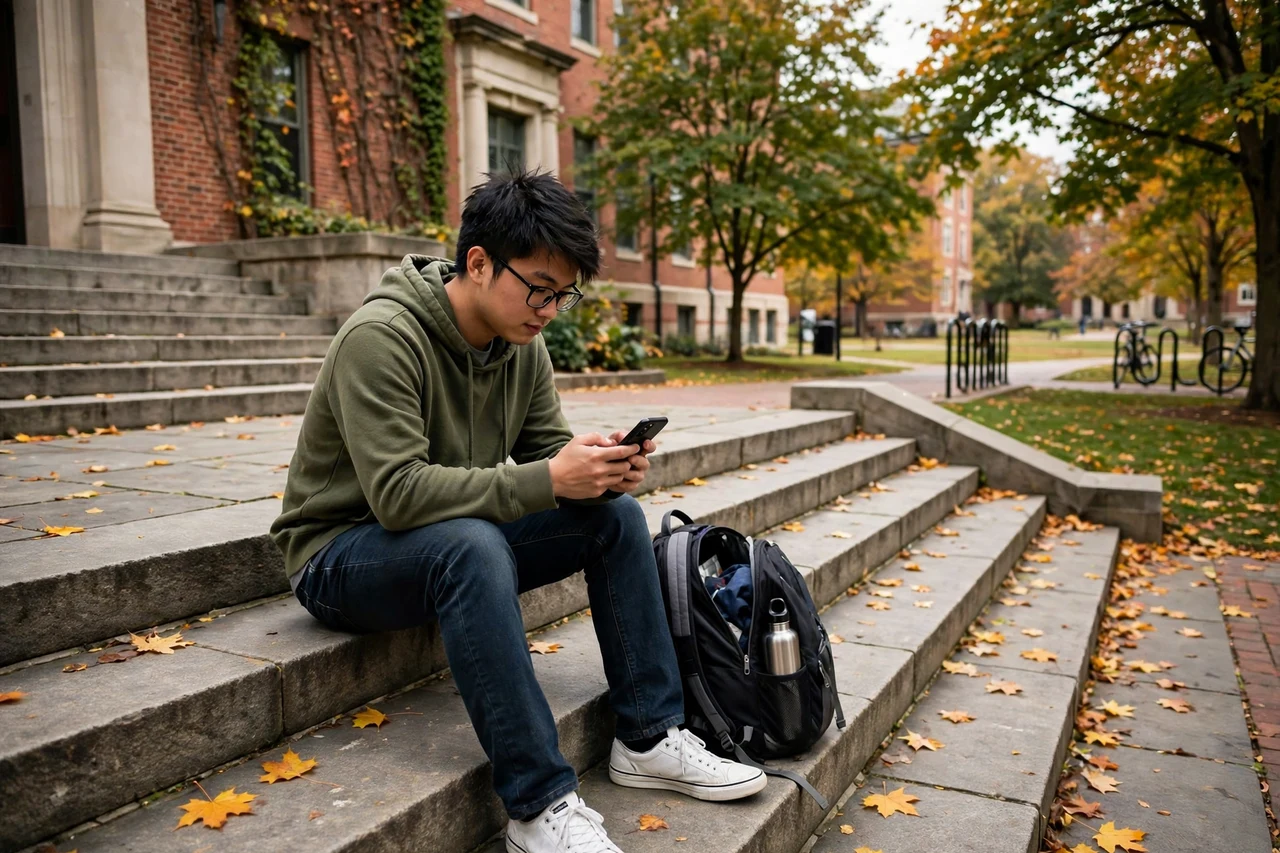
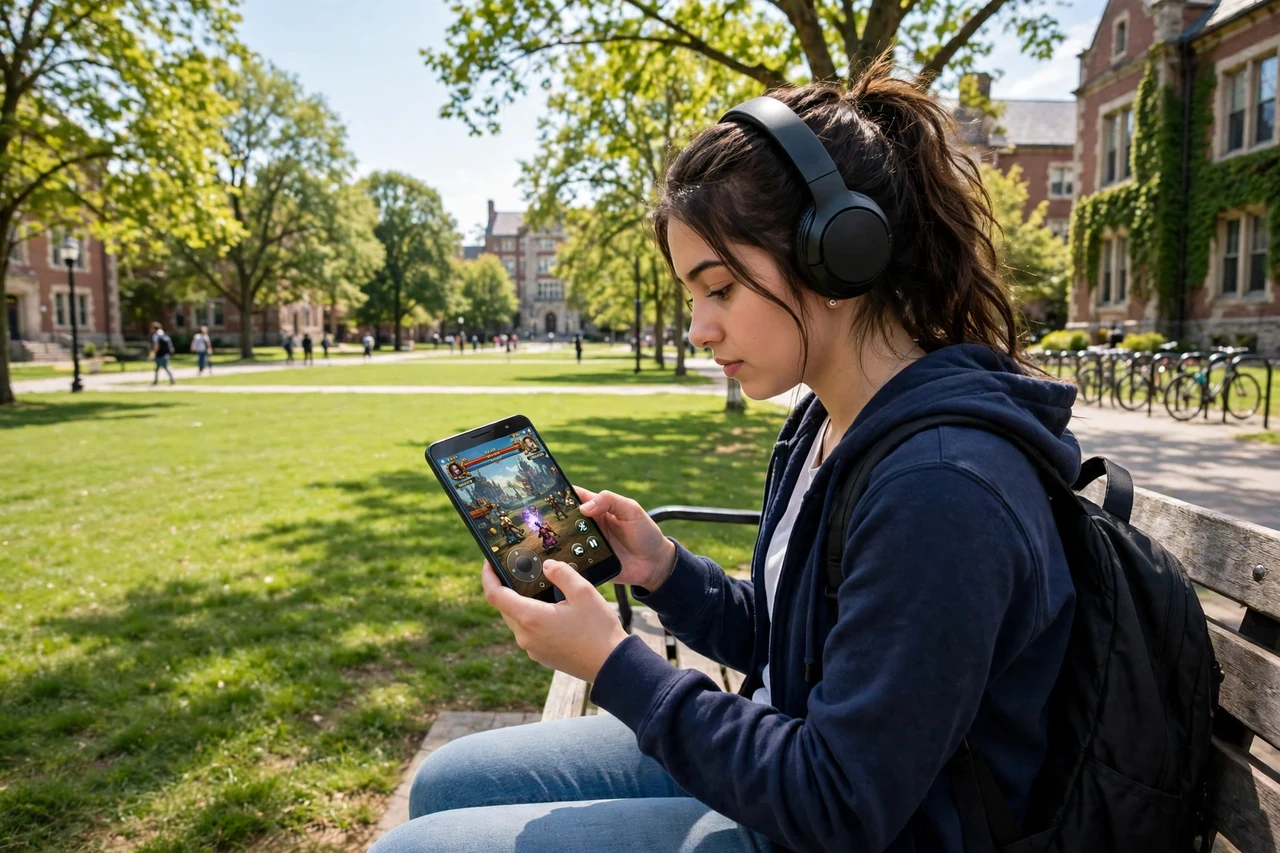
Mistplay rewards Android users with units for playing and leveling up in partner games, and those units convert into gift cards for Amazon, Walmart, and other retailers. It only works on Android, so iPhone students should skip it, but Android gamers can earn passively from games they would play anyway. Earnings are slow, roughly a few dollars per week for regular play, so it is best for students who already game daily. Pick games with high unit rates and long play rewards, and avoid spending money inside games to chase payouts.
4. InboxDollars for Students: Surveys, Videos, and Paid Email Reads
InboxDollars pays cash, not points, for surveys, watching short videos, reading promotional emails, and completing partner offers. The cash balance is easy to understand, which students appreciate after dealing with confusing points systems elsewhere. Payouts arrive by PayPal, gift card, or check once you reach the threshold, so it suits students who want a simple side earner. Earnings per hour are low, so use it only in otherwise wasted minutes, like waiting for laundry or standing in a dining hall line.

5. UserTesting for Students: Get Paid to Test Websites and Apps Aloud
UserTesting pays a flat fee, often around $10, for short tests where you speak your thoughts aloud while completing tasks on a website or app. Tests take ten to twenty minutes, which makes the hourly rate far better than surveys, but test availability is irregular and you must pass a practice test first. A quiet room, a decent microphone, and clear spoken English matter more than technical skill. Students who get accepted should check for new tests daily, since slots fill within minutes.

6. Prolific for Students: Academic Research Studies With Fair Pay
Prolific connects participants with academic research studies from universities, and it is known for fair pay and transparent hourly rates shown before you start. Studies range from short surveys to longer experiments, and students often qualify easily because researchers want young adult participants. Payments go to PayPal, and the platform shows your expected pay and completion time upfront, so you can skip low-paying studies. A complete profile with honest demographics increases the number of studies you are invited to.

7. TaskRabbit Errands That Fit Around Lectures: Local Jobs on Your Schedule
TaskRabbit lets you pick up local errands, furniture assembly, moving help, and handyman tasks on a schedule you control, which suits students with irregular timetables. You set your own rates and availability, so you can block out exam weeks entirely and open up during quieter periods. Start with simple categories like cleaning, organizing, and delivery help, where no specialist tools are needed. Good reviews lead to repeat clients, and repeat clients mean less time spent bidding on new jobs.

8. DoorDash Delivery Around Campus: Food Orders Between Classes
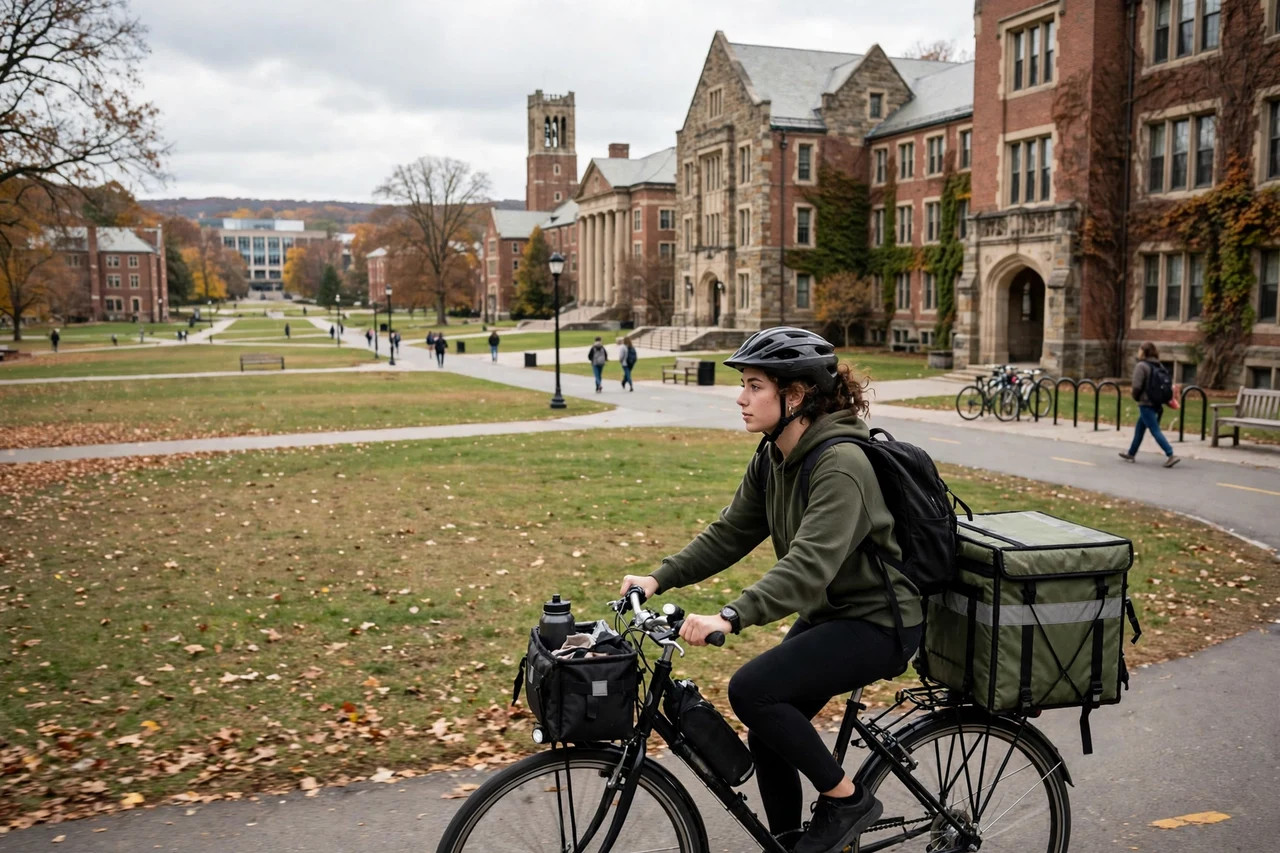
DoorDash lets students deliver restaurant orders by car, bike, or scooter in many college towns, with pay per delivery plus tips and peak pay during busy hours. The flexibility is the main draw: log on for an hour between classes, or work a dinner rush for higher earnings. Track your mileage, gas, and vehicle costs honestly, because net pay is lower than the headline figure. Campus areas with dense restaurants and dorms tend to offer the shortest trips and the best tips.
9. Rover Pet Sitting for Students: Flexible Dog Walking Near Campus
Rover connects pet owners with sitters and dog walkers, and students with flexible schedules can pick up walks, drop-in visits, and occasional house sitting. Building a profile with a friendly photo, references, and a clear availability calendar helps you win your first bookings. Dog walking fits neatly around classes, since most walks happen at lunchtime or early evening. Start with lower rates to earn reviews, then raise prices once you have a track record of happy pets and owners.

10. Acorns for Student Savers: Turn Spare Change Into Small Investments
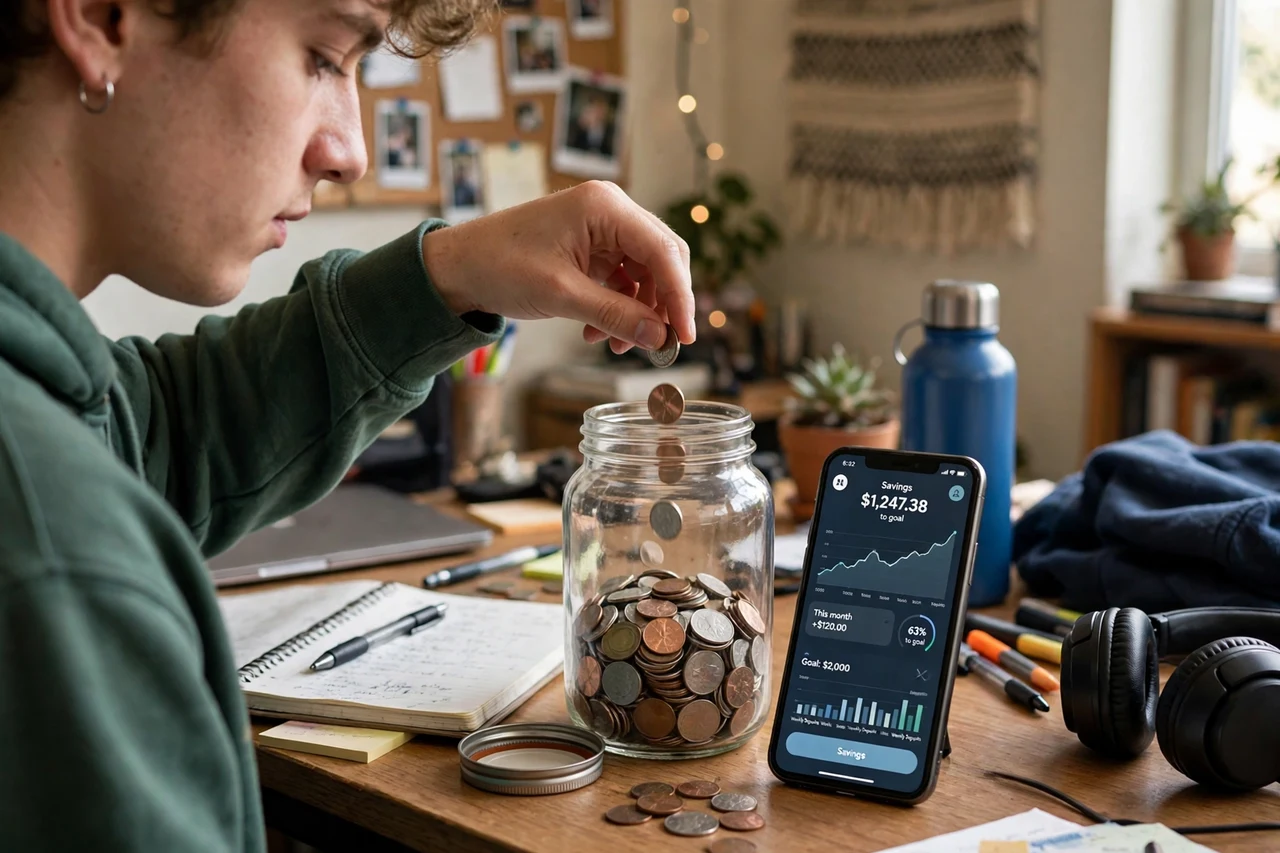
Acorns rounds up everyday card purchases to the nearest dollar and invests the spare change into diversified portfolios, which makes it a gentle introduction to investing for students. It is not a fast-cash app, but it turns money you already spend into a growing balance over time. Students should understand that investments can fall as well as rise, and that fees apply, so read the current pricing before signing up. Use it as a savings habit alongside earning apps, not as a replacement for emergency cash.
11. Foap for Student Photographers: Sell Campus Photos to Brands
Foap lets you sell smartphone photos to brands and marketers, and students have a natural advantage because campus life, events, food, and city scenes are always in demand. Upload your best shots, add accurate tags, and enter missions, which are brand briefs that pay more than regular marketplace sales. A single photo can sell multiple times, so a strong portfolio earns passively long after upload. Focus on clean, well-lit, authentic images rather than heavily filtered ones, since buyers want photos that look real.

12. Upwork Freelance Work From a Dorm Room: Skills That Pay by Project
Upwork is a freelance marketplace where students can sell writing, design, video editing, data entry, social media, and tutoring-adjacent skills by the project. Unlike survey apps, pay here depends on your skill and proposal quality, so students with a marketable talent can earn far more per hour. Build a profile around one clear service, create two or three sample projects, and apply only to jobs you can genuinely deliver. Early jobs may pay modestly, but strong reviews let you raise rates quickly, and regular clients can become steady income through college.

Frequently Asked Questions
Which app pays college students the fastest?
Delivery apps like DoorDash and gig apps with instant cash-out options tend to pay fastest, sometimes within hours, though instant transfers may carry a small fee. Survey and offer apps usually pay within days of reaching a payout threshold. If you need money today, delivery or a local TaskRabbit job will beat any survey app. Stick to survey apps that actually pay in the USA to avoid wasting time.
Can a full-time student really earn $500 a month from apps?
Yes, but usually only by combining higher-paying work, like delivery, pet sitting, or freelancing, with smaller earners like surveys. Surveys alone rarely reach $500 a month, while ten to fifteen hours a week of delivery or freelance work can. Track your hourly earnings honestly and focus your limited time on the apps that pay best per hour.
Do these apps affect financial aid?
App earnings are income, and they may need to be reported on tax returns and financial aid forms depending on amounts and your situation. Keep simple records of what you earn each month, and check your college financial aid office or a tax guide if your total earnings grow. Small survey earnings rarely change aid, but larger freelance or delivery income should be declared properly.
What do I need to sign up for most of these apps?
Most require you to be 18 or older, a valid email address, and a payout method like PayPal or a bank account. Delivery and gig apps may also require identity verification, and in some cases a background check or vehicle details. Never pay a fee to join an earning app, and avoid any app that asks for your college login credentials.
How do I avoid wasting time on low-paying apps?
Set a simple rule: if an app consistently pays under $5 an hour after a week of honest use, drop it. Keep a notes file with each app’s average hourly pay and payout speed, and spend your best hours on the top two or three. Your study time is valuable, so earning apps should fit around your degree, never replace it.