

Most freelancers use AI to do client work — but the real leverage is using AI to run the business side of freelancing. These 18 best AI tools for freelancers handle the unglamorous work that eats your week: proposals, contracts, invoices, scheduling, follow-ups, and admin. Less paperwork, more billable hours.
1. ChatGPT — Drafting Winning Proposals and Bids
Feed ChatGPT the job posting plus your portfolio highlights, and it drafts a tailored proposal in minutes — complete with a scope outline, timeline, and pricing rationale. You still personalize the opener and proofread, but the heavy lifting is done. Freelancers report cutting proposal time from 45 minutes to under 10.
Use it for Upwork bids, cold pitches, and RFP responses. The trick is giving it specifics: your niche, past results, and the client’s stated pain points. Generic prompts get generic proposals — detailed prompts win work.

2. Jasper — Writing Client Onboarding Emails
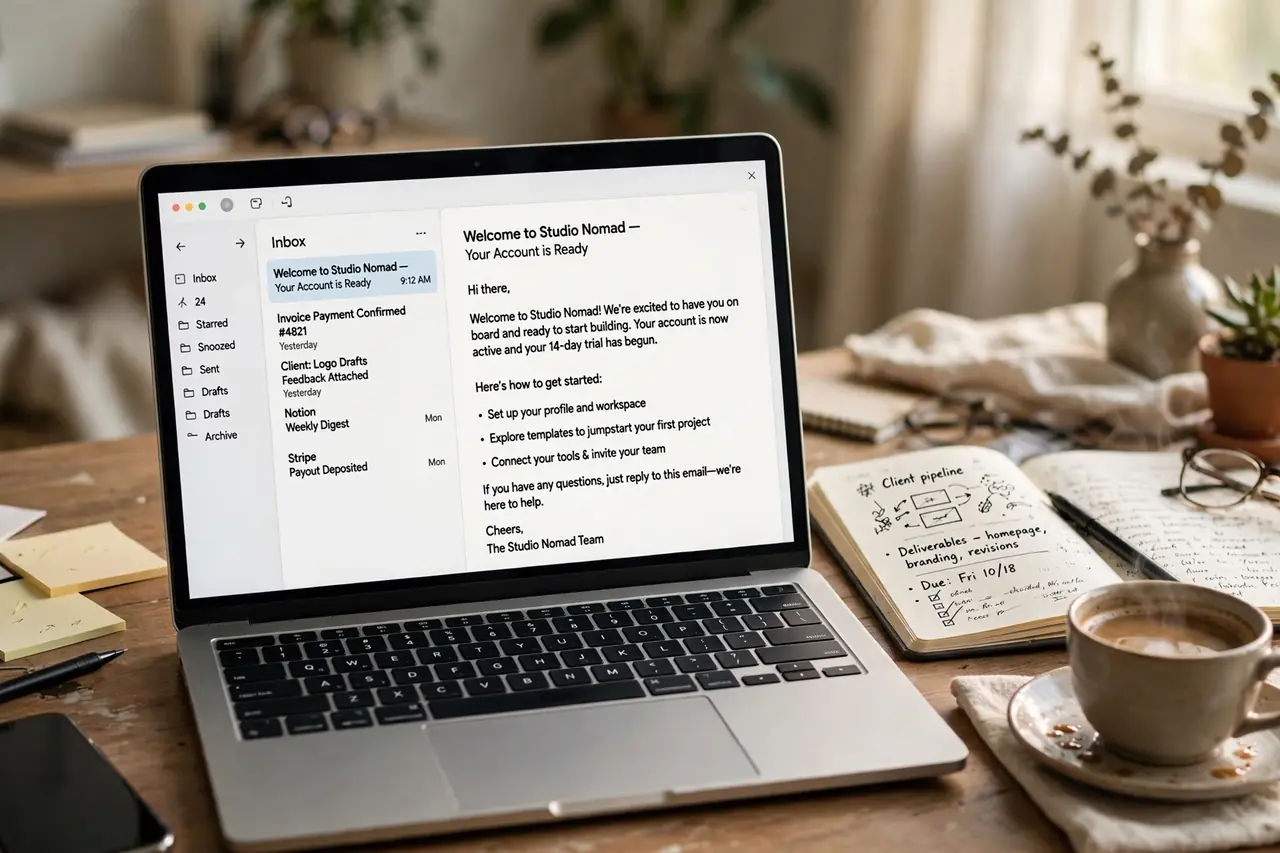
First impressions decide whether a new client becomes a repeat client. Jasper’s templates generate polished onboarding emails, project kickoff messages, and expectation-setting documents in your tone of voice. Set the brand voice once, and every client communication sounds professional.
It is especially useful for welcome packets, revision-policy explanations, and “here is how we will work together” emails that prevent scope creep before it starts. Consistency here builds trust fast.
3. GrammarlyGO — Polishing Client-Facing Documents
Every proposal, report, and deliverable you send represents your brand. GrammarlyGO goes beyond spell-check — it rewrites sentences for clarity, adjusts tone for the audience, and flags inconsistencies in longer documents. One typo in a proposal can cost you a $2,000 project.
Run every client-facing document through it before sending. The tone detector is gold for knowing whether your email sounds confident or desperate — a subtle difference that matters in negotiations.

4. Notion AI — Organizing Project Briefs and SOPs
As you grow, keeping track of every client’s preferences, brand guidelines, and revision history becomes chaos. Notion AI turns scattered notes into structured project briefs, generates SOPs from your process descriptions, and summarizes long client threads into actionable checklists.
Build a client wiki: one page per client with their voice guidelines, deadlines, and feedback patterns. When you hire subcontractors later, this documentation becomes your training manual overnight.

5. Copy.ai — Personalizing Cold Outreach at Scale
Cold outreach works when it is personal and fails when it is templated. Copy.ai lets you generate 50 personalized first lines from 50 prospect websites in minutes — each referencing something real about their business. You write the core pitch once; AI handles the personalization layer.
Pair it with a simple spreadsheet of prospects and you can send 20 genuinely personalized pitches a day. Freelancers using this workflow consistently report 3 to 5x higher reply rates than template blasts.

6. Motion — Auto-Scheduling Your Freelance Calendar
Freelancers juggle client calls, deep work, deadlines, and admin — and manual scheduling wastes hours weekly. Motion’s AI builds your daily schedule automatically, protecting focus blocks for billable work while fitting meetings around them. When a client reschedules, it re-optimizes everything instantly.
The result is more deep-work hours without working longer days. Many freelancers find they recover 5+ hours a week just from not playing calendar Tetris.

7. Toggl Track AI — Categorizing Billable Hours Automatically
Forgetting to log hours means leaving money on the table. Toggl Track’s AI suggestions categorize your time automatically based on the apps and sites you use, so your timesheets practically build themselves. At invoicing time, you have clean, client-ready hour breakdowns.
This is essential for hourly freelancers and for anyone who wants data on where their week actually goes. Seeing that admin eats 30% of your time is the push you need to automate it.

8. Bonsai — Generating Contracts in Minutes
Working without a contract is how freelancers get burned. Bonsai generates professional freelance contracts — scope, payment terms, late fees, kill fees, revision limits — from a short questionnaire. What used to require a lawyer or hours of template-hunting now takes 10 minutes.
Its contracts are written specifically for independent workers, covering the clauses that matter: IP transfer timing, payment schedules, and what happens when a client ghosts. Sign electronically and get to work protected.

9. HoneyBook — Automating Invoices and Payment Reminders
Chasing late payments is the worst part of freelancing. HoneyBook sends professional invoices, automatic payment reminders, and late-fee notices without you lifting a finger. Clients pay faster when reminders come from a system rather than an awkward personal email.
Set up recurring invoices for retainer clients and one-click invoice templates for project work. Freelancers routinely cut their average payment delay from 30 days to under 10 with automated follow-ups.

10. Fireflies.ai — Transcribing Client Calls Into Action Items
Misremembering what a client asked for causes revision hell. Fireflies.ai joins your Zoom or Meet calls, transcribes everything, and extracts action items, deadlines, and decisions automatically. After the call, you get a searchable summary instead of relying on memory.
Send the summary to the client after each call — it doubles as a paper trail that prevents “but I thought you said…” disputes. This single habit eliminates most scope misunderstandings.

11. Otter.ai — Capturing Meeting Notes Hands-Free
Typing notes during a discovery call means half-listening. Otter.ai captures the conversation in real time with speaker identification, so you stay fully present with the prospect. Its AI highlights key moments — budget mentions, deadlines, decision-makers — automatically.
Review the highlighted sections before writing your proposal, and you will reference exactly what the client cares about. Prospects notice when you remember the details; it signals professionalism.

12. Canva Magic Design — Building Proposal Decks Fast
For high-ticket projects, a designed proposal beats a text document every time. Canva’s Magic Design generates a full proposal deck from a text prompt — cover slide, about section, process timeline, pricing table, testimonials — in your brand colors. Customize in minutes, not hours.
Freelancers pitching $3,000+ projects find designed proposals dramatically increase close rates. The visual polish signals that you operate at a premium level, which justifies premium pricing.

13. Gamma — Creating Client Pitch Presentations
When a prospect asks “can you walk me through your process?”, Gamma turns your outline into a polished presentation in seconds. No more blank-slide anxiety or hours in PowerPoint. Paste your talking points, pick a theme, and present.
Use it for sales calls, project kickoffs, and quarterly reviews with retainer clients. Looking organized in presentations reinforces the client’s decision to hire you — and to keep hiring you.

14. Perplexity — Researching Prospects Before Pitches
The freelancers who win pitches are the ones who understand the prospect’s business. Perplexity gives you cited, current answers about any company — recent launches, funding, leadership changes, competitors — in seconds. Walk into every pitch knowing more than the other bidders.
Spend 10 minutes researching before each proposal and reference one specific insight. “I noticed you just expanded into Texas” beats “Dear Hiring Manager” every single time.

15. Apollo.io — Building Targeted Prospect Lists
Random outreach wastes time; targeted outreach wins clients. Apollo.io lets you filter millions of companies by industry, size, location, and hiring signals, then build a list of 100 ideal prospects. Its AI scores which ones are most likely to need your service right now.
This turns “I need clients” panic into a systematic pipeline. Spend one afternoon building a list, then work through it with personalized outreach over the following weeks.

16. Hunter — Finding Decision-Maker Emails
You found the perfect prospect — now how do you reach them? Hunter finds verified email addresses for decision-makers at any company, so your pitch lands in the right inbox instead of a generic contact form. Its confidence scores tell you which addresses are most likely valid.
Combine it with your prospect list for a complete outreach system: find the company, find the person, find the email, send the personalized pitch. No more “to whom it may concern.”

17. Calendly Routing — Qualifying Leads Before Calls
Not every inquiry deserves a 30-minute call. Calendly’s routing forms ask qualifying questions — budget range, timeline, project type — before someone can book, automatically directing small projects to an async form and serious prospects to your calendar. Tire-kickers filter themselves out.
This protects your most valuable asset: time. Freelancers using routing report fewer wasted calls and higher close rates, because every call is with a pre-qualified prospect.

18. Loom AI — Recording Async Project Updates
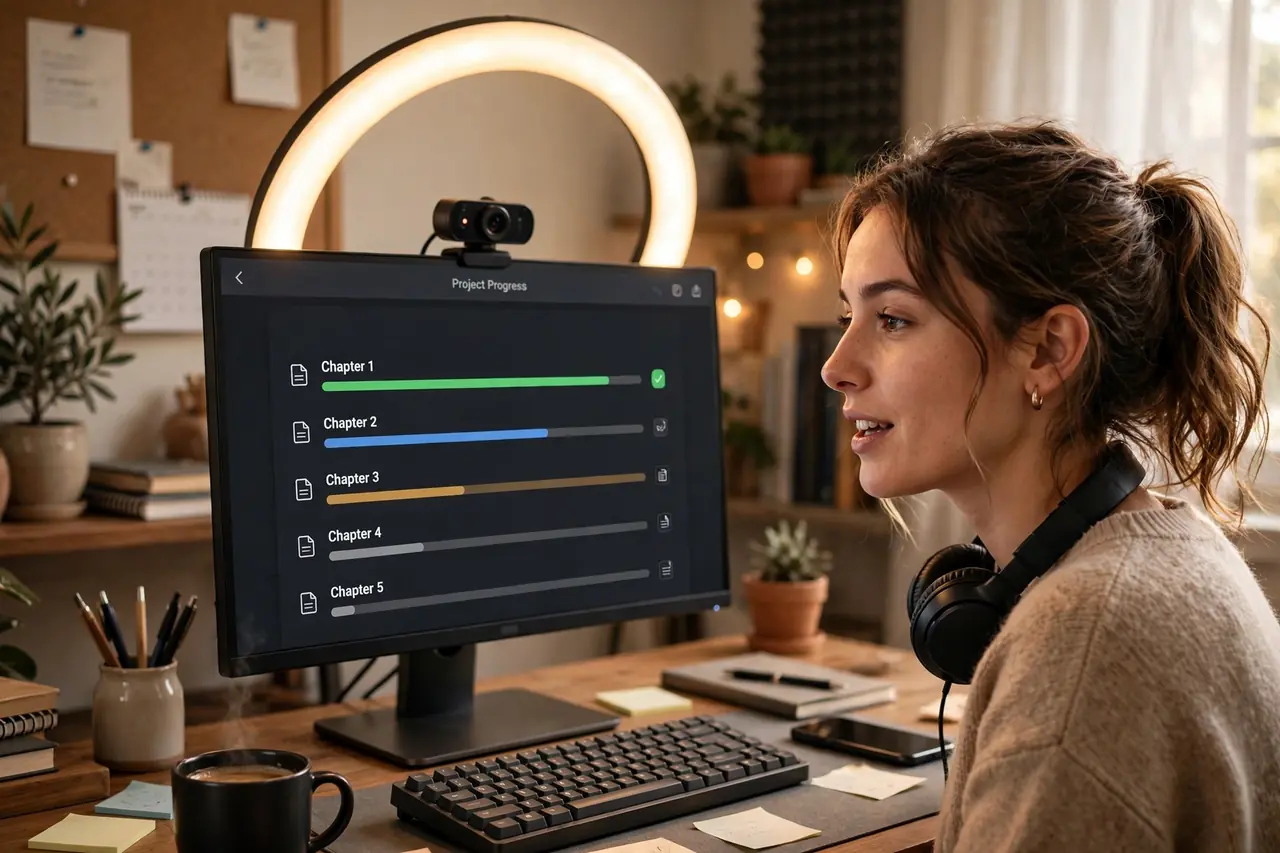
Status meetings eat billable hours. Loom’s AI lets you record a 3-minute video walkthrough of your progress, auto-generates a summary with chapters, and the client watches on their own time. You skip the meeting; they still feel informed and cared for.
Use it for weekly updates, revision explanations, and handoff walkthroughs. Clients love the transparency, and you reclaim hours previously lost to “quick syncs” that were never quick.
Frequently Asked Questions
Which AI tool should a new freelancer start with?
Start with ChatGPT for proposals and HoneyBook or Bonsai for contracts and invoicing. Winning work and getting paid are the two highest-leverage activities — automate those first, then add scheduling and outreach tools as you grow.
Are these AI tools expensive for beginners?
Most have free tiers that cover a solo freelancer’s needs: ChatGPT, Grammarly, Toggl Track, Calendly, and Otter all offer generous free plans. Paid tiers ($10–30/month) pay for themselves with a single saved hour or one extra won proposal.
Will clients mind that I use AI for proposals and admin?
No — clients care about results, not your process. AI-assisted proposals that are personalized and accurate beat generic manual ones. Just always review AI output before sending; the tool drafts, you decide.
Can AI tools replace a virtual assistant?
For many freelancers, yes — at least until you are consistently booked out. These 18 tools handle the core admin workload (proposals, contracts, invoices, scheduling, notes) that a VA would do, at a fraction of the cost. Hire human help when you need judgment, not just execution.
Conclusion
The freelancers who thrive are not just good at their craft — they run tight operations. These 18 AI tools remove the admin drag that keeps most freelancers stuck at the same income level: faster proposals, airtight contracts, automatic invoices, and calendars that manage themselves. Pick three, implement them this week, and watch your billable hours climb.