You don’t need expensive software to start selling digital products. Some of the best-selling digital products on Etsy and Gumroad were made entirely with free tools. Whether you want to design printables, write ebooks, or record video courses, there’s a free tool that can handle it.
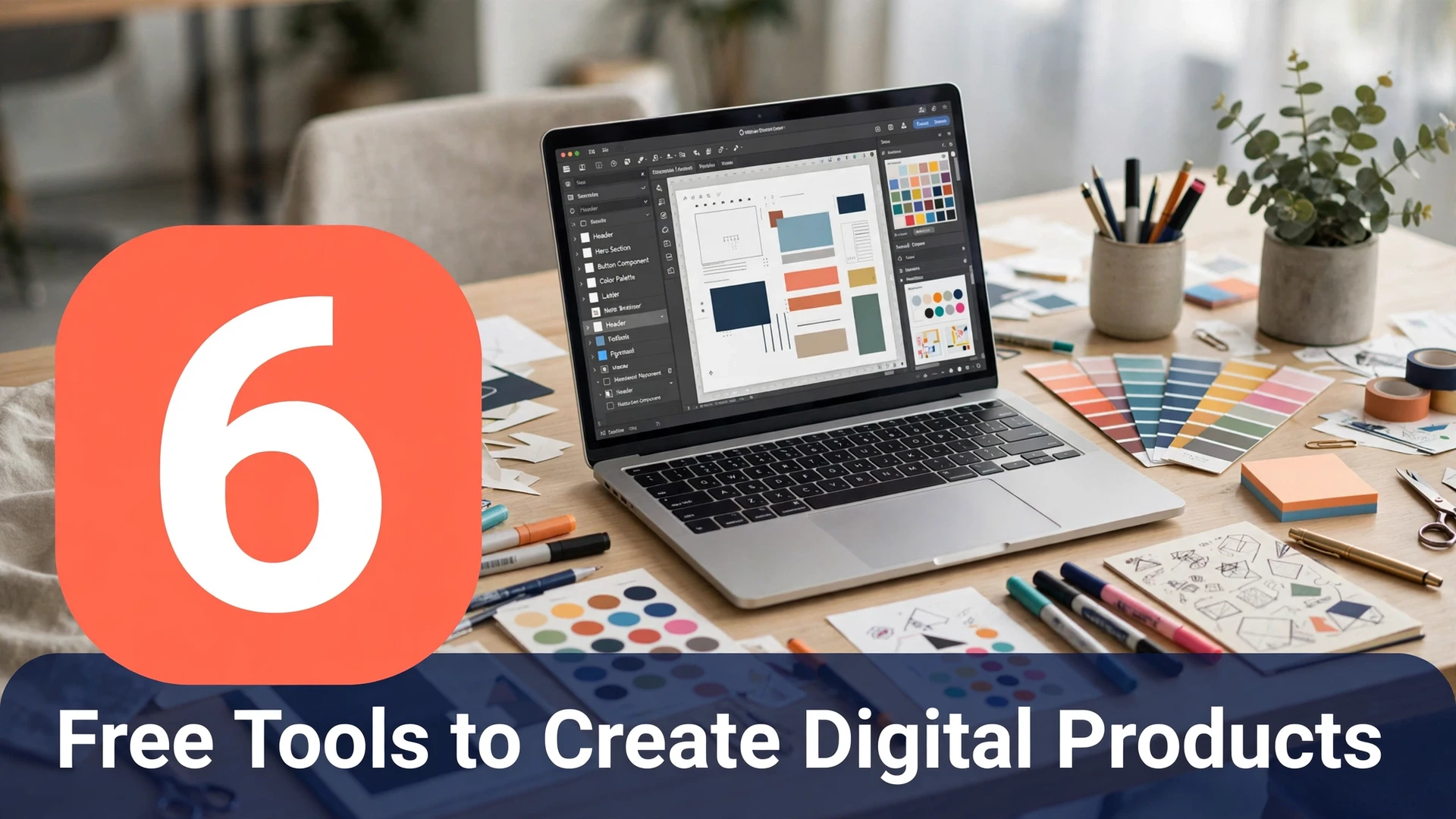
Here are 6 free tools that let you create professional-quality digital products without spending a dime.
1. Canva Free for Designing Templates and Printables
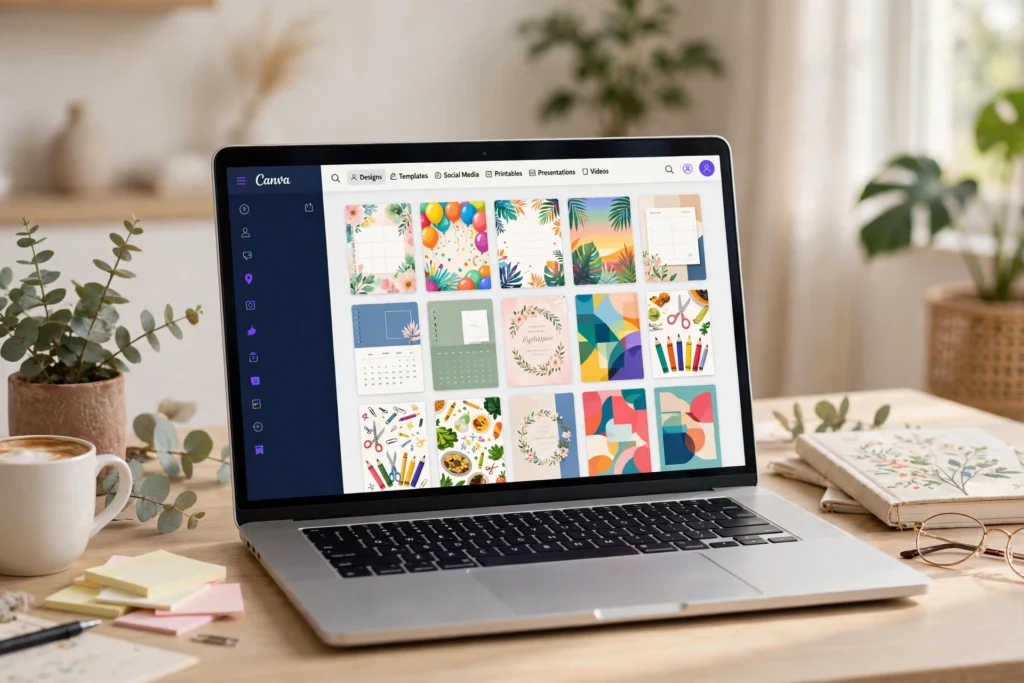
Canva’s free plan is surprisingly powerful for digital product creators. You get access to thousands of free templates, fonts, stock photos, and design elements — more than enough to create planners, wall art, social media templates, and workbooks. The drag-and-drop editor means no design experience is needed. Many top Etsy sellers started with just Canva Free before upgrading. Export your designs as PDF or PNG and you’re ready to sell.
2. Photopea as a Free Photoshop Alternative for Digital Art
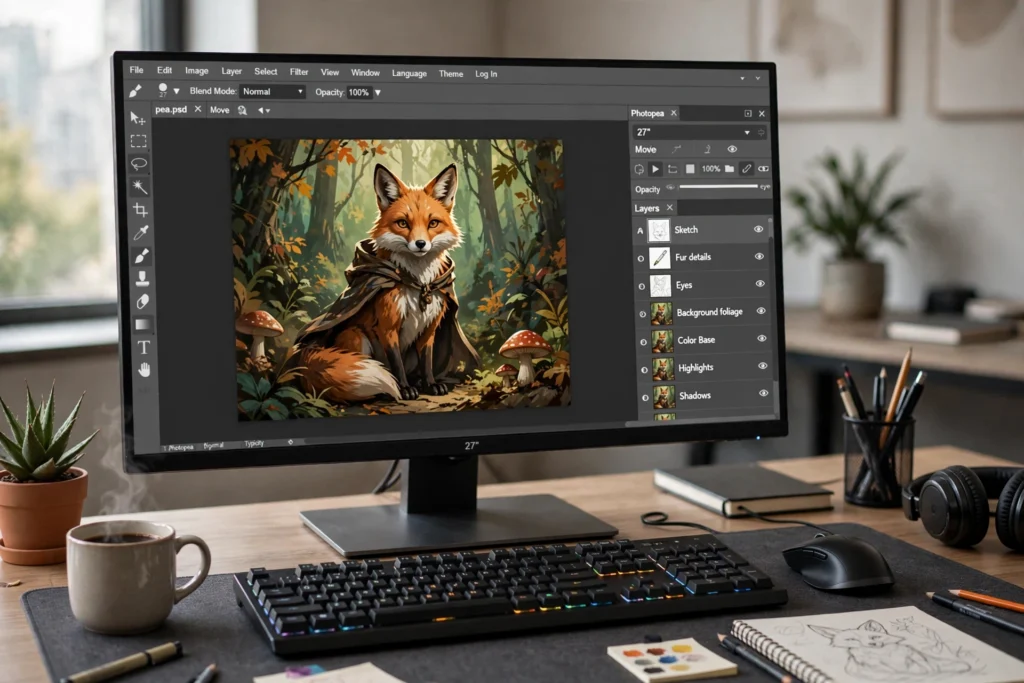
Photopea is a free, browser-based editor that works almost exactly like Photoshop — and it costs nothing. Open PSD files, work with layers, and create detailed digital art, textures, and illustrations right in your browser. It’s perfect for sellers who want to offer more advanced designs (like seamless patterns or detailed wall art) without paying Adobe’s monthly fee. No download needed; it runs on any computer.
3. Google Docs for Writing and Formatting Ebooks

Google Docs is all you need to write, format, and export professional ebooks. Use headings, styles, and page breaks to structure your book, then export as PDF or EPUB for selling on Gumroad or Amazon KDP. The built-in collaboration features also make it easy to get feedback from beta readers. Pair it with a free Canva cover design and you have a complete ebook package at zero cost.
4. Audacity for Recording Audio Products and Courses

Audacity is the go-to free tool for creating audio digital products — guided meditations, language lessons, podcast-style courses, or audiobook versions of your ebooks. It offers noise reduction, multi-track editing, and export to MP3, all completely free. A decent USB microphone ($20-30) is the only optional expense. Audio products command premium prices and Audacity makes them accessible to everyone.
5. DaVinci Resolve for Producing Video Courses Free

DaVinci Resolve’s free version rivals paid video editors costing hundreds of dollars. Use it to record, edit, and polish video courses, tutorials, or workshop replays. It handles 4K footage, color grading, and audio mixing — everything you need for a polished online course. Video courses sell for $30-200+, making this free tool one of the highest-ROI options on this list.
6. Google Sheets for Building Budget Planners and Trackers
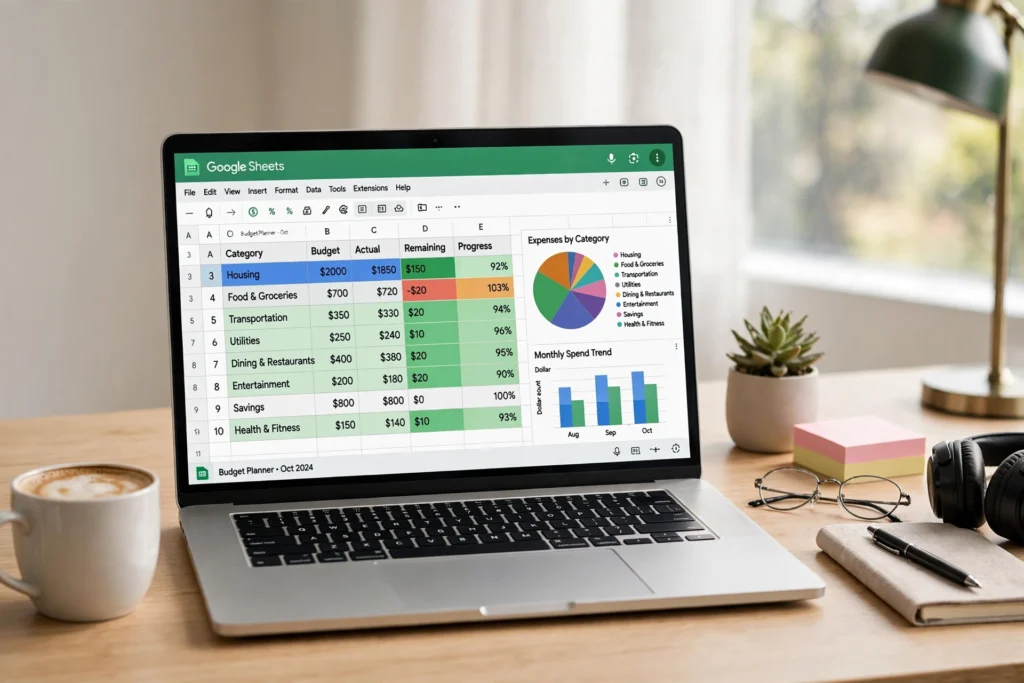
Google Sheets is an underrated digital product factory. Create budget trackers, habit trackers, meal planners, business dashboards, and financial calculators — then sell them as downloadable spreadsheet templates. Buyers love ready-made Sheets templates because they’re instantly usable. Add conditional formatting and formulas to make yours stand out, then export or share view-only links for delivery.
Frequently Asked Questions
Can I really create professional digital products with free tools?
Yes. Thousands of successful sellers built their businesses on free tools alone. The quality of your product depends on your ideas and execution, not the price of your software. Many buyers can’t tell the difference between a product made in Canva Free and one made in Adobe Illustrator.
Do free tools have commercial use rights?
Most do, but always check the license. Canva Free allows commercial use of your designs (with some restrictions on stock elements). Google Docs, Sheets, Audacity, Photopea, and DaVinci Resolve all permit commercial use of content you create. When in doubt, read the terms of service.
When should I upgrade to paid tools?
Upgrade when a paid tool saves you significant time or unlocks features you genuinely need — not before. A good rule: reinvest your first $100-200 in product sales into tools that speed up your workflow. Until then, free tools are more than enough.
Which free tool is best for beginners?
Canva Free is the easiest starting point — no learning curve, instant results. If you can only pick one tool to learn first, start there. Add Google Docs or Sheets next depending on whether you prefer written or spreadsheet products.
Can I sell products made with Google Docs and Sheets?
Absolutely. Formatted Google Docs export cleanly to PDF for ebooks and guides. Google Sheets templates are a hot product category — budget planners, business trackers, and content calendars sell well. Just make sure your formatting is clean and professional before listing.
Conclusion
Starting a digital product business doesn’t require a big budget — just good ideas and the willingness to learn free tools. Pick one tool from this list, master it over a weekend, and create your first product. The barrier to entry has never been lower, and every product you publish is an asset that can earn for years.