
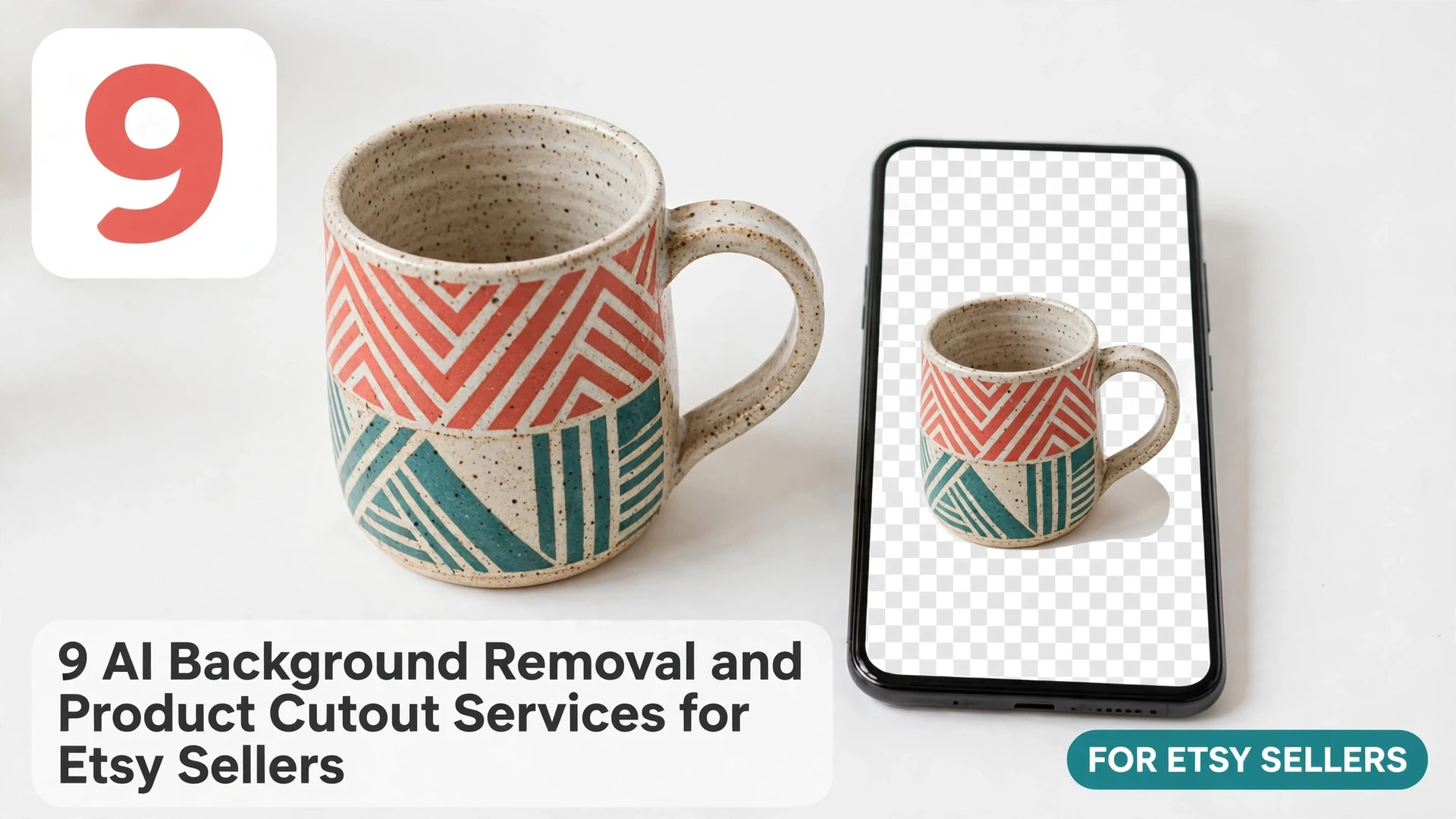
Etsy shoppers decide in about two seconds whether to click a listing, and the photo does most of that deciding. A handmade candle photographed on a messy kitchen counter loses to the same candle on a clean white background every time — and that is exactly where AI background removal becomes a real service business. The AI does the hard cutting-out work in seconds, and you add the judgment: clean edges, honest colors, and a background that makes the product look worth its price. Etsy sellers will pay for that, because better photos mean more clicks and more sales. Here are nine services you can offer, starting with the simplest.
1. Offer Clean White-Background Listing Photos for Etsy Sellers

The most common request from Etsy sellers is the simplest one: take my product photo and put it on a clean white background. Most sellers shoot on their phone at home, so their photos have kitchen counters, bedsheets, and shadows in the background. Run the photo through an AI background removal tool, check the edges around handles, tassels, and jewelry clasps, and deliver a bright, even listing image that looks like it came from a studio.
Tip: charge per photo with a small discount for batches of ten or more — sellers with full shops will send you dozens at once, and batch pricing turns one customer into steady work.
2. Cut Out Products for Etsy’s Square Listing Thumbnails
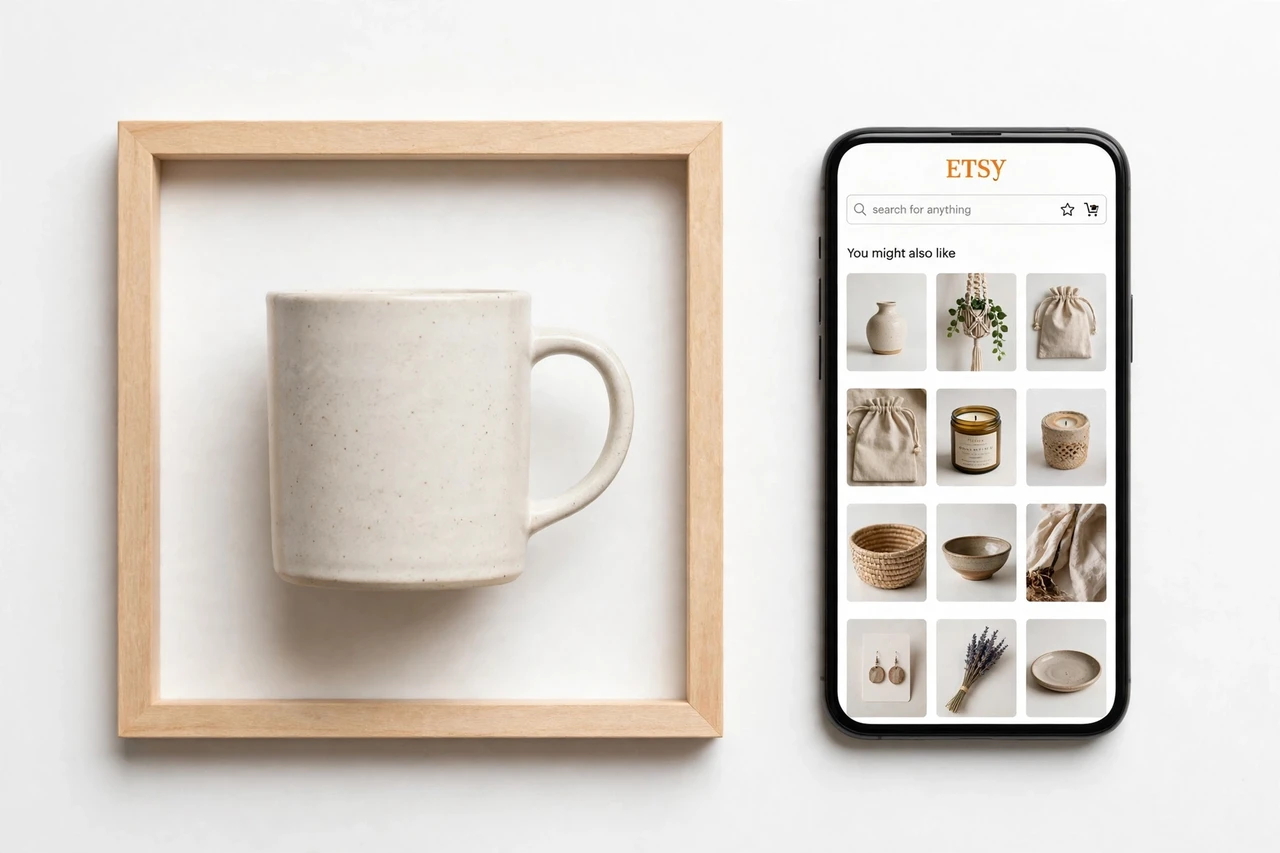
Etsy crops listing photos into squares in search results, and a tall product shot with the item off-center gets chopped in awkward places. Offer a thumbnail service: cut the product out, center it in a square frame, and add just enough breathing room that nothing gets cropped. This is a small job, but sellers notice immediately when their thumbnails stop cutting off half a mug or a necklace chain.
Tip: send a before-and-after screenshot of the listing in search results — seeing their own thumbnail fixed is the fastest way to win a repeat order.
3. Batch-Remove Backgrounds for Sellers With Big Inventories
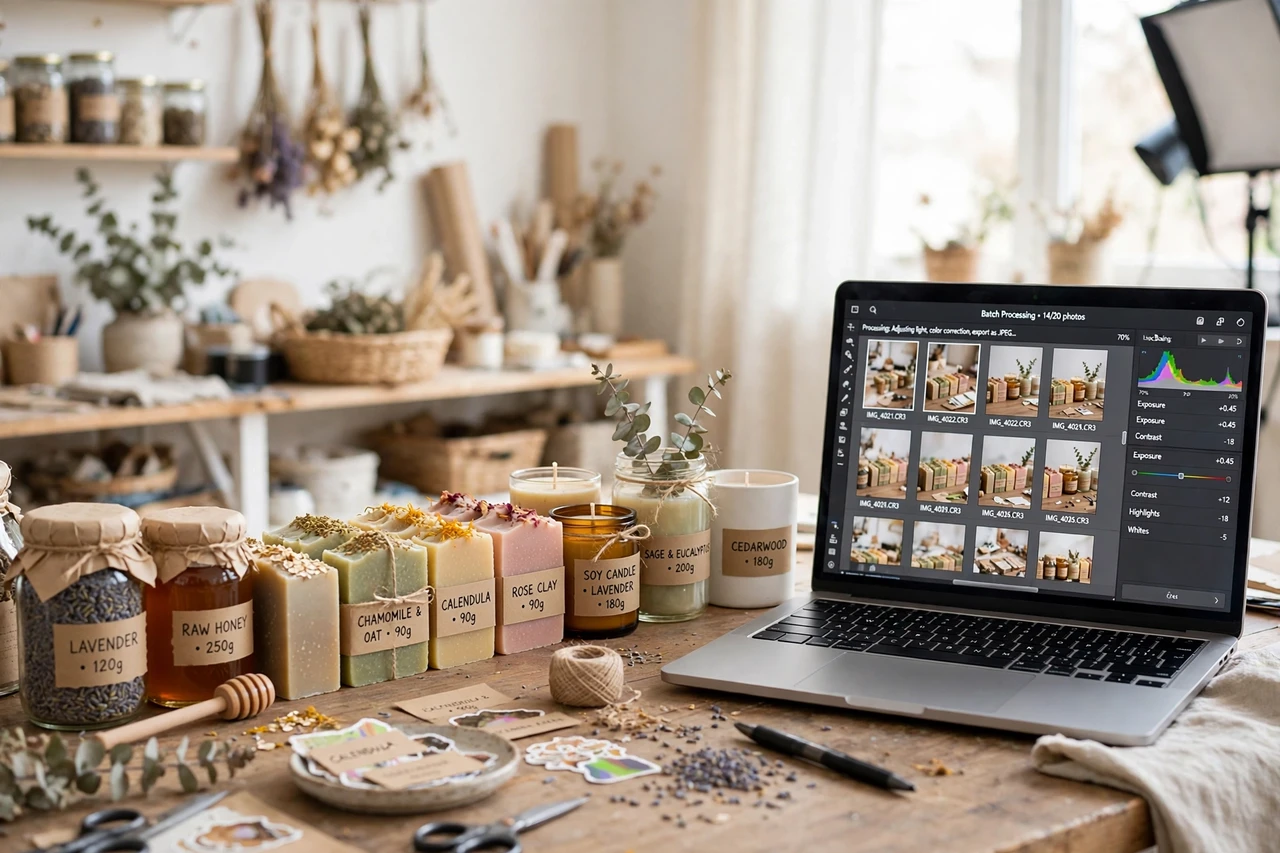
Some Etsy shops have 200 listings and every photo needs the same treatment. That is batch work, and it pays by volume: the seller uploads a folder of photos, you run them through a bulk background removal tool, then you spot-check the tricky ones — glass, fur, sheer fabric, and anything shiny where AI edges go wrong. The seller gets a consistent-looking shop in days instead of months of evenings.
Tip: set a per-photo rate for batches over 50 and a clear turnaround time, like 100 photos in three days — big-shop owners buy on reliability as much as price.
4. Create Lifestyle Mockups From a Single Cutout

Once a product is cut out cleanly, it can live in many scenes: a mug on a desk, a print in a frame on a wall, a tote bag on a model’s shoulder. Sell mockup sets made from one cutout — three to five lifestyle scenes per product — so the seller can show the item in use without a photo shoot. Keep the scenes honest: the product should look the same size and color in every mockup, or buyers will feel misled when the real item arrives.
Tip: build a small library of reusable background scenes for common niches like home decor, jewelry, and baby items, so each new mockup set takes minutes instead of hours.
5. Fix Messy Backgrounds on Phone Photos Sellers Already Have

Many sellers do not want to reshoot anything — they want the photos they already took to look better. Offer a cleanup service for existing photos: remove the cluttered background, straighten the product, fix the brightness, and keep the product itself untouched. This is the easiest service to sell because the seller already has the photos sitting on their phone, and the improvement is obvious in a single side-by-side comparison. Cleaning up a photo and repairing one are close cousins — these AI photo restoration gigs that pay per photo fix damaged, faded pictures the same way. [ADDED LINK]
Tip: never change the product’s color or shape while cleaning up a photo — a buyer who receives a different-looking item leaves a bad review, and the seller will blame the photos.
6. Prepare Transparent PNG Cutouts for Digital Product Sellers
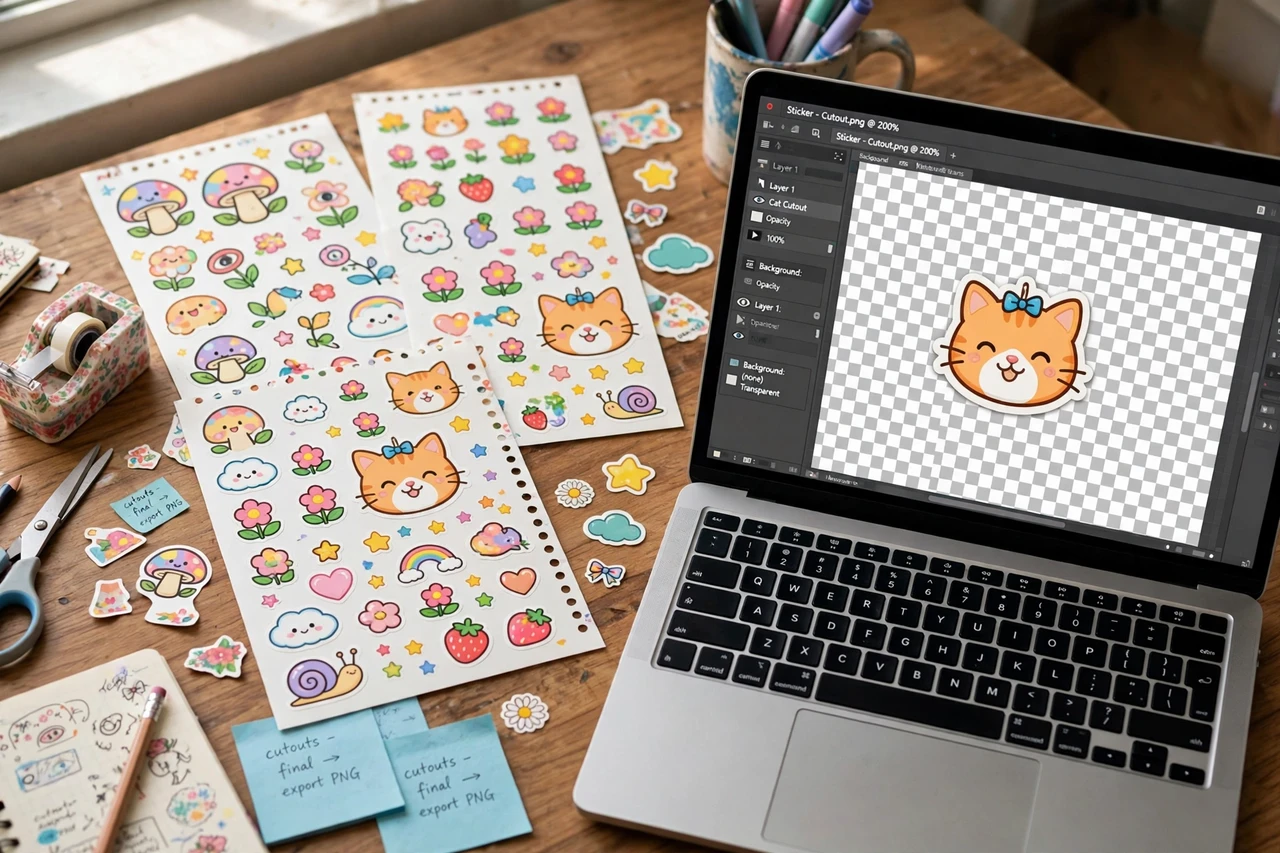
Etsy digital sellers — clipart, stickers, sublimation designs, and print-on-demand graphics — need their artwork as transparent PNGs with truly clean edges. AI tools can strip a background in seconds, but stray white pixels around the edges ruin a sticker sheet. Offer a cutout service that delivers checked, transparent PNGs at print resolution, tested on both light and dark backgrounds so no halo shows up.
Tip: deliver each cutout in two sizes — a large print-resolution file and a smaller web preview — so the seller can list it and print it without asking for a second version.
7. Recut Product Photos for Seasonal Etsy Sales

Etsy shops refresh their listings for Christmas, Valentine’s Day, Mother’s Day, and back-to-school, and each season calls for a different look. Offer seasonal recuts: take the seller’s existing product cutouts and place them on warm holiday backgrounds, spring pastels, or autumn tones. The seller gets a fresh-looking shop for each season without reshooting a single product, and you get repeat work four or five times a year from the same shops.
Tip: message past clients two weeks before each major holiday with one sample seasonal recut of their bestseller — one free sample often turns into a full-shop order.
8. Sell Background Removal as a Monthly Retainer to Busy Shops

Active Etsy sellers list new products every week, which means they need background removal every week. Package it as a monthly retainer: a fixed number of photos per month for a flat fee, with a set turnaround time. The seller gets predictable costs and never waits in a queue, and you get predictable income instead of chasing one-off jobs. Start small — 30 photos a month for one shop — and let the retainer grow as the shop grows.
Tip: put the retainer terms in writing, including what counts as one photo and how fast revisions come back, so a friendly monthly deal never turns into unlimited work.
9. Bundle Cutouts With Listing Photo Refresh Packages

The highest-value offer is a bundle: background removal, thumbnail centering, one lifestyle mockup, and a brightness check, all for one listing. Sellers buy bundles because one improved listing can lift their whole shop’s click rate, and you earn more per listing than a single cutout would pay. Price the bundle per listing, show the before-and-after of the first listing free, and let the results sell the rest of the shop. Families want the same lift for old photos — these AI old photo colorization services for families bring black-and-white memories back to life. [ADDED LINK]
Tip: track the click-through improvement on one listing and share that number with the seller — real results turn a one-time bundle into a standing order for every new product.
Frequently Asked Questions
How much can I charge for AI background removal services?
Simple single-photo cutouts usually go for $1 to $5 per photo, batches run cheaper per photo, and full listing refresh bundles can sell for $10 to $25 per listing. Monthly retainers for busy shops often land between $100 and $300 a month, depending on volume and turnaround time.
Do I need Photoshop skills to offer this service?
No. AI tools do the cutting, and your job is checking edges, fixing the spots the AI gets wrong, and choosing backgrounds that suit the product. Basic photo-editing skills help, but most beginners can learn the workflow in a weekend.
What AI tools work best for Etsy product cutouts?
Any tool that handles bulk removal and exports transparent PNGs at high resolution will do — the specific tool matters less than your quality check. Test your tool on glass, jewelry, fur, and sheer fabric before taking paid work, because those are the items where AI edges fail most often.
How do I find Etsy sellers who need this service?
Browse Etsy for shops with cluttered or dim listing photos, then message the seller with one free sample cutout of their bestseller. Freelance platforms and Etsy seller Facebook groups work too, but a free sample of their own product is the pitch that converts best.
Is AI background removal different from photo restoration?
Yes. Background removal cleans up the area around a product so it looks good in a listing; restoration repairs damaged, faded, or torn old photos. They use similar AI tools but serve different customers — sellers need clean cutouts, while families need old memories repaired.
Etsy rewards shops that look professional, and clean product photos are the cheapest professional upgrade a seller can buy. Pick one service from this list, practice on ten of your own photos until the edges are flawless, and then offer a free sample to one seller. The first shop that says yes is the start of a real side income — one cutout at a time.