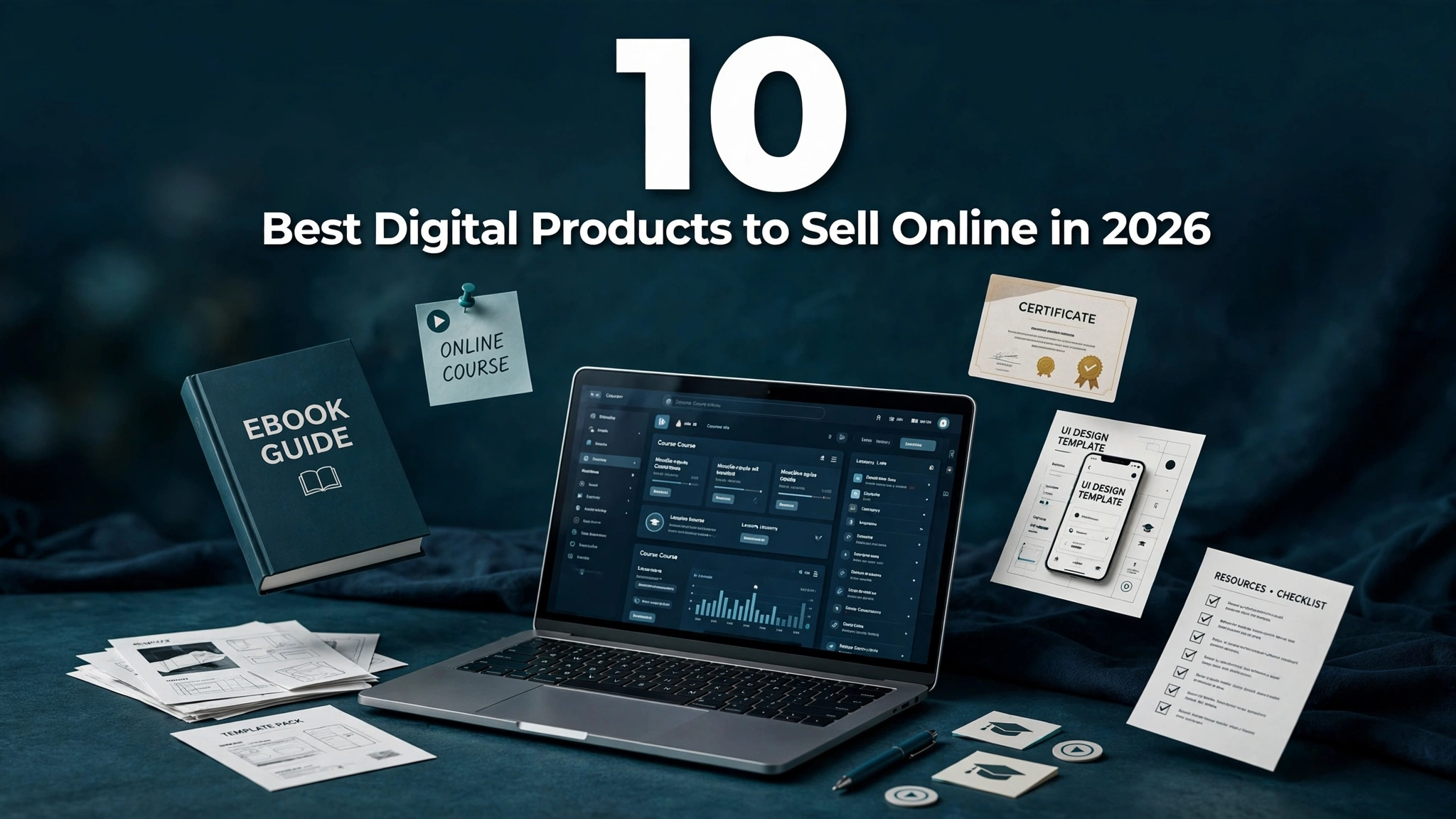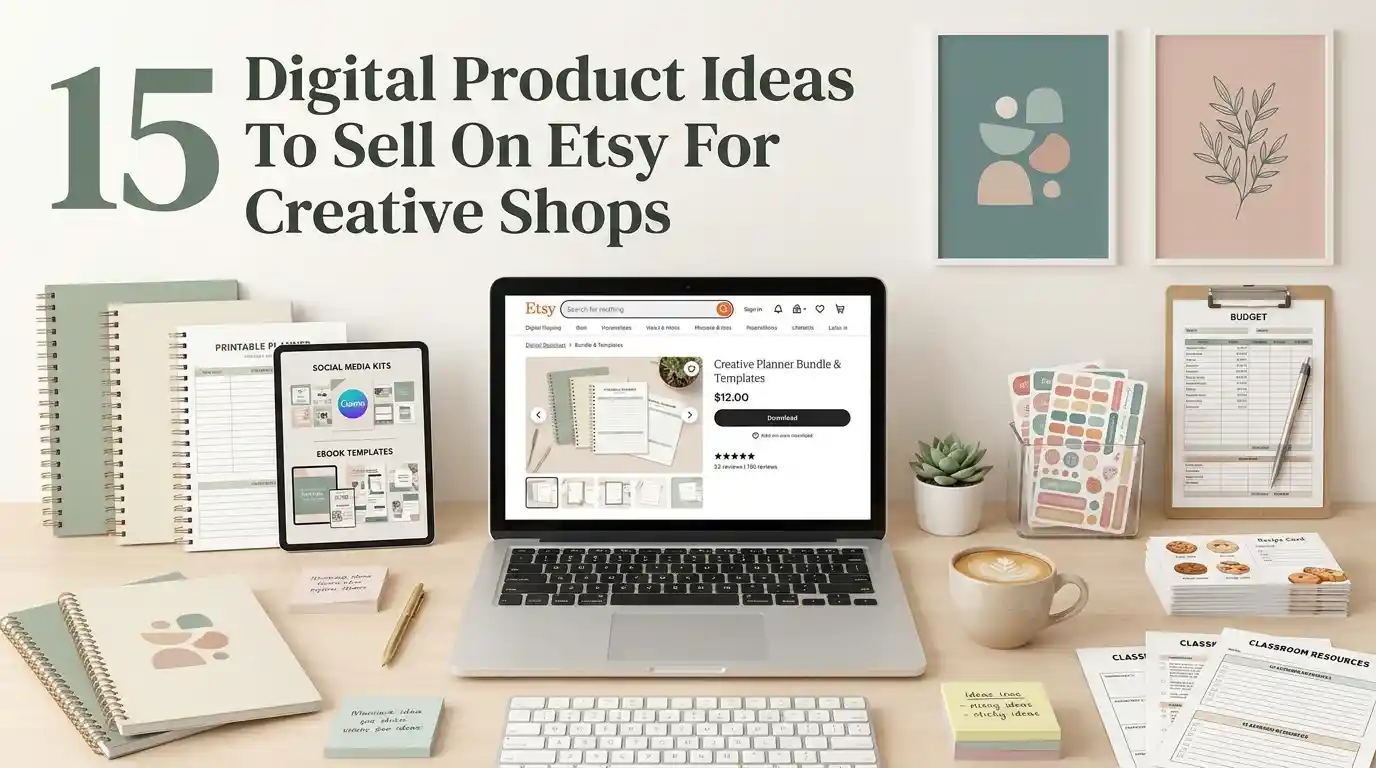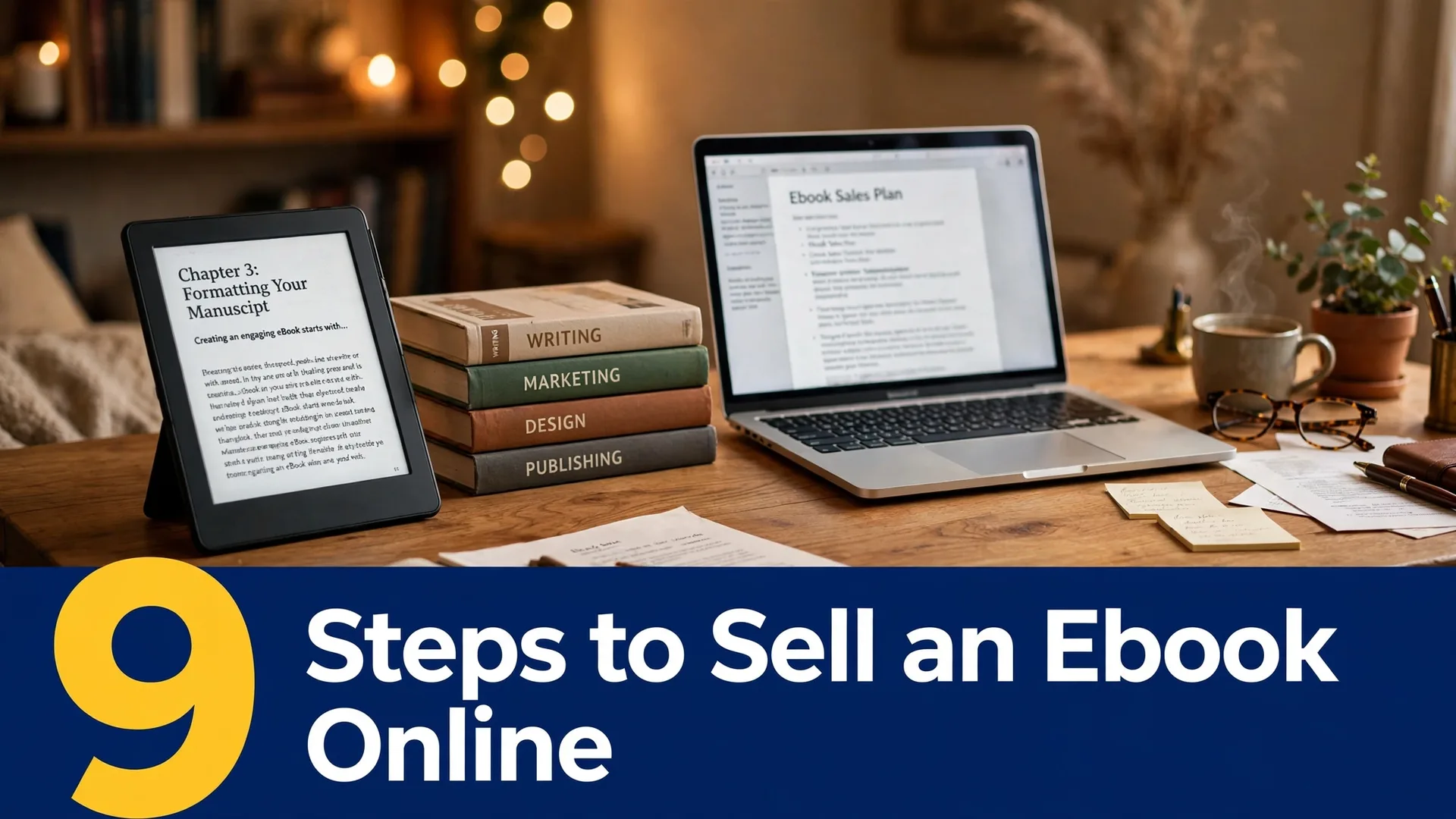

Digital products are one of the most beginner-friendly ways to earn money online. You create something once — a template, guide, or printable — and sell it over and over without inventory or shipping. But most beginners get stuck wondering where to start.
This guide breaks the entire process into 9 clear steps to create and sell digital products, even if you have no audience, no design skills, and no budget. Follow them in order and you’ll go from idea to first sale faster than you think.
1. Validate Your Product Idea with Real Demand

Before creating anything, confirm people actually want it. Search marketplaces like Etsy and Gumroad for similar products — if sellers have hundreds of sales and positive reviews, demand exists. Check Google Trends and Pinterest search suggestions for your topic, and browse Reddit or Facebook groups where your target buyers ask questions. Validation takes a day or two and saves you weeks of building something nobody buys.
2. Pick One Format to Start With

Beginners do best by mastering one format first: printables, templates, ebooks, or planners. Each format has its own tools and buyers, so spreading yourself thin slows you down. Pick the format closest to skills you already have — if you love organizing, start with planners; if you write well, start with ebooks or guides. You can expand into other formats after your first product earns.
3. Map Out Your Product Content

Outline everything your product will include before opening any design tool. List each page, section, or template variation, and decide what problem each part solves for the buyer. A simple bullet-point outline prevents the rambling, unfocused products that get bad reviews. Aim for completeness without bloat — buyers prefer a tight, useful 20-page planner over a padded 100-page one.
4. Build It with Free Creation Tools

You don’t need expensive software to make professional digital products. Canva’s free plan handles most printables, templates, and planners; Google Docs or Notion work for ebooks and guides; and free tools like Photopea cover basic image editing. Learn one tool well rather than dabbling in five. As sales grow, you can reinvest in premium tools — but your first product should cost you $0 to create.
5. Set a Price That Sells
Price too high and beginners won’t risk it; too low and buyers assume low quality. Research what comparable products charge on your chosen marketplace, then position yours in the same range — typically $5–$25 for printables and templates, $15–$50 for comprehensive guides or courses. Consider launching 20–30% below your target price to attract first buyers and reviews, then raise it once social proof builds.
6. Choose Where to Sell Online

Etsy brings built-in search traffic but charges listing and transaction fees; Gumroad and Payhip let you keep more per sale but require you to drive your own traffic; your own website offers full control but needs marketing effort. Beginners often start on Etsy for the discoverability, then expand to their own storefront as they grow. Pick one platform, learn its search algorithm, and optimize your listings for it.
7. Write a Listing That Converts

Your listing title should lead with the exact words buyers search for, and your description should answer three questions: what is it, who is it for, and what will it help them achieve. Use all available image slots, and include styled mockups — preview images showing your product in use — since a planner shown on a styled desk photo outsells a flat screenshot every time. Add a size/format details section, and state clearly that it’s a digital download with no physical item shipped. Listings that spell out exactly what the buyer receives get fewer refund requests and better reviews.
8. Plan Your Launch Promotion

Don’t just list your product and hope — plan a simple launch. Share it on Pinterest (the top free traffic source for digital products), post in relevant Facebook groups where promotion is allowed, and ask friends to share. Offer a launch discount to create urgency. Even a modest launch push of 2–3 weeks can generate the first 10–20 sales that trigger marketplace algorithms to show your product to more shoppers.
9. Collect Reviews and Improve

After each sale, follow up politely asking for a review — most happy buyers simply forget. Read every review and message for improvement ideas, then update your product: fix typos, add requested variations, improve mockups. Updated products with growing review counts climb in search rankings over time. Your first product won’t be perfect, but consistent iteration turns it into a long-term earner.
Frequently Asked Questions
How long does it take to create your first digital product?
Most beginners finish their first simple product (a printable or template pack) in 1–2 weeks working a few hours a day. More complex products like comprehensive ebooks or courses can take 3–6 weeks. Starting with a smaller product gets you to your first sale faster, which builds momentum.
Do I need design skills to sell digital products?
No. Free tools like Canva provide thousands of templates you can customize, and many successful sellers started with zero design background. Focus on solving a specific problem clearly — buyers care more about usefulness than artistic flair.
How much money can beginners make selling digital products?
Results vary widely. Many beginners earn $100–$500 per month from their first few products, while sellers with larger catalogs and good marketing reach $1,000–$5,000+ monthly. Because products sell repeatedly without extra work, income compounds as you add more listings.
What is the best platform to sell digital products as a beginner?
Etsy is the most popular starting point because millions of shoppers already search there for digital downloads. Gumroad and Payhip are good alternatives with lower fees if you’re comfortable driving your own traffic through Pinterest or social media.
Can I sell digital products without an audience?
Yes. Marketplaces like Etsy have built-in search traffic, so optimized listings can get sales with zero followers. Pinterest is the best free traffic method for driving additional buyers to your listings without an existing audience.