
Starting a digital product business sounds expensive, but some of the best digital products with no upfront cost can be built entirely with free tools you already have. You don’t need inventory, a design degree, or an ad budget — just a laptop, a phone, and a few focused hours. Because you create the product once and sell it over and over, the profit margin on every sale is nearly 100%.
Before you pick an idea, decide where to sell your digital products — marketplaces like Gumroad and Payhip let you list products for free and only take a cut when you make a sale. Pair that with the free tools for creating digital products and your total startup cost is genuinely zero. Here are nine realistic products you can launch this week without spending a dollar.
1. Short How-To Guides Made Entirely in Free Tools
Think of one specific problem you know how to solve — meal prepping on a tight budget, setting up a home office in a small apartment, or crate-training a new puppy. Write a 20 to 40-page guide in Google Docs, export it as a PDF, and you have a sellable product. Narrow beats broad: a guide called “30 Days of $5 Dinners” will outsell a generic “Cooking Guide” every time, because buyers can picture the exact outcome they’re paying for.
List it on Gumroad or Payhip, where listing is free and you only pay a fee when something sells. Price beginner guides between $7 and $19, and validate demand first by searching the same topic on Gumroad and reading the reviews of competing guides — the complaints tell you exactly what your version should do better. Your only investment is the weekend you spend writing.

2. Printable Habit and Goal Trackers From Free Design Apps
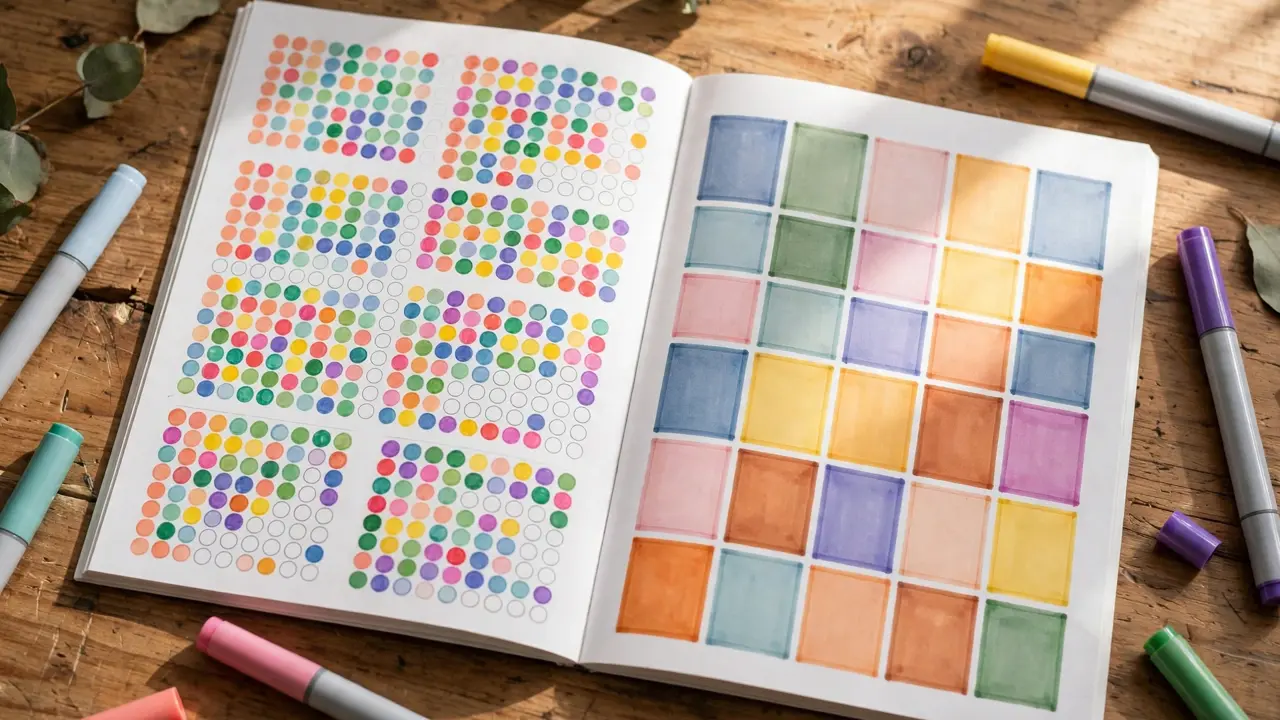
Habit trackers, savings challenges, water intake logs, and 90-day goal planners are some of the most consistent sellers in the printable space, and you can design all of them in Canva’s free plan. Pick one theme — fitness, money, or productivity — and build a coordinated set of 5 to 10 pages with matching colors and fonts so it feels like a real product rather than random pages.
Export as a print-ready PDF and sell the bundle for $5 to $12. Buyers in the US print these at home or upload them to tablet note apps like GoodNotes. To stand out, add one page competitors skip, such as a monthly reflection sheet or a “rewards” tracker — small touches like these show up in five-star reviews and drive repeat buyers to your shop.
3. Voice-Recorded Meditation Audios Made on Your Phone
You don’t need a studio to sell audio products. Record 5 to 10-minute guided meditations — for sleep, morning focus, or anxiety relief — using your phone’s voice memo app in a quiet closet (clothes absorb echo surprisingly well). Clean up background noise with Audacity, which is free, and bundle 5 to 8 tracks around one theme.
Wellness audio sells steadily on Etsy and Gumroad, typically $9 to $25 per pack. Speak slowly, keep your tone warm and unhurried, and write a short script before recording so you don’t ramble. If you’re uncomfortable using your own voice at first, start with affirmation audios layered over free royalty-free ambient music — buyers care about the calming effect, not production polish.

4. Side Hustle Income Trackers for Freelancers
Freelancers and gig workers in the US constantly struggle with tracking invoices, expenses, and mileage for taxes. Build a Google Sheets template with tabs for income, expenses, outstanding invoices, and mileage logs (with the current IRS mileage rate built into the formula), and you’ve made something people will happily pay $10 to $20 for.
The key is making it genuinely easier than a blank spreadsheet: pre-built formulas, color-coded overdue invoices, and a simple dashboard tab showing monthly profit at a glance. Sell it on Gumroad or Etsy, and mention in your listing that buyers get free updates — every January you can refresh the mileage rate and email past buyers, which earns loyalty and reviews without extra work.

5. Zoom Background Packs for Remote Workers
Millions of Americans work remotely, and plenty of them are tired of the same three default virtual backgrounds. Design packs of 15 to 20 professional-looking Zoom backgrounds in Canva’s free plan — think modern home offices, soft abstract gradients, and branded looks for coaches and realtors who meet clients on video calls.
Sell themed packs for $7 to $15 on Gumroad or Creative Market. Niche down for better sales: “backgrounds for therapists,” “backgrounds for real estate agents,” or “minimalist backgrounds for job interviews.” Each pack takes an afternoon to design, buyers download instantly, and remote work isn’t going away — this is a product with a long shelf life.

6. Social Media Audit Checklists for Local Businesses
Small businesses know their social media needs work but don’t know where to start. Create a detailed PDF checklist that walks them through auditing their own profiles: bio optimization, profile photo standards, posting frequency, review responses, and the five metrics worth checking monthly. This is expertise packaged as a product.
Price it at $12 to $27 and sell it two ways: directly to business owners on Gumroad, and to virtual assistants and social media freelancers who buy it once and reuse it with every client. The second audience is the real opportunity — freelancers pay for tools that make them look professional, and a polished audit checklist does exactly that.

7. Printable Home Management Binder Pages
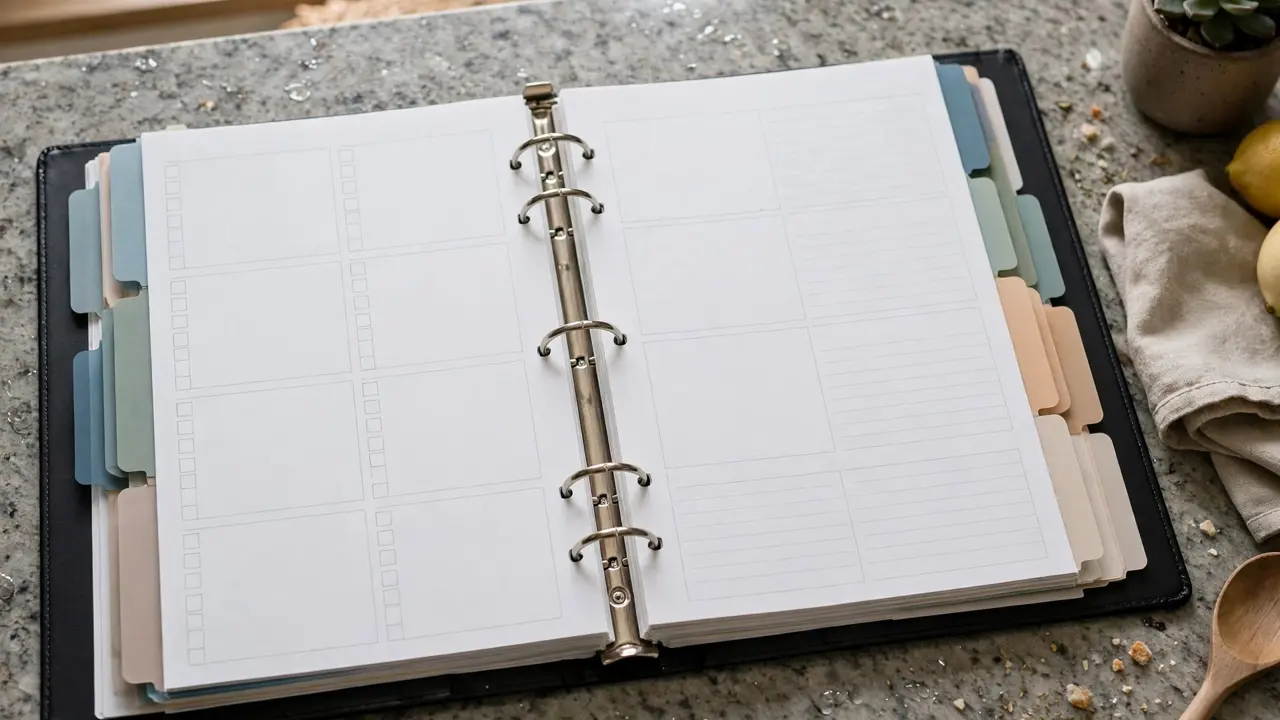
Home management binders — collections of cleaning schedules, meal planners, password logs, medical records sheets, and emergency contact pages — are a proven Etsy category with buyers who purchase entire 40-page sets at once. Design a coordinated set in Canva’s free plan with a clean, consistent style.
Sell the full binder for $8 to $18. The trick is completeness: buyers want to print the whole thing and feel organized immediately, so include the boring-but-useful pages competitors skip, like a home maintenance log and a holiday gift tracker. Bundle a US letter-size and an A4 version in the same download to avoid negative reviews from international buyers.
8. Digital Vision Board Kits for Goal Setters
Vision boards spike in popularity every January and stay steady year-round with the goal-setting and life-coach crowd. Create a kit with 50 to 100 curated images across categories — career, travel, health, home, relationships — plus printable quote cards and a short PDF guide explaining how to assemble a board that actually motivates.
You can source images from free stock sites like Unsplash and Pexels (checking each license allows commercial use in a product) or design simple typographic quote cards yourself in Canva. Sell the kit for $9 to $19 on Etsy, and refresh it each December with a “new year” edition — past buyers become repeat buyers, and seasonal demand does your marketing for you.

9. Email Courses Delivered Through Free Newsletter Tools
An email course is a digital product hiding in plain sight: a 5 to 7-day sequence teaching one skill, like “7 Days to Your First Freelance Client” or “5 Days to a Pantry That Saves You $200 a Month.” Write the lessons in a Google Doc, load them into MailerLite’s or ConvertKit’s free plan as an automated sequence, and sell access through Gumroad for $15 to $39.
This format has a hidden advantage — every lesson lands in the buyer’s inbox, so completion rates crush those of PDF guides nobody finishes. End the course with a natural upsell to a related template or guide you sell, and one product starts generating sales for another. Once the automation is set, it runs and earns with zero ongoing effort, which is exactly what passive income streams with no money down should feel like.
Frequently Asked Questions
Do I really need zero dollars to start selling digital products?
Yes, if you choose free-to-list platforms like Gumroad, Payhip, or Ko-fi and create with free tools like Canva, Google Docs, and Audacity. The one cost to watch is Etsy, which charges $0.20 per listing — fine once you’re earning, but not necessary on day one.
Where is the best place to sell digital products for free?
Gumroad and Payhip are the most beginner-friendly: no monthly fees, no listing fees, and they handle payments and file delivery. Etsy brings more built-in search traffic but charges listing fees, so many sellers start free elsewhere and expand to Etsy later.
How do I get paid when someone buys my product?
Marketplaces process the payment and send your earnings to your bank account or PayPal on a payout schedule — usually weekly or biweekly. You’ll need to connect a bank account or debit card once, which is free.
How long does it take to make my first sale?
Most beginners see their first sale within 2 to 6 weeks if they publish consistently and promote on at least one free channel like Pinterest. Products in proven niches (planners, trackers, templates) tend to sell faster than experimental ideas.
Do I need design skills to create digital products?
No. Free tools come with thousands of templates, and products like spreadsheets, checklists, and email courses barely need design at all. Clean and simple outsells flashy for most digital products — buyers want something useful, not a work of art.