When a listener opens a track on Spotify, the first thing they see is not the audio — it is the looping vertical video playing behind the song. That short loop is called a Spotify Canvas, and it runs for three to eight seconds on repeat while the track plays. Independent artists know a good Canvas makes their music feel professional and shareable, but most do not have the time or editing skills to make one. That is where a Spotify Canvas videos AI service comes in: you use AI motion and animation tools to turn an artist’s cover art, photos, or ideas into a polished loop they can upload in minutes. If you already offer AI video editing services, Canvas loops are a natural add-on, because every single an artist releases needs one. Here are nine Canvas styles you can sell.
1. Looping Album Artwork Motion for New Single Releases
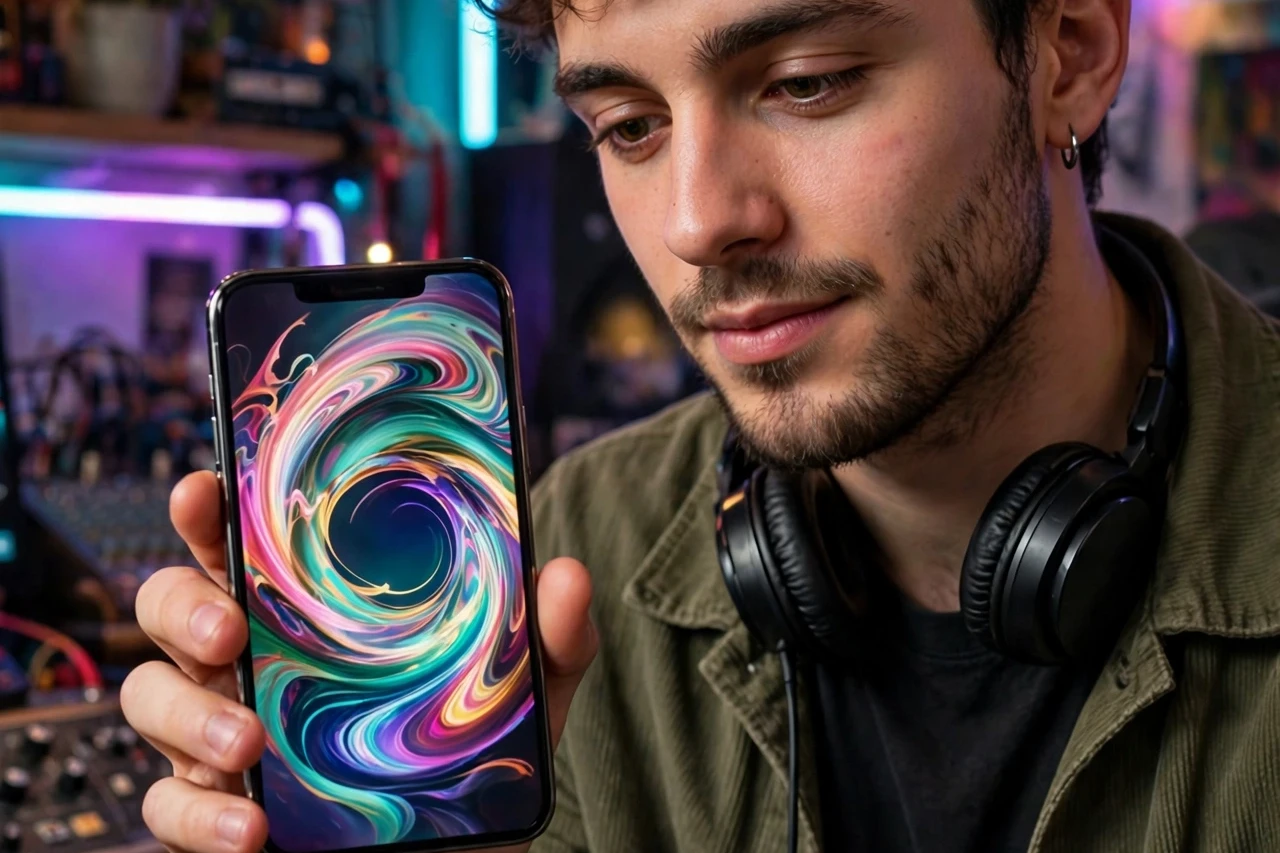
This is the bread-and-butter Canvas gig: take the artist’s existing cover art and bring it to life with slow zooms, drifting particles, glowing light, or subtle parallax movement. The artwork stays recognizable, which matters for branding, but the motion catches the eye the moment the track starts playing. Keep the loop seamless so the restart point is invisible, and export in Spotify’s required vertical format.
Tip: ask for the layered artwork file or a high-resolution export — animating a tiny, compressed JPEG will look blurry on a phone screen.
2. Behind-the-Scenes Studio Canvas Clips for Indie Artists
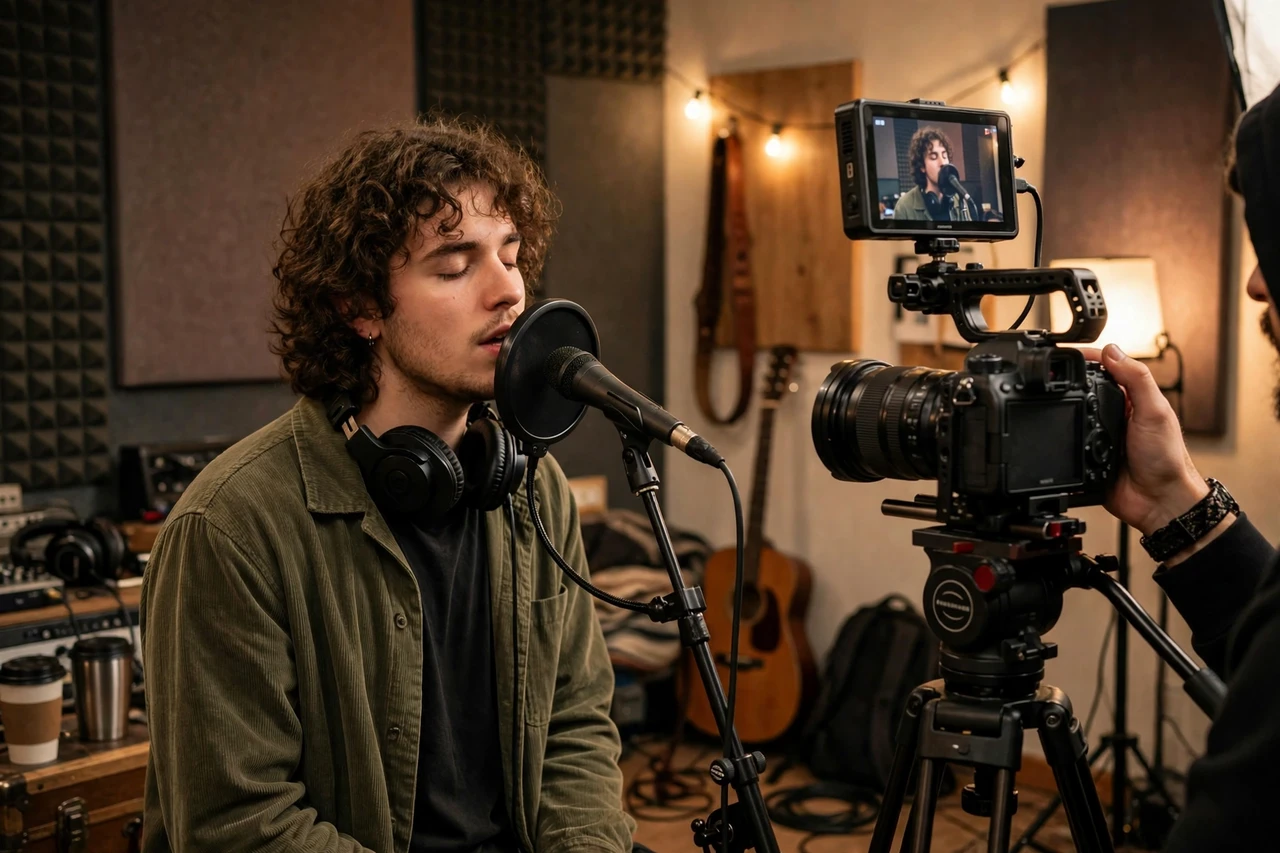
Fans love seeing how a song was made, and a short studio clip makes a perfect Canvas. You can take the artist’s phone footage from a recording session, stabilize it, clean up the colors with AI tools, and cut it into a tight, looping moment — a hand on a keyboard, a vocal take, a laugh between friends. It feels personal in a way stock-style animation never does.
Tip: pick a moment with movement but no distracting background action, and mute or replace the raw audio since Canvas plays over the track itself.
3. Chorus Hook Teaser Loops for Playlist Pitching
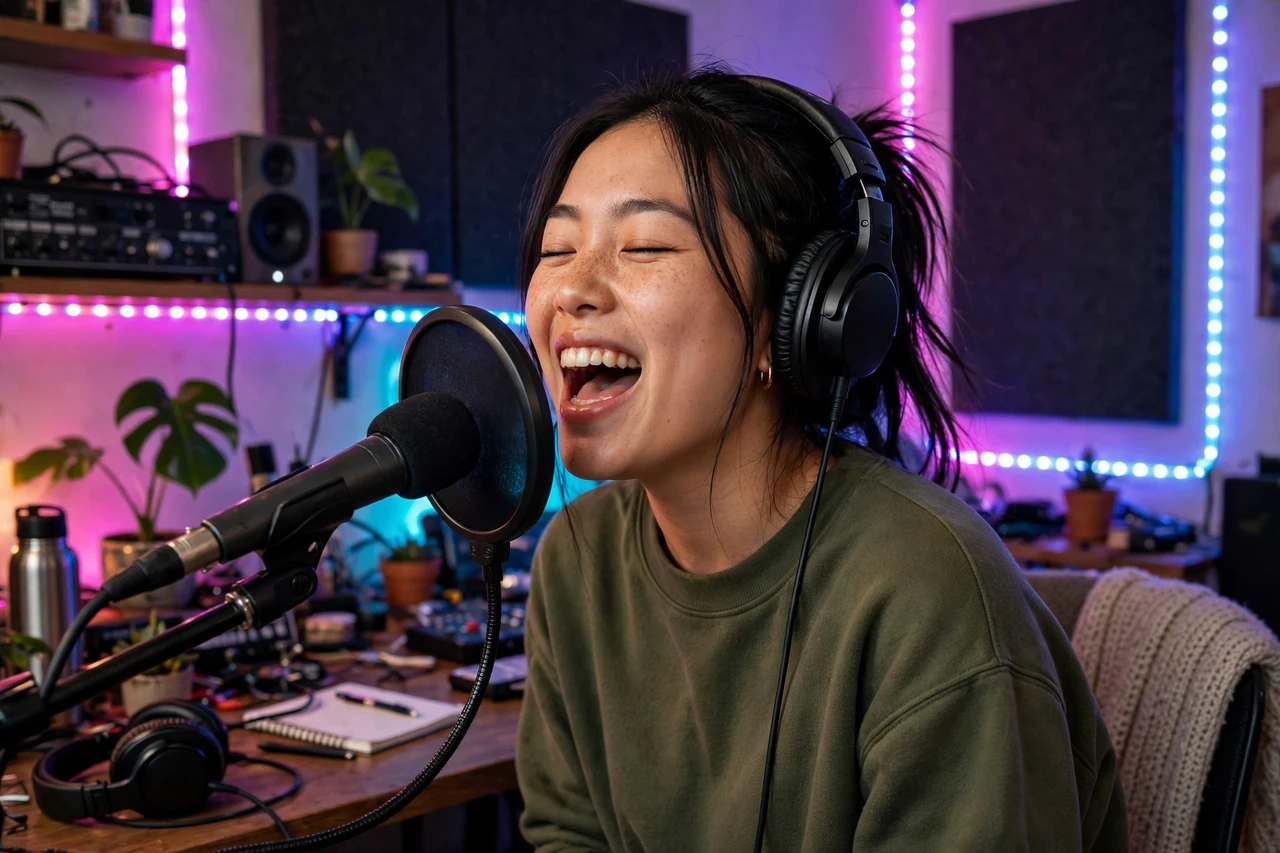
When an artist pitches a song to playlist curators or posts it on social media, a Canvas that visually matches the chorus hook helps the track stick in people’s minds. Build a bold, rhythmic loop — pulsing shapes, flashing text of a short phrase, or a beat-synced color shift — timed to the energy of the chorus. The goal is instant recognition: one glance should tell a listener what the song feels like. If you are new to short-form video gigs, our AI UGC video gigs for beginners guide covers the basics.
Tip: never put full lyrics on a Canvas; a single short phrase is readable in three seconds, while a wall of text is not.
4. Tour Announcement Canvas Loops for Upcoming Shows
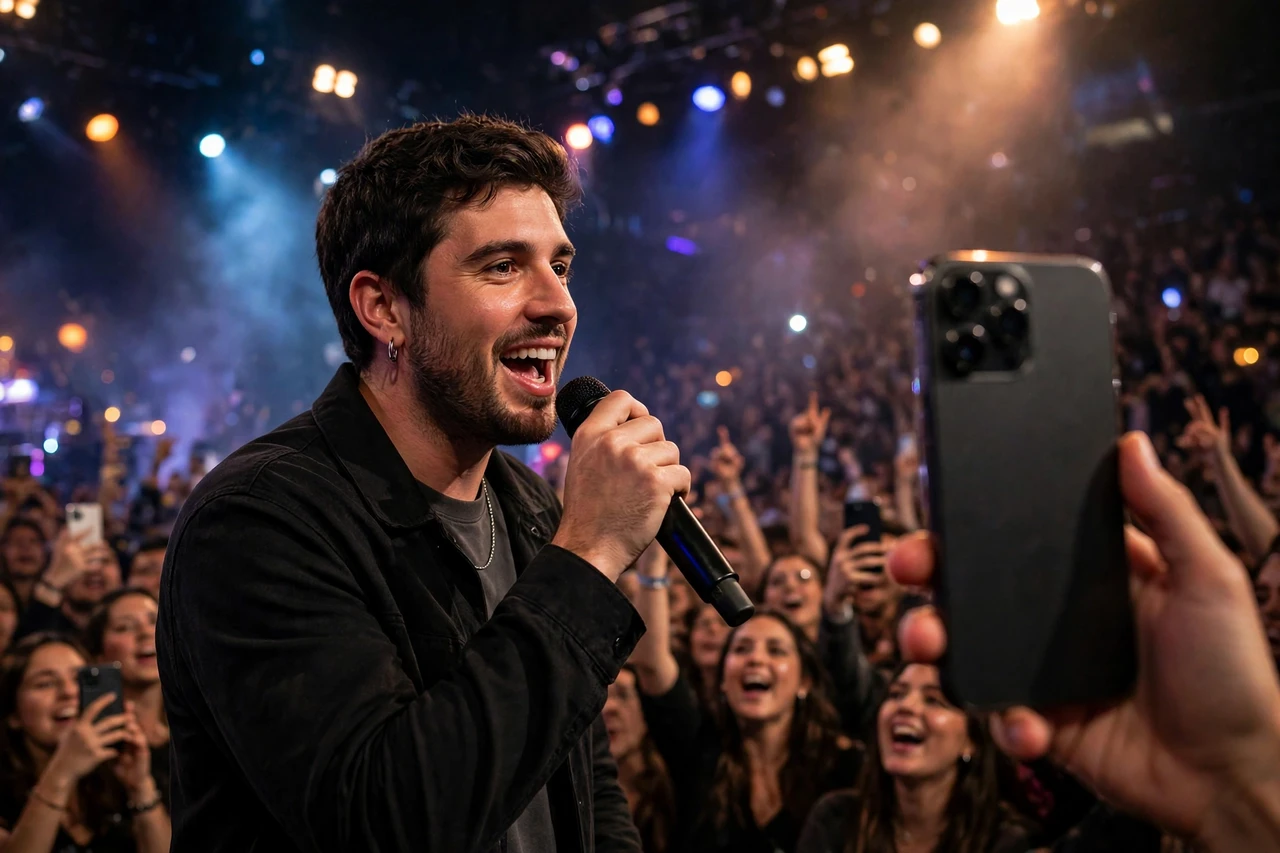
Artists promoting a tour need fresh visuals for every song in their setlist, and a Canvas can double as a tour announcement. Animate the tour dates or a city name over live-performance footage or bold graphic backgrounds, and the artist gets a loop that promotes both the track and the show. This is an easy upsell when an artist books you for several songs at once.
Tip: keep dates large and readable, and confirm the final date list before exporting — a wrong date on a published Canvas is embarrassing for everyone.
5. Merch Drop Canvas Loops for Limited Releases
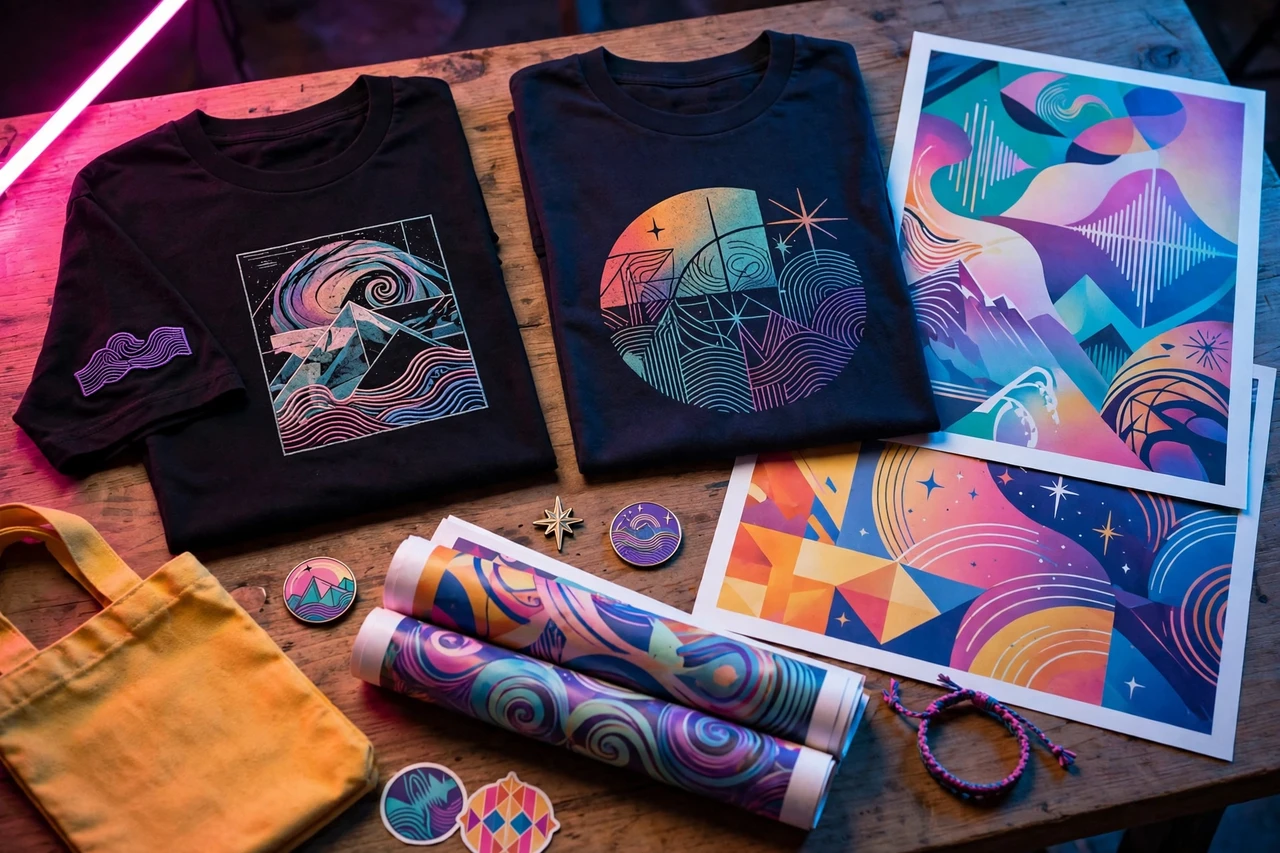
When an artist drops limited merch alongside a single — a hoodie, a vinyl pressing, a poster — the Canvas can showcase it. Create a loop that slowly rotates or reveals the product against the song’s artwork style, with a short call to action like “Shop Now” in the design. Artists love this because it turns every stream into a potential merch sale.
Tip: use the artist’s real product photos rather than AI-generated mockups, so buyers are not surprised when the item arrives.
6. Visualizer-Style Canvas Loops for Electronic Tracks
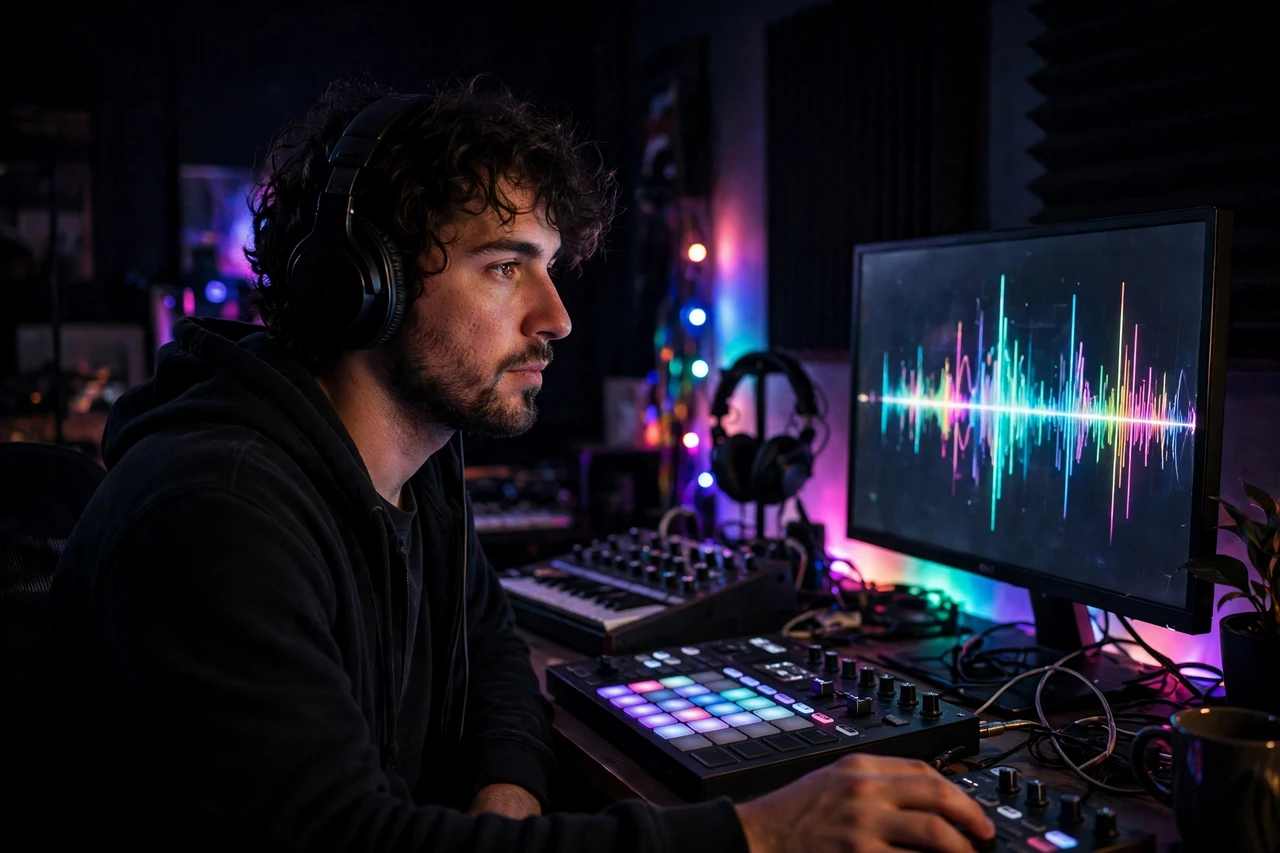
Electronic and dance tracks pair naturally with visualizer-style loops: abstract shapes, waveforms, and color fields that pulse with the beat. AI visualizer tools can generate these from the audio itself, and you add the craft — matching the color palette to the cover art, smoothing harsh transitions, and making sure the loop point lands on a beat. DJs and producers buy these in batches for EPs and remix packages.
Tip: test the loop with the sound on and off; a Canvas that only works with audio is fine, but one that also looks good muted wins more replays.
7. Animated Portrait Canvas Loops for Singer-Songwriters

Singer-songwriters often have one great portrait photo and no video budget, and an animated portrait Canvas turns that photo into a moving visual. AI tools can add gentle motion — hair shifting, light moving across the face, a slow push-in — while keeping the artist recognizable and natural. The result feels intimate and honest, which suits acoustic, folk, and R&B releases perfectly.
Tip: keep the motion subtle; exaggerated face animation quickly looks uncanny and distracts from the song.
8. Seasonal Holiday Canvas Loops for Catalog Songs
Older songs get a second life every holiday season, and artists refresh their catalog tracks with seasonal Canvases to ride that wave. A Christmas single gets falling snow over the original artwork; a summer throwback gets warm sunlight and beach tones. This is recurring work — the same clients come back every season — and it is a smart pitch each October and May.
Tip: build a simple calendar reminder to pitch past clients six weeks before each holiday, when they are planning releases.
9. Canvas Loop Bundles for Full EPs and Albums
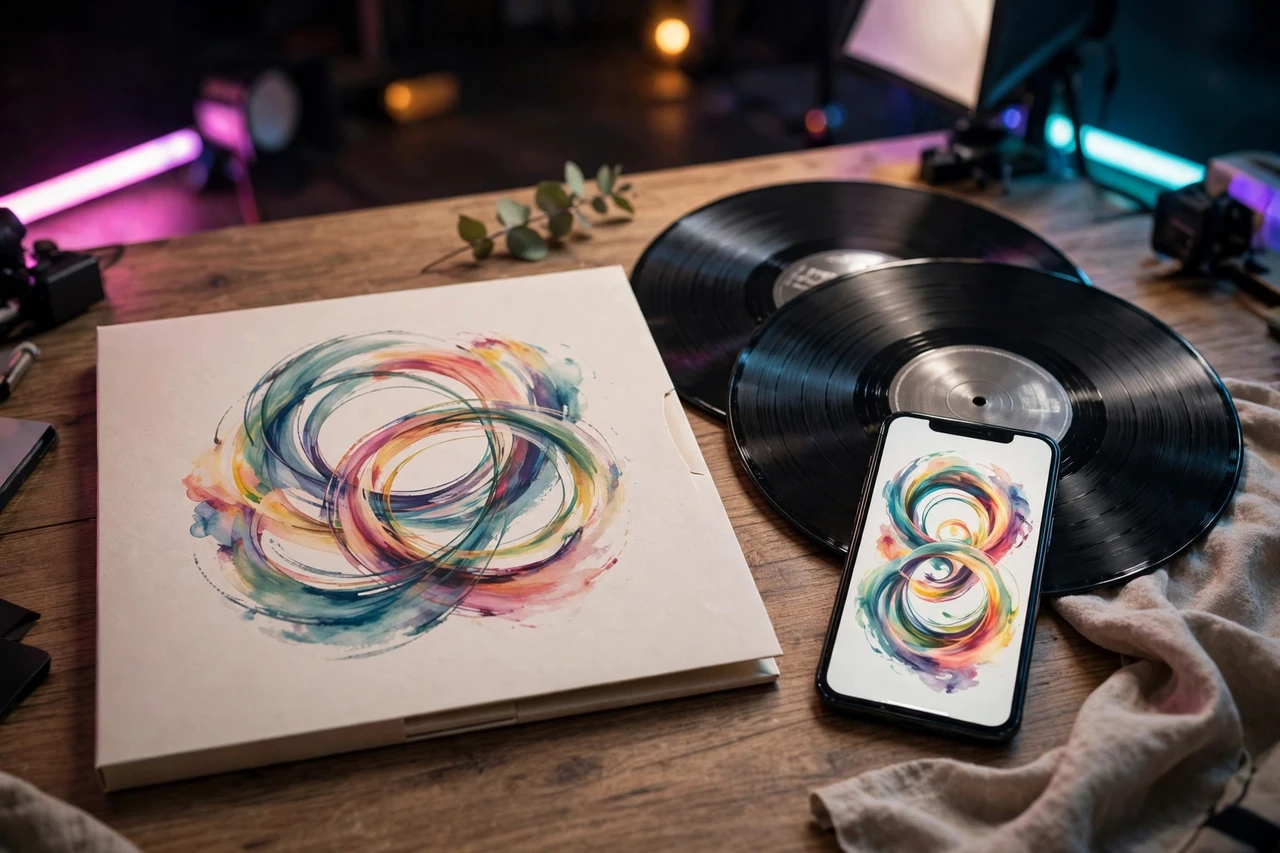
Instead of selling one loop at a time, package a matching set for an entire EP or album: one Canvas per track, all in the same visual style, delivered as a bundle. Artists prefer this because their whole release looks cohesive on Spotify, and you prefer it because one project pays several times more than a single loop. Offer a small bundle discount and a fast turnaround, and bundle orders become your steadiest income.
Tip: create one style guide per bundle — colors, fonts, and motion rules — before animating track one, so track eight still matches.
Frequently Asked Questions
What is a Spotify Canvas video?
A Spotify Canvas is a short vertical video, three to eight seconds long, that loops on the Spotify mobile app while a track plays. Artists upload it through Spotify for Artists, and it replaces the static cover art on the Now Playing screen.
Do I need the artist’s permission to use their music or artwork?
Yes. Always work from files the artist provides and get written confirmation that you may animate their artwork and use short clips of their song for preview purposes. Never pull artwork or audio from Spotify yourself.
What tools do I need to make Canvas videos with AI?
You need an AI animation or motion tool plus a video editor for trimming, looping, and exporting. Start with one AI motion platform and one editor you already know, and learn Spotify’s format specs — vertical 9:16, MP4, under the file-size limit — before taking paid orders.
How much should I charge for a Spotify Canvas video?
Beginners commonly charge $25 to $75 per loop, with bundle pricing for EPs and albums, while experienced editors charge more for rush delivery or custom animation. Price your first few loops lower in exchange for testimonials, then raise rates as your portfolio grows.
Can I sell Canvas videos if I have never edited video before?
Yes, with practice. Make five to ten sample loops for imaginary artists first, study Canvases on songs you like, and learn to spot a seamless loop point. A small portfolio of strong samples matters more to clients than years of experience.
Spotify Canvas videos are a small, fast, repeatable service that independent artists genuinely need for every release. Pick two or three styles from this list, build sample loops this week, and pitch artists who are about to drop a single — a great Canvas is often the easiest yes in their whole release plan.