
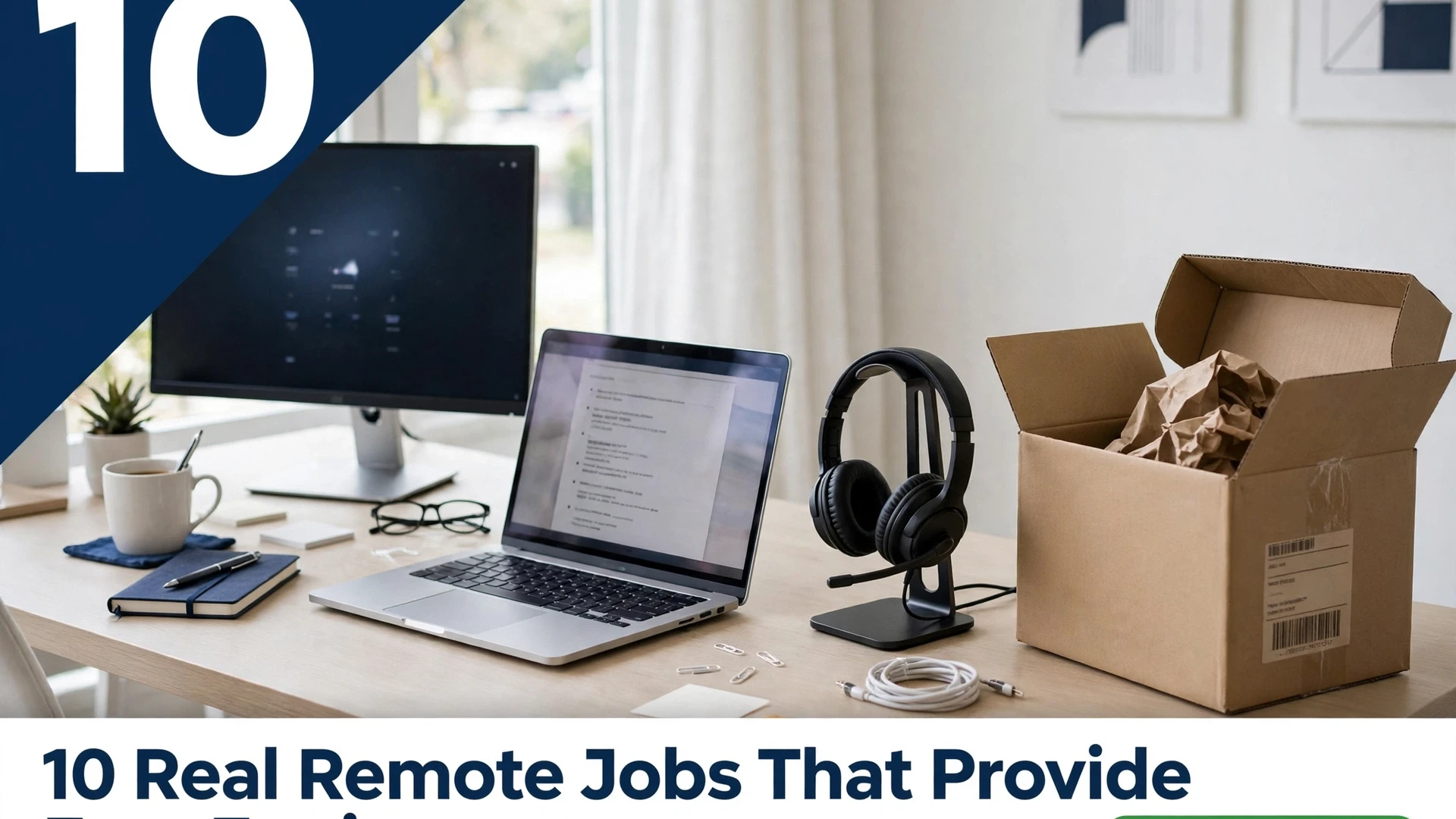
A remote job that ships you the gear removes the biggest upfront cost of working from home. These remote jobs that provide free equipment typically send a laptop, headset, and sometimes a monitor or phone — you provide the desk, the internet, and a quiet corner. The equipment is usually a loan, not a gift: you return it if you leave, and most employers ask you to keep it in good condition. Watch out for the one red flag in this space — a real employer never asks you to pay for equipment, buy a starter kit, or deposit a cheque to cover gear. Here are ten legitimate remote roles where the equipment comes with the job.
1. Remote Customer Support Roles With a Company Laptop

Customer support is the most common remote role that ships equipment, because companies need every agent on the same secure system. Expect a company laptop with their helpdesk software pre-installed, plus a headset, and sometimes a second monitor. You answer calls, chats, or emails for one brand, follow their scripts, and work fixed shifts. Most roles ask for a quiet room and a stable internet connection — the laptop itself is theirs. Many of these employers are hiring fast — see these remote jobs that hire immediately if you need work this week. [ADDED LINK]
Tip: ask during the interview whether the laptop is shipped before training starts, and what happens to it if you leave — the answer tells you how organised the employer is.
2. Chat Support Jobs That Ship You a Headset
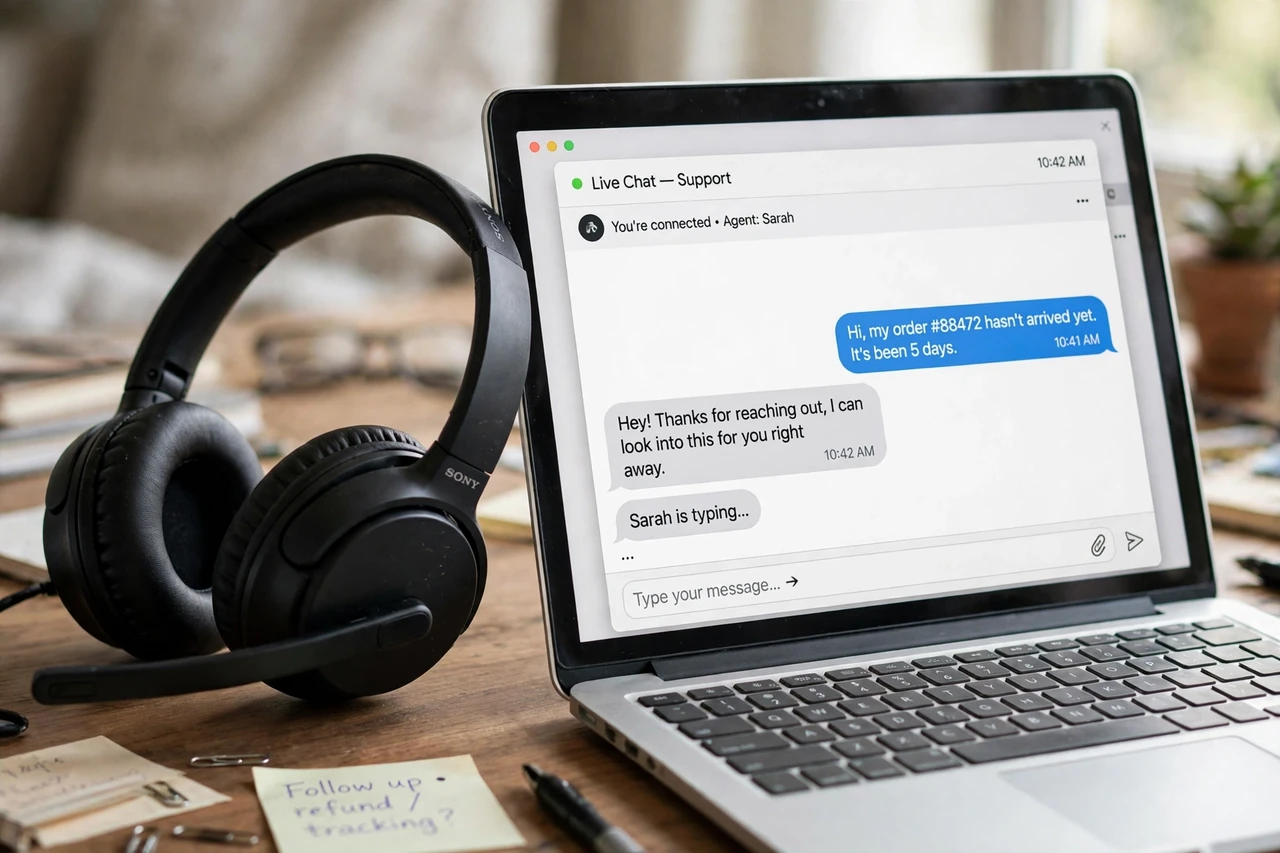
Chat support suits beginners because there is no phone voice work: you answer customer messages in writing, often handling two or three chats at once. Employers commonly ship a headset anyway, for training calls and team meetings, and some also send a laptop. Typing speed matters more than anything here — most listings ask for 40 words per minute or more — and calm, clear written English wins the role.
Tip: practise typing while reading a customer message aloud; support chats reward people who can read, think, and type at the same time.
3. Data Entry Jobs With a Provided Computer

Data entry employers that provide a computer do it for security: your work stays on their machine, on their network, and never touches your personal files. The work itself is straightforward — typing information from forms, invoices, or scans into their system — and accuracy matters more than speed. Be careful here: data entry has more fake listings than any other role on this list, so apply only through the employer’s own careers page and never pay for access to a job list.
Tip: take a free online typing test before you apply, and put your real words-per-minute score on your application — it is the first thing hiring managers check.
4. Virtual Assistant Roles With Company Software and Laptop
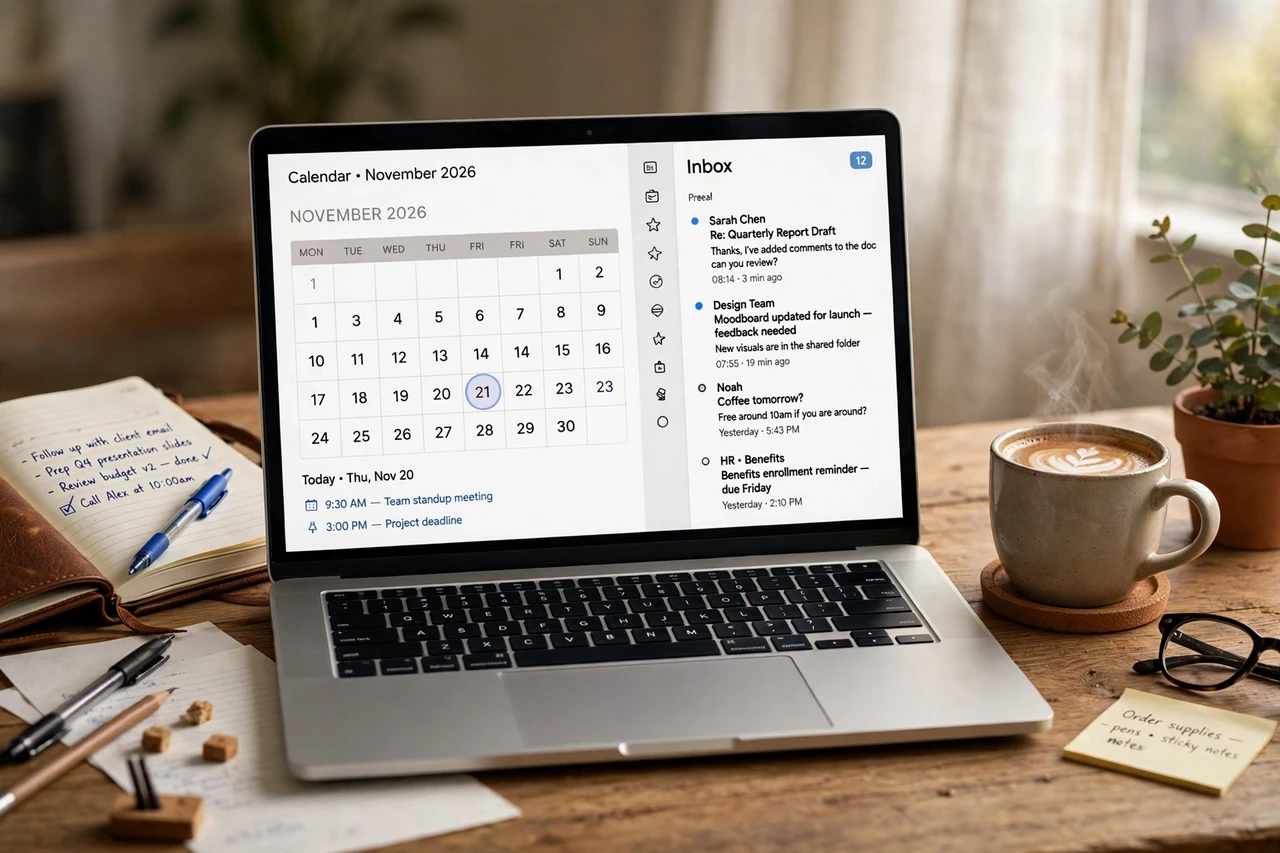
Some virtual assistant roles — especially with agencies rather than single clients — come with a company laptop and paid accounts for their scheduling, inbox, and project tools. You handle email, calendars, bookings, and research for one or more clients, and the agency standardises the setup so any assistant can cover for another. These roles favour organised generalists over specialists, and a tidy sample of a calendar or inbox you have managed is worth more than a long CV.
Tip: learn one scheduling tool and one project tool properly before you apply; agencies hire the assistant who needs the least training.
5. Online Tutoring Jobs That Send You Teaching Gear

Online tutoring companies often send a headset, a document camera, or a drawing tablet so your lessons look and sound professional on camera. Some also provide the teaching platform and lesson plans, so you focus on the student rather than the materials. Pick one subject you know well, set regular weekly slots, and keep the same students — returning students are steadier income than a stream of one-off sessions.
Tip: test your camera, light, and microphone in the exact spot you will teach from, and fix the background before your first paid lesson.
6. Tech Support Jobs With a Full Home-Office Kit
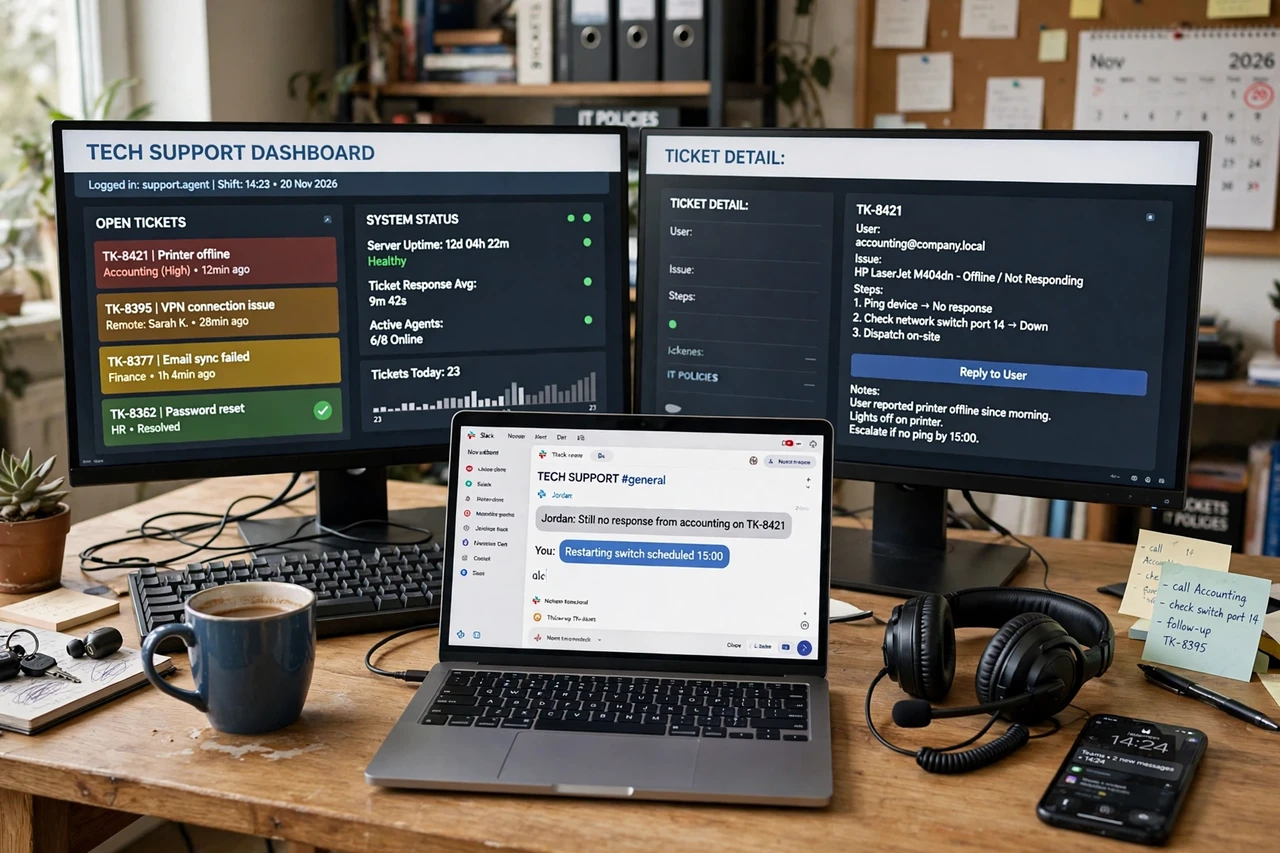
Tech support roles are the most generous with equipment, because the job is impossible without it: expect a laptop, two monitors, a headset, and sometimes a company phone and a wired internet setup. You help customers fix software, account, and device problems by phone or chat, following troubleshooting guides. These roles usually need some basic tech knowledge and a calm manner with frustrated customers, and many offer paid training before you take live calls. If training matters to you, these remote jobs with paid training included let you learn on the job. [ADDED LINK]
Tip: learn the employer’s product line before the interview — even a few hours of reading their help pages puts you ahead of most applicants.
7. Transcription Jobs That Provide Foot Pedals and Headsets

Transcription companies that provide gear usually send a professional headset and a foot pedal, which lets you pause and rewind audio without taking your hands off the keyboard. The work is listening to recorded audio and typing it accurately, and the pedal is what makes the job fast enough to pay. You need fast, accurate typing and good hearing, and most companies ask you to pass a short transcription test before your first paid file.
Tip: practise with a free transcription test online first, and time yourself — jobs that look easy pay poorly if you type slowly.
8. Medical Coding Jobs With a Secure Workstation
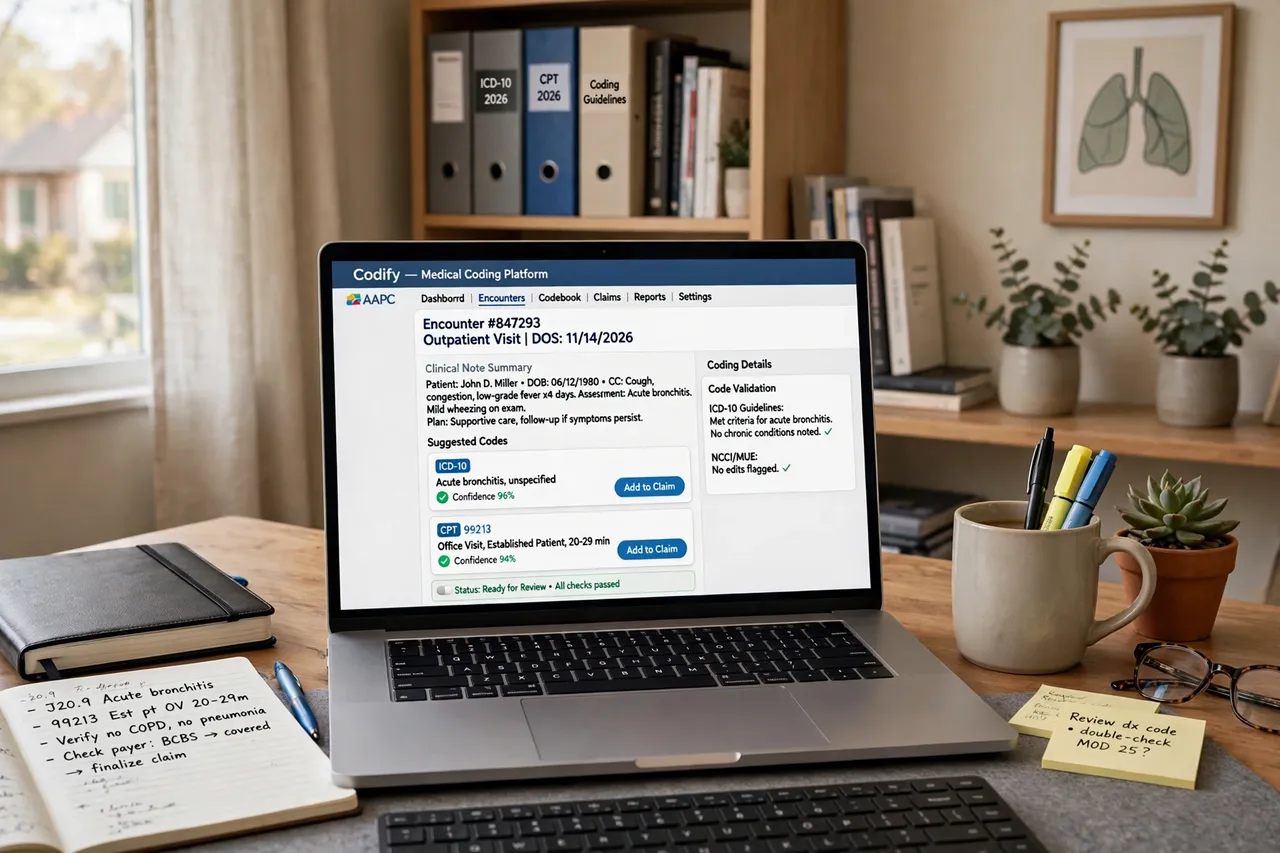
Medical coding employers ship a locked-down workstation because patient records are protected health information that cannot sit on a personal computer. The job is turning doctors’ notes into standard billing codes, and it needs a coding certificate and careful attention to detail — but once qualified, it is steady, quiet, fully remote work with proper equipment supplied. Training takes months, so this is a longer path than the other roles here, and the certificate is the entry ticket.
Tip: check that any coding course you pay for leads to a recognised certificate employers actually ask for, and confirm that before you enrol.
9. Call Centre Jobs That Ship Phones and Headsets

Remote call centre jobs typically ship a headset and sometimes a dedicated work phone, so your personal number stays private and calls route through the company system. The work is inbound or outbound calls — sales, bookings, surveys, or support — on fixed shifts with a script and a target. It is talkative work, so it suits people who enjoy conversation, and the equipment box usually arrives before training so you can set up and test everything first.
Tip: ask whether calls are recorded for training, and whether you need a wired internet connection — many call centres will not accept Wi-Fi alone.
10. Remote Sales Jobs With a Company Phone and Laptop

Remote sales roles ship a company phone and laptop because the phone number, the customer list, and the sales software all belong to the employer. You call or message leads, follow up, and close deals, often with a base wage plus commission. The equipment package is a good sign: companies that invest in a phone and laptop for a new starter are hiring for the long term, not churning through applicants. Commission-only sales roles that ask you to use your own phone deserve a second look.
Tip: in the interview, ask what a realistic first-month income looks like and how many leads you get per day — the answers separate real sales jobs from wishful ones.
Frequently Asked Questions
Do I have to pay for the equipment in these remote jobs?
No — never. A legitimate employer provides work equipment free and ships it to you, usually before training. Any job that asks you to pay for a laptop, buy a starter kit, or cash a cheque to cover gear is a scam, however professional the listing looks.
Do I keep the laptop and headset when I leave?
Almost always, no. The equipment is a loan: you return it when you leave, and most employers send a prepaid return label. Keep the original box if you have room, and photograph the gear when it arrives so there is no dispute about its condition later.
What internet speed do remote jobs that provide equipment need?
Most listings ask for at least 25 Mbps download and a stable connection, and call centre and tech support roles often require a wired ethernet connection rather than Wi-Fi. Check the listing’s requirements before you apply, and test your speed at the desk where you will work.
Can beginners get a remote job with free equipment?
Yes — customer support, chat support, and data entry are the usual beginner entry points, and they are also the roles most likely to ship equipment. Tech support and medical coding need more training, so start with a beginner role and move up once you have remote work experience.
How long does the equipment take to arrive?
Usually one to two weeks after you accept the offer and pass background checks, and most employers will not start your training until it arrives. If a company pressures you to start work on your own computer while the gear is “on its way”, treat that as a warning sign.
Free equipment is a real perk, but it is not the job — the job is the work, the shifts, and the pay. Pick the role that fits your skills and your hours, check the equipment terms before you accept, and never pay a cent for gear. The right remote job hands you the tools and pays you to use them.